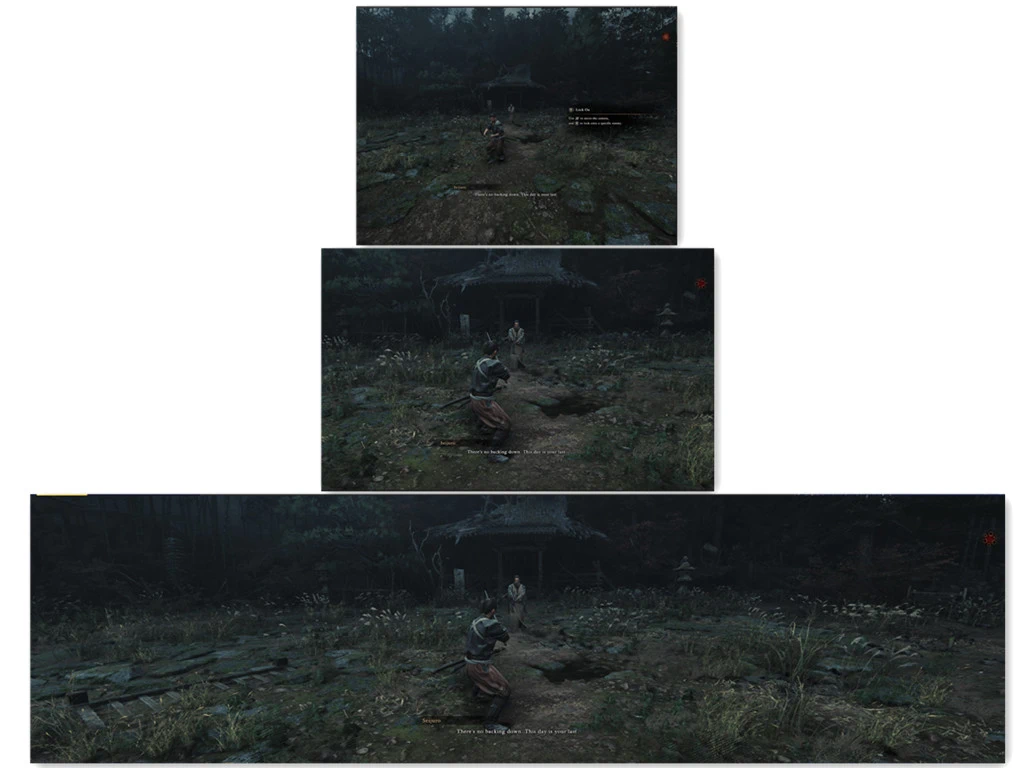
鬼武者-剑之道-任意宽高比
https://github.com/TLin-Y/SteamAnyAspectRatioMods
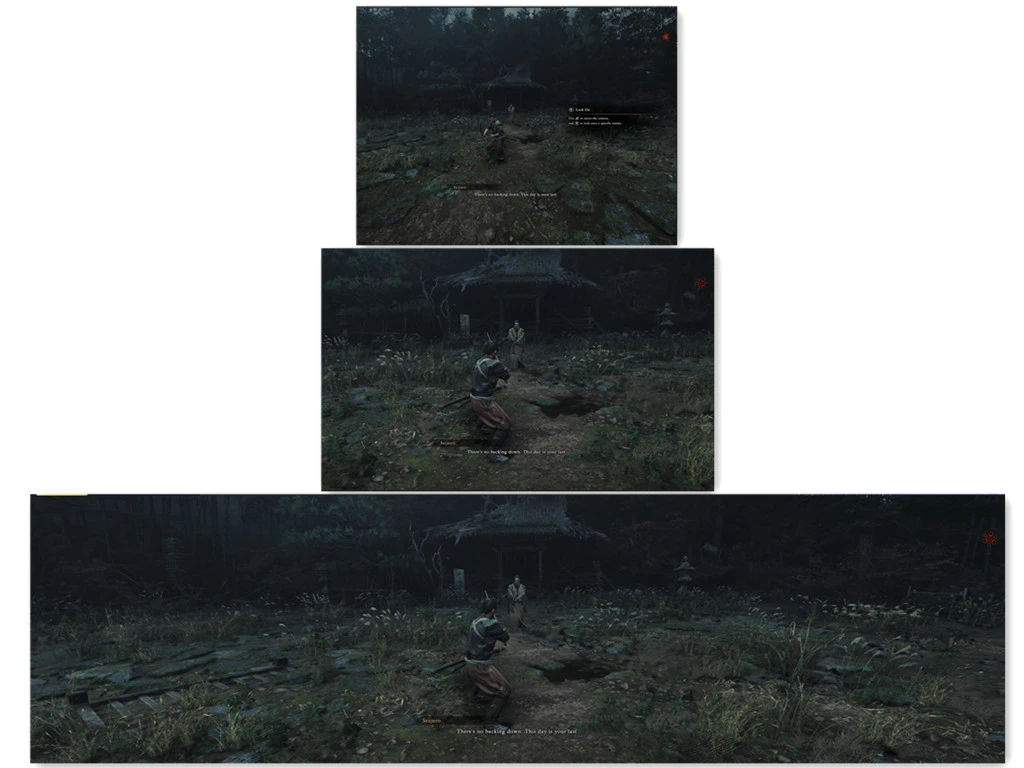 查看大图
[size=4][b]描述[/b][/size]
[color=#D4D4D8]https://github.com/TLin-Y/SteamAnyAspectRatioMods[/color]
[size=4][b]安装说明[/b][/size]
将 ZIP 解压到游戏文件夹中,与
[code]OnimushaWotS.exe[/code] 放在一起。
[heading]2. 可选:SteamOS / Proton / Winlator / macOS[/heading]
[url=https://github.com/TLin-Y/SteamAnyAspectRatioMods/tree/main/Onimusha%20Way%20of%20the%20Sword#2-optional-steamos--proton--winlator--macos][/url]
启动选项:
[code]WINEDLLOVERRIDES="dinput8=n,b" %command%[/code][heading]3. 自定义宽高比[/heading]
[url=https://github.com/TLin-Y/SteamAnyAspectRatioMods/tree/main/Onimusha%20Way%20of%20the%20Sword#3-custom-aspect-ratio][/url]
编辑
[code]OnimushaWotS_ARFix.ini[/code] 中
[code][Window][/code] 下的
[code]Width[/code] 和
[code]Height[/code]。默认值为 1280x800(16:10)。游戏会以该尺寸的无边框窗口运行,并填满窗口且不出现黑边。设置
[code]Borderless = false[/code] 可保留窗口边框。
[heading]4. 视野(FOV)[/heading]
[url=https://github.com/TLin-Y/SteamAnyAspectRatioMods/tree/main/Onimusha%20Way%20of%20the%20Sword#4-fov][/url]
设置
[code][FOV][/code] 下的
[code]FOVScale[/code](默认 1.0,范围 0 - 2.0)以扩大或缩小相机视野。
随附的 dinput8.dll 来自 Ultimate ASI Loader。其 MIT 许可证包含在 ZIP 中以及仓库根目录下。
正在加载版本记录…
正在加载评论…
评论在新手盒子客户端中发表,这里同步展示。