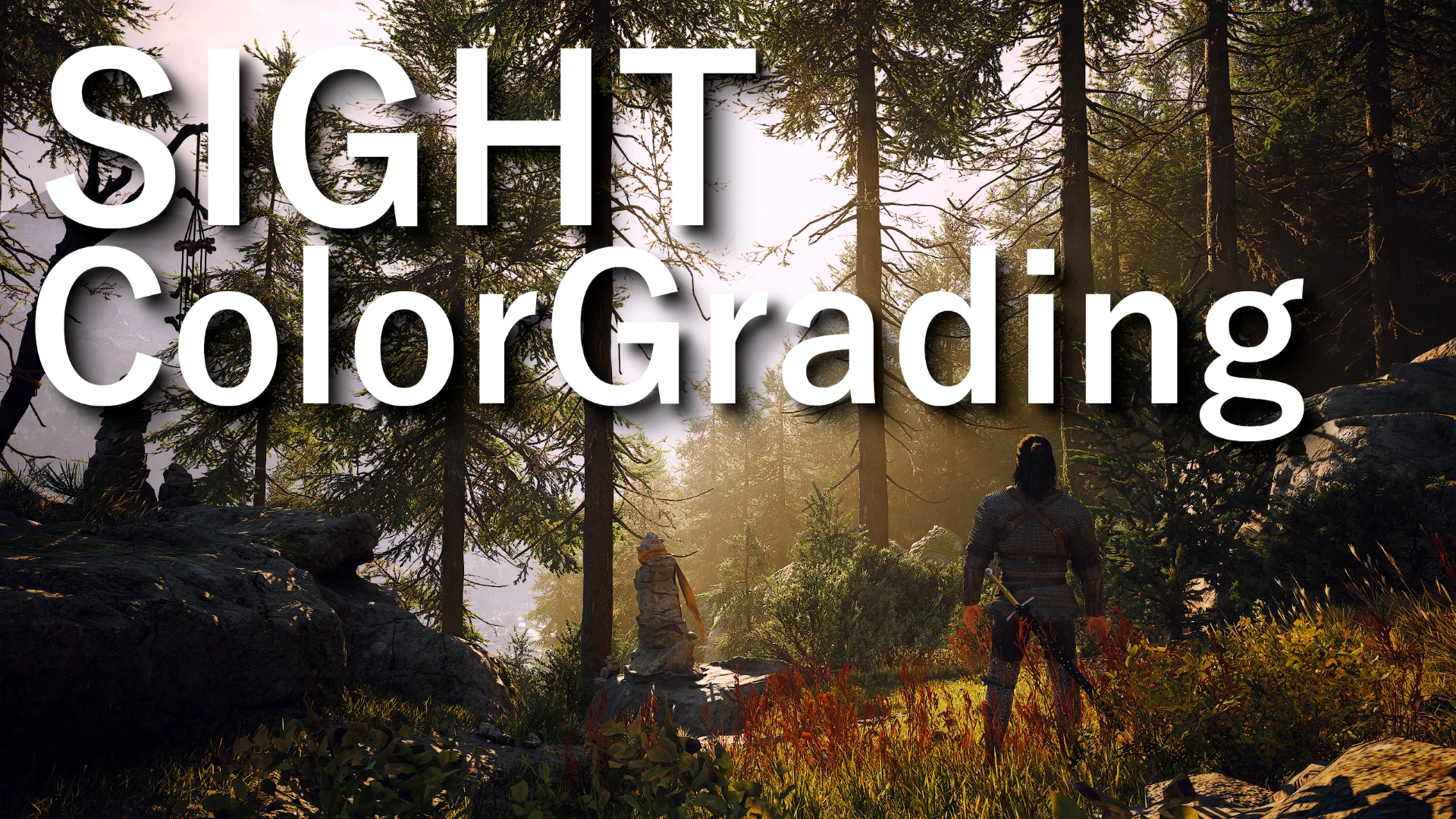
SIGHT ColorGrading for The Blood of Dawnwalker
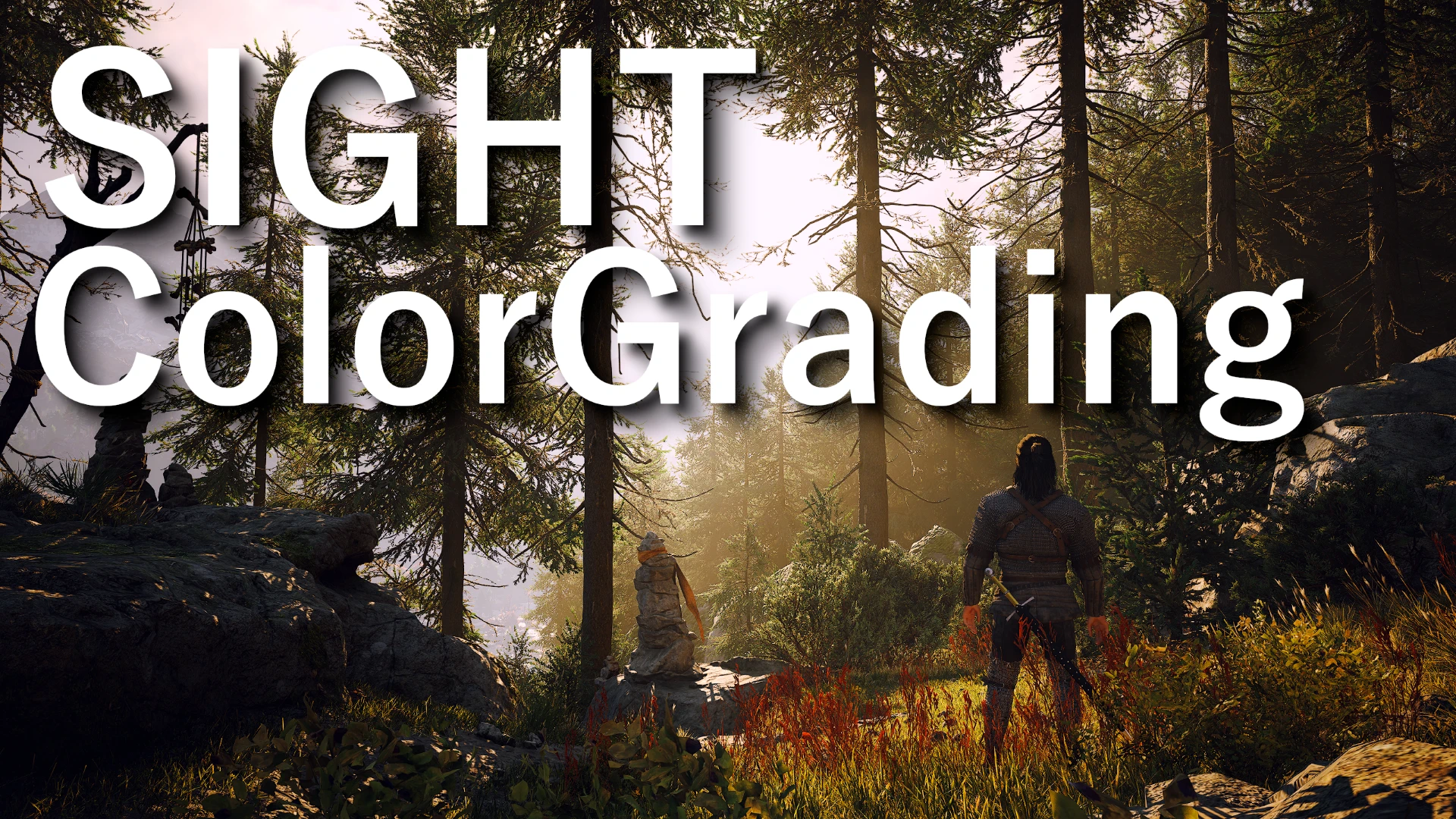
100+ hours of color grading, distilled into one free Reshade preset. yellow tone, shadows, color, contrast, all fixed.
 查看大图
查看大图[center][size=6][b]SIGHT ColorGrading - ReShade Preset[/b][/size]
[i]Fixes all there is to fix about the color grading[/i][/center]
[line]
[size=4][b]OVERVIEW[/b][/size]
100+ hours of color grading distilled into one clean ReShade preset.
[i]The Blood of Dawnwalker[/i] has great atmosphere, but often suffers from an aggressive yellow/green cast, crushed or washed-out shadows, and inconsistent contrast. This preset corrects the underlying color balance while preserving the original mood:
[list]
[][b]Removes Unwanted Yellow Tint:[/b] yellow begone.[/]
[][b]Balanced Shadows & Blacks:[/b] Restores natural depth without crushing fine details.[/]
[][b]Natural Color Grading:[/b] Vibrant yet realistic tones that don't oversaturate characters or environments.[/]
[][b]Performance-Friendly:[/b] Lightweight shader setup designed for zero fps cost (0-1 fps loss)[/]
[/list][line]
[size=4][b]INSTALLATION[/b][/size]
[b]Step 1: Install ReShade[/b]
[list=1]
[]Download ReShade from [url=https://reshade.me/]https://reshade.me/[/url][/]
[]Run the ReShade setup and select the game executable:
[code]...\The Blood of Dawnwalker\Dawnwalker\Binaries\Win64\Dawnwalker.exe[/code][/]
[]Select [b]DirectX 10/11/12[/b].[/]
[]When prompted to select effect packages, ensure [b]SweetFX by CeeJay.dk[/b] (and standard effects) is checked, then finish installation.[/]
[/list]
[b]Step 2: Install the Preset[/b]
[list]
[][b]Via Vortex (Recommended):[/b] Simply click [b]"Mod Manager Download"[/b] and enable it in Vortex.[/]
[][b]Manual Install:[/b] Extract the downloaded
[code]SIGHT ColorGrading for The Blood of Dawnwalker.ini[/code]preset file directly into your game's binary folder (where the
[code]Dawnwalker.exe[/code]is located):
[code]...\The Blood of Dawnwalker\Dawnwalker\Binaries\Win64\[/code][/]
[/list]
[b]Step 3: In-Game Activation[/b]
[list=1]
[]Launch the game.[/]
[]Press the [b]Home[/b] key to open the ReShade overlay (skip the tutorial if you haven't already).[/]
[]Click the drop-down preset bar at the top or use the arrows (located at the top left) to select this preset.[/]
[]Enjoy![/]
[/list][line]
[size=4][b]RECOMMENDED SETTINGS[/b][/size]
[list]
[]Set in-game brightness to default for the most accurate contrast and color reproduction.[/]
[]To toggle ReShade on/off easily in-game to compare, bind an Effect Toggle key in the ReShade [b]Settings[/b] tab (e.g.,
[code]Scroll Lock[/code]or
[code]End[/code]).[/]
[/list]
正在加载版本记录…
正在加载评论…
评论在新手盒子客户端中发表,这里同步展示。