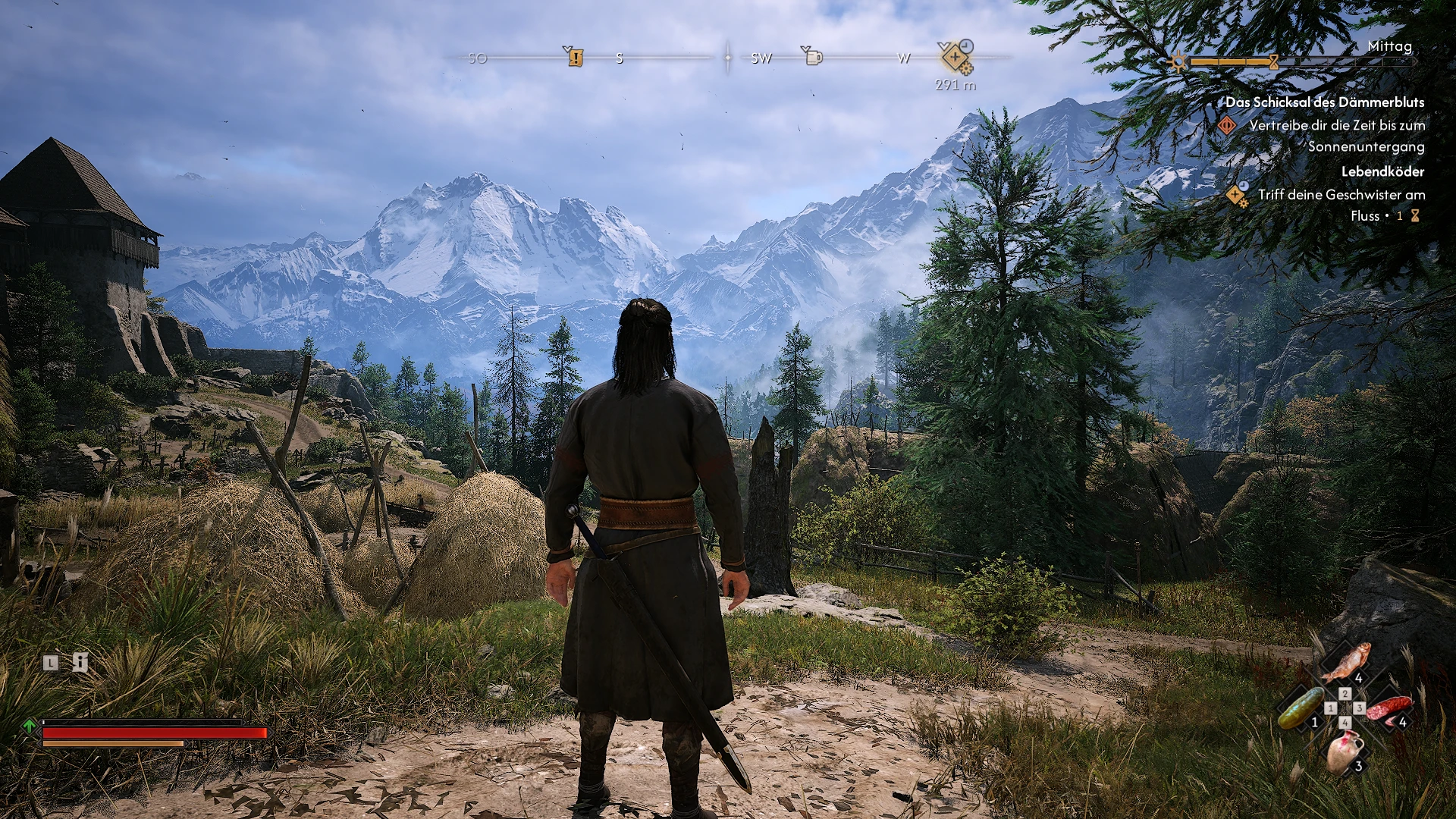
PERFECT THE BLOOD OF DAWNWALKER RESHADE
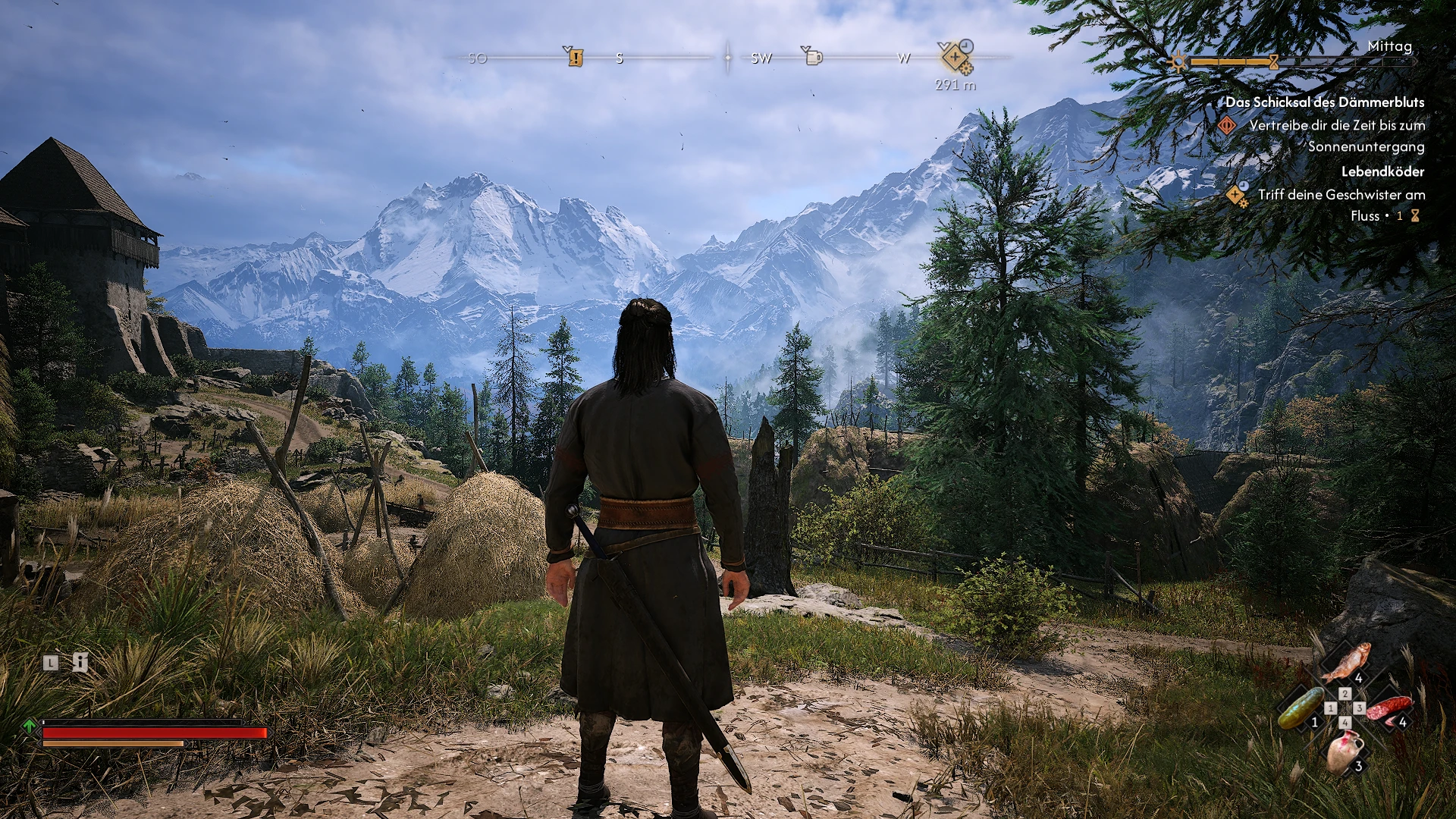
This mod make sharper image and less fog in THE BLOOD OF DAWNWALKER
 查看大图
查看大图This mod make sharper image and less fog in THE BLOOD OF DAWNWALKER. Download ReShade and install it. then select the main THE BLOOD OF DAWNWALKER game directory. And there the exe file of the game. Use here DirectX 10,11,12 to select. and it's best to install all of ReShade's functions afterwards. Complete the installation.2. Copy my present to the main game folder.3. Start play THE BLOOD OF DAWNWALKER and in the ReShade option under present select my present. Close ReShade and play the game with my present.4. enjoy.
正在加载版本记录…
正在加载评论…
评论在新手盒子客户端中发表,这里同步展示。