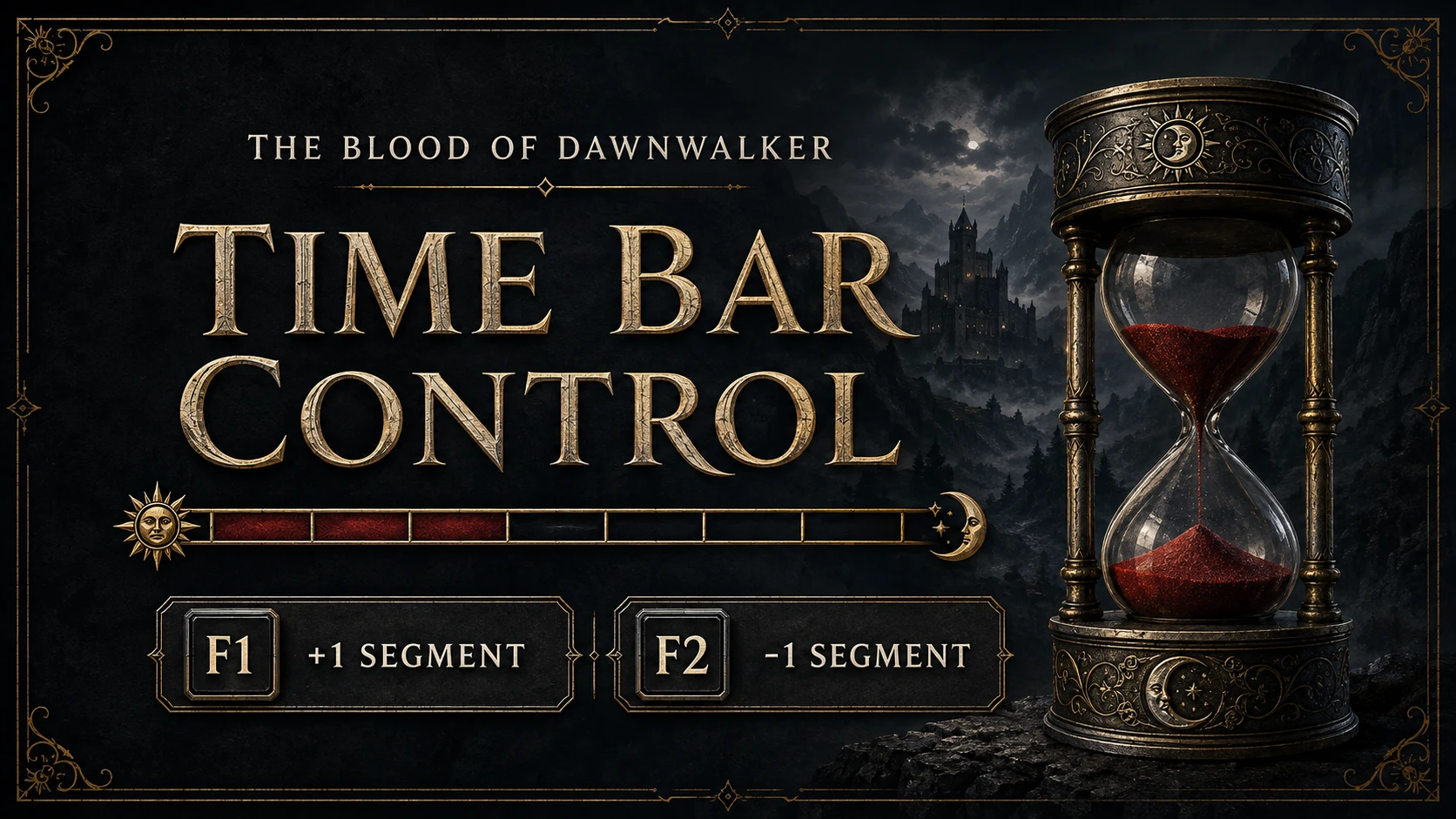
TimeBarControl
Add or remove one story time segment with F1/F2. Automatically follows the game's segment count, including reduced counts. F2 stays within the current day/night phase and calendar day. Requires UE4SS
 查看大图
查看大图[size=5][b]Time Bar Control[/b][/size]
Adjust the story time bar in The Blood of Dawnwalker with two keys:
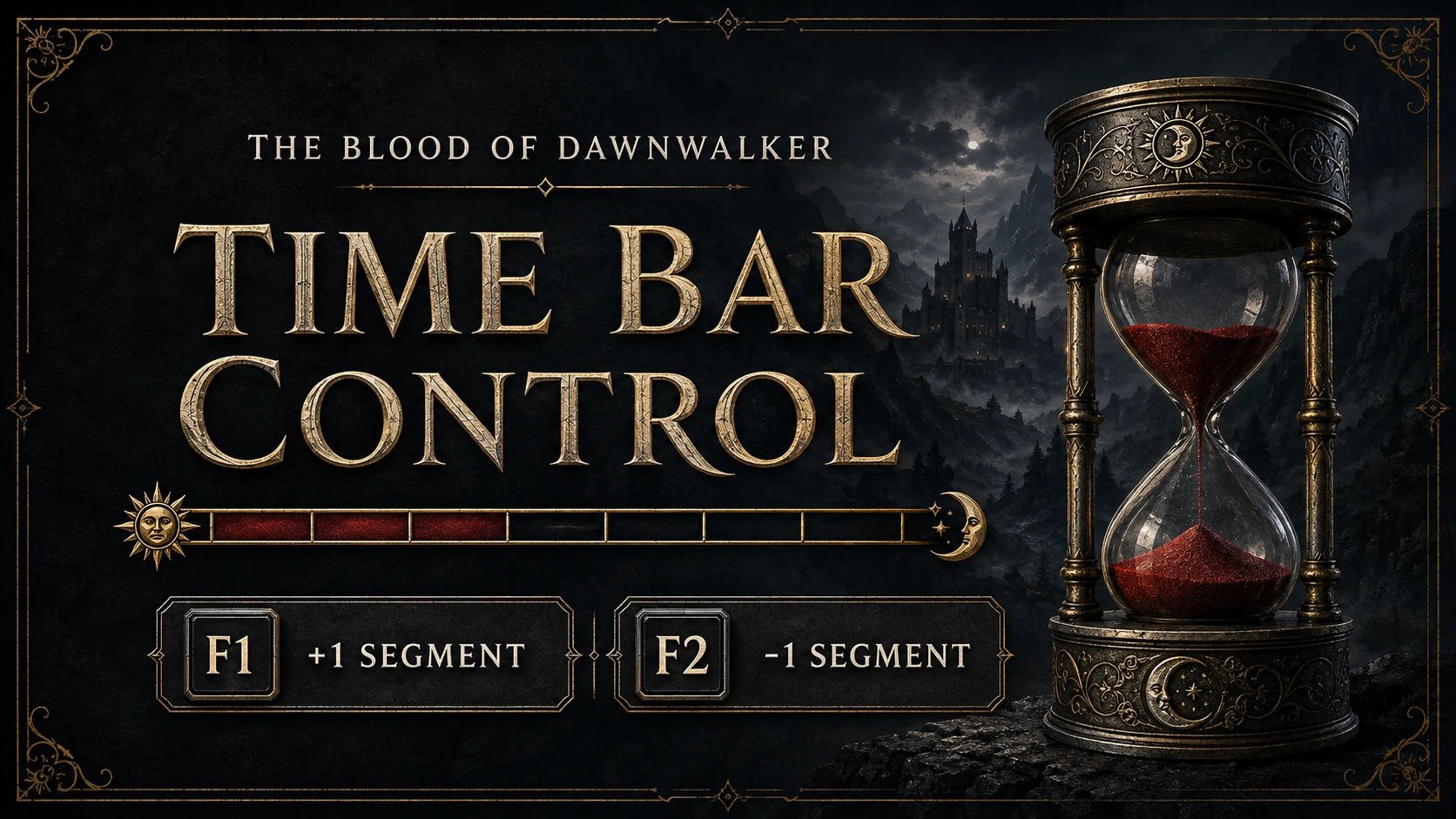
[b]F1: +1 segment[/b]
[b]F2: -1 segment[/b]
The mod uses the game's native time system. It changes actual in-game time and can affect time-driven events.
[b]Keep a backup save.[/b] Reducing time does not undo triggered events, failed quests, or story decisions. F1 can trigger normal day/night progression.
[size=4][b]Works with different segment counts[/b][/size]
Time Bar Control reads the game's segment setting on every press. If another mod changes the number of segments, each press still requests exactly one segment. Time Bar Control does not change segmentation itself.
Examples per 12-hour phase:
8 segments = 90 game minutes per press
12 segments = 60 game minutes per press
18 segments = 40 game minutes per press
24 segments = 30 game minutes per press
The script accepts integer counts from 1 to 255. Fully restart the game after another mod changes segmentation so the game can reinitialize its timer. No adjustment or reinstallation of Time Bar Control is needed.
[size=4][b]Installation[/b][/size]
Close the game and choose one download.
[b]Mod Only — for an existing UE4SS installation[/b]
Extract TimeBarControl-1.0.1-mod-only.zip into:
Dawnwalker\Binaries\Win64
This must be the folder containing Dawnwalker.exe. The script will be at:
ue4ss\Mods\TimeBarControl\Scripts\main.lua
Keep the included empty enabled.txt file. Your existing Dawnwalker-compatible UE4SS installation must include the standard UEHelpers module.
[b]With UE4SS — for a fresh installation[/b]
Extract TimeBarControl-1.0.1-full.zip into the same Win64 folder. It includes UE4SS v3.0.1-1111-g97b7e501 and the configuration used during testing.
Do not overwrite an existing working loader setup with the full package. Use Mod Only instead.
Start the game again and load a save.
[size=4][b]Using the mod[/b][/size]
Press F1 or F2 during normal gameplay, outside dialogue and cutscenes. Commands have a 250 ms cooldown. Some keyboards require Fn+F1 or Fn+F2.
F2 cannot move backward across the current day/night phase boundary or midnight. If there is less than one full segment before either boundary, it does nothing. Both keys are blocked during a queued or active day/night transition. With one segment per phase, F2 cannot subtract a full segment within that phase.
Mods using the same keys or continuously overriding time may conflict. To rebind, close the game and change Key.F1 / Key.F2 in the two RegisterKeyBind calls in main.lua, then restart.
[size=4][b]Troubleshooting and removal[/b][/size]
If the keys do nothing, confirm the installation path, load a save, and check Fn mode. Search ue4ss\UE4SS.log for [TimeBarControl] and Ready v1.0.1. The log explains skipped commands and reports the detected segment count.
To uninstall, close the game and delete only:
Dawnwalker\Binaries\Win64\ue4ss\Mods\TimeBarControl
Keep UE4SS if other mods need it. Removing this mod does not reverse changes already saved.
[size=4][b]Tested scope[/b][/size]
The native time-changing behavior was verified in-game through 34 successful changes with mod version 1.0.0 on an 18-segment prologue save. Version 1.0.1 keeps that native call and adds validation and configuration logging.
Automated tests exercise the 1.0.1 script for all segment counts from 1 to 255 with a simulated engine. Other counts, phase rollover, later chapters, and other game builds have not been verified in-game. The included README records the tested executable hash and further details.
[size=4][b]Credits[/b][/size]
Unofficial mod for The Blood of Dawnwalker.
UE4SS provides the loader and Lua environment:
[url=https://github.com/UE4SS-RE/RE-UE4SS]UE4SS source and releases[/url]
The full package includes unchanged upstream UE4SS binaries and preserves the MIT license in ue4ss/LICENSE.
The cover is AI-generated promotional artwork, not an in-game screenshot.
正在加载版本记录…
正在加载评论…
评论在新手盒子客户端中发表,这里同步展示。