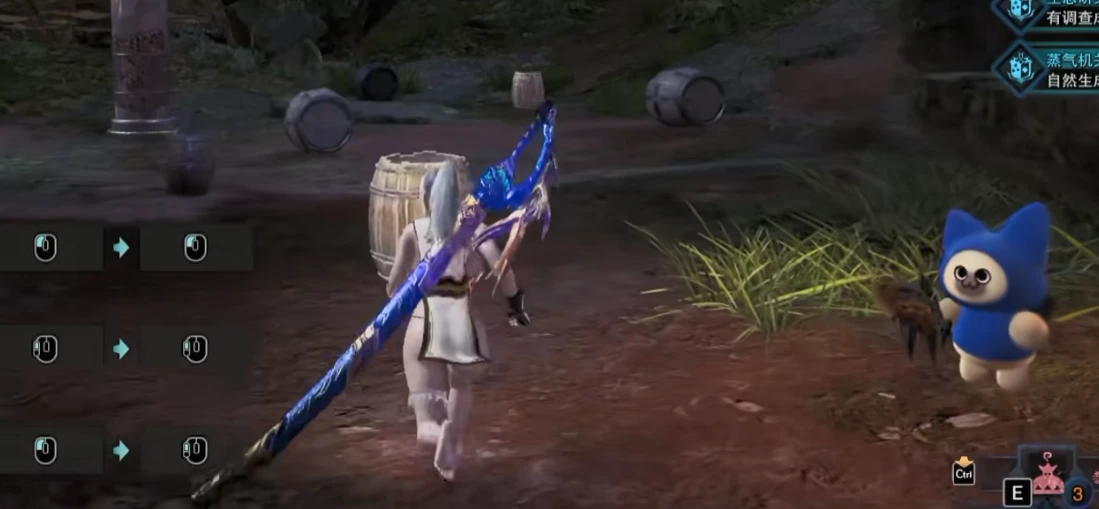
可切换即时收刀 - 所有武器
Toggleable instant sheathing with 0-frame animation. One-key on/off. All 14 weapons. 可开关0帧收刀,一键切换,全武器通用。
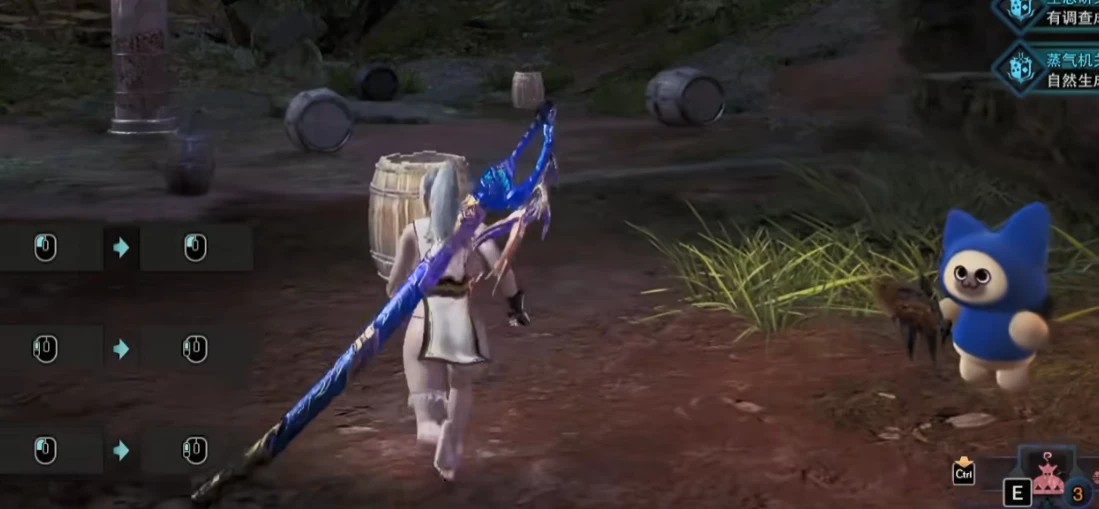 查看大图
查看大图[center][size=5][b]Toggleable Instant Sheathe / 可开关0帧收刀[/b][/size][/center]
[line]
[size=4][b]关于[/b][/size]
可一键开关的0帧收刀模组,按主键盘0随时切换,全14种武器通用。
Toggleable instant sheathing for all 14 weapon types -- press 0 to turn it on/off anytime during gameplay.
开启后收刀动画完全取消,纳刀瞬间完成。大剑、盾斧、斩斧、重弩,任何需要收刀的场合均适用。
When enabled, your weapon sheathing animation is completely skipped, making it 0-frame.
纯C++ DLL实现,无Lua开销,不影响帧率。纯内存操作,不修改游戏文件。
Pure C++ DLL, no Lua overhead, zero FPS impact. Memory-only operation, no game files modified.
[line]
[size=4][b]工作原理[/b][/size]
收刀动画对应游戏内部FSM状态 (fsmTarget=3, fsmID=9) 及派生动作 (fsmTarget=3, fsmID=41)。本MOD每帧检测到上述状态时立即将FSM强制切换至已收刀状态,实现0帧收刀。
The sheathing animation uses FSM state (fsmTarget=3, fsmID=9) and a follow-up (fsmTarget=3, fsmID=41). This mod detects those states every frame and immediately forces the FSM to the sheathed state.
[line]
[size=4][b]安装[/b][/size]
1.确保已安装 Stracker's Loader。 Make sure Stracker's Loader is installed.
2.将 SheatheMod.dll 放入 nativePC/plugins/ 目录。 将 SheatheMod.dll 放入 nativePC/plugins/ 目录。
3.启动游戏。 Launch the game.
[code] nativePC/ plugins/ SheatheMod.dll [/code][line]
[size=4][b]使用方法[/b][/size]
按主键盘0(非小键盘)开关功能。游戏内有屏幕提示。任何时候都可切换。
Press 0 on the main keyboard (not numpad) to toggle ON/OFF. An in-game message shows current status. Toggle anytime, even mid-hunt.
[line]
[size=4][b]卸载[/b][/size]
删除 SheatheMod.dll 即可。
Delete nativePC/plugins/SheatheMod.dll.
[line]
[size=4][b]要求[/b][/size]
需要 Stracker's Loader。仅支持冰原 Build 421810。
Stracker's Loader (required). Monster Hunter World: Iceborne (Build 421810).
[line]
[size=4][b]兼容性[/b][/size]
兼容 LuaEngine、LuaScript 及大多数MOD。
Compatible with LuaEngine, LuaScript, and most other mods.
[b]v1.1 [/b]
现在支持 SheatheMod.json 配置文件。
Now supports a SheatheMod.json config file.
放在 DLL 同目录下即可,所有字段都是可选的——没有文件或缺少字段时自动使用默认值(默认关闭,切换键为主键盘 0)。
Place it next to the DLL, all fields are optional — missing file or fields fall back to defaults (disabled, toggle key 0).
[code]{
"enabled_by_default": false,
"toggle_key": "0"
}[/code]enabled_by_default:设为 true 则进游戏自动开启,无需手动切换。
enabled_by_default: set to true to have the mod active as soon as you enter the game.
toggle_key:支持单字符(A-Z、0-9)、功能键(F1-F12)以及小键盘数字(NUMPAD0-NUMPAD9)。
toggle_key: supports single characters (A-Z, 0-9), function keys (F1-F12), and numpad keys (NUMPAD0-NUMPAD9).
没有 JSON 文件也完全没问题——和之前的版本表现一模一样。
No JSON file? No problem — everything works exactly as before.
还没有人评论,去客户端里说两句吧。
评论在新手盒子客户端中发表,这里同步展示。