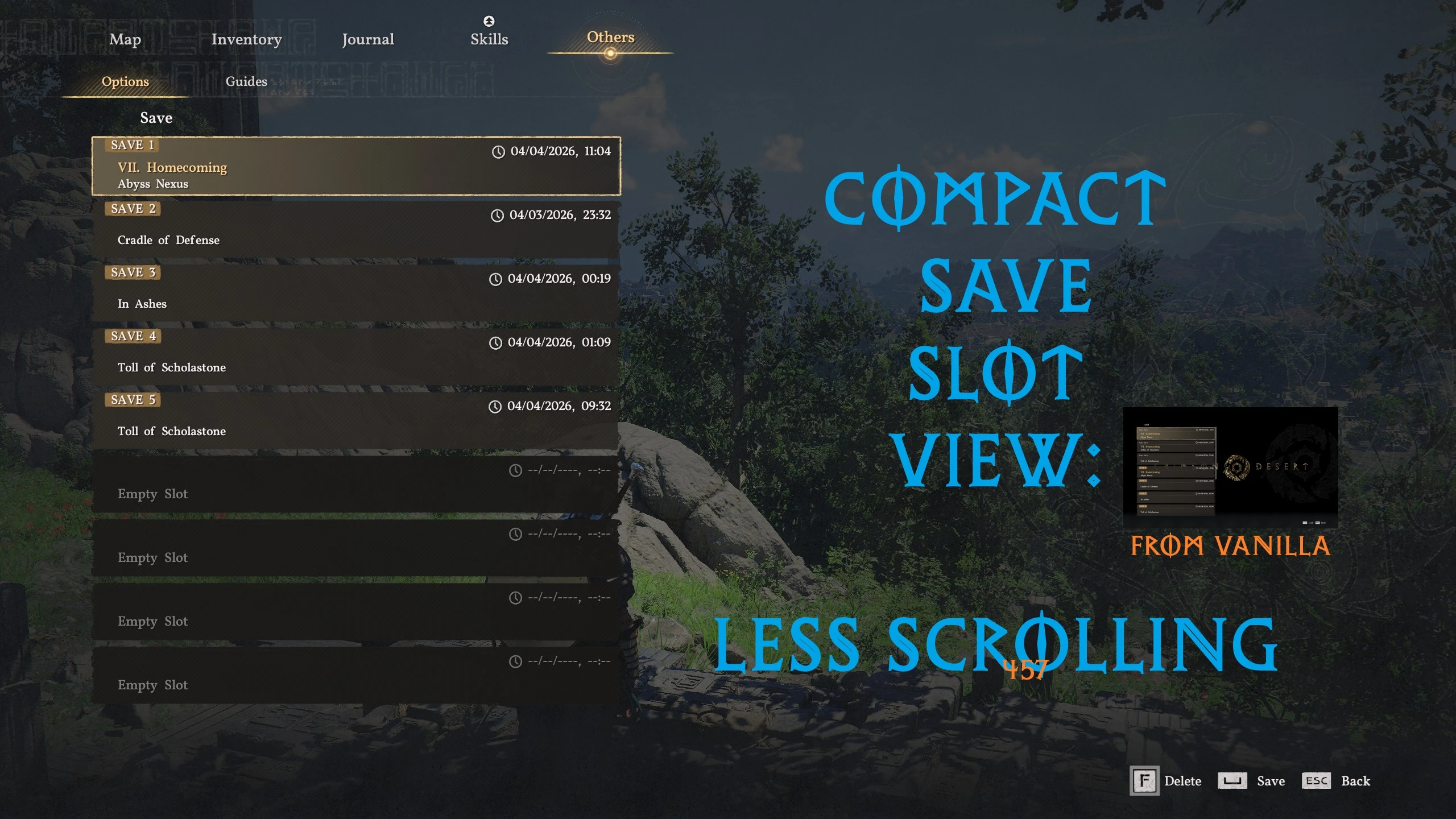
Compact save slot view - less scrolling
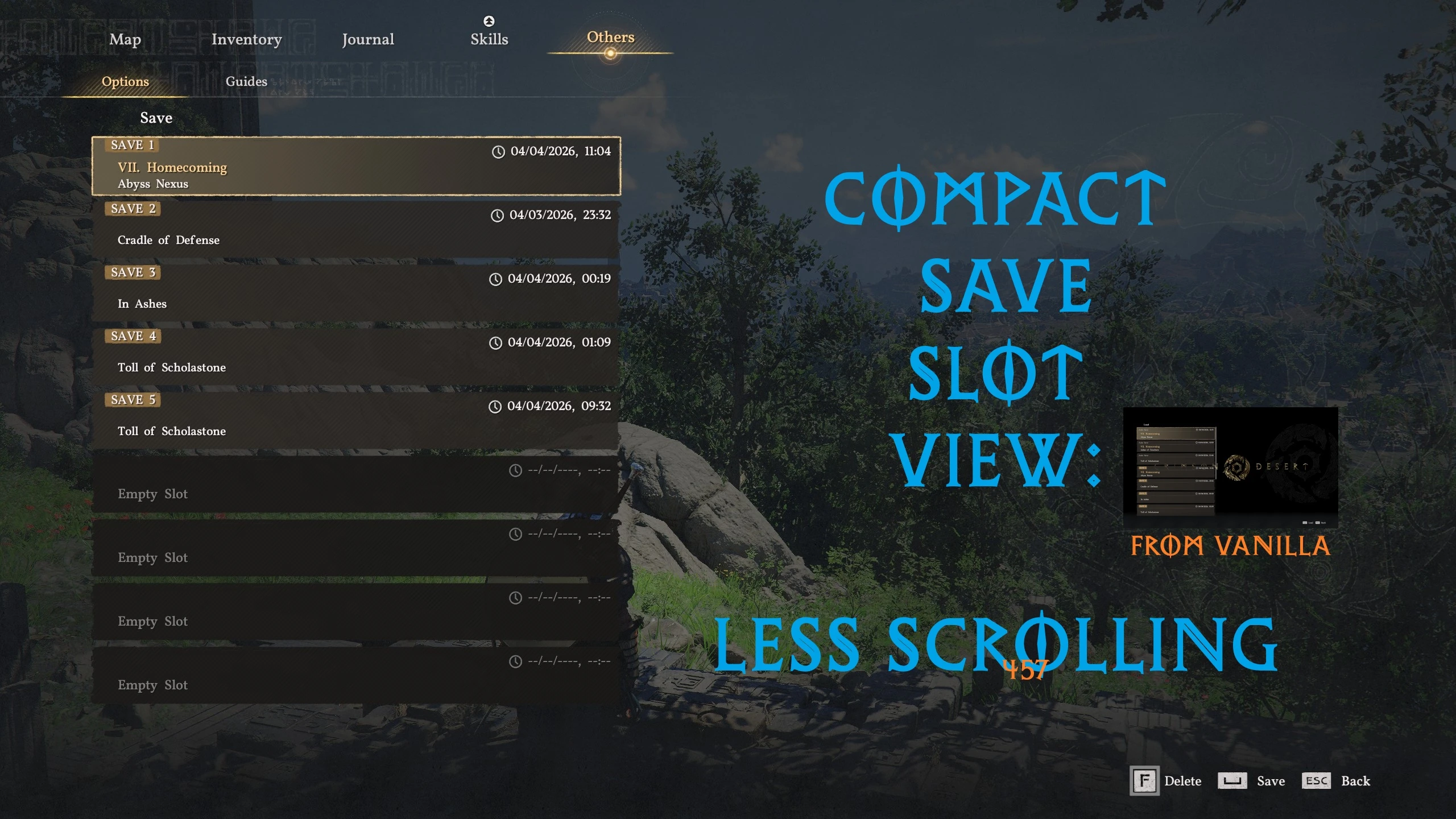
Makes save&load lists more compact by removing decorative elements and reducing empty spaces.
 查看大图
查看大图Makes save&load lists more compact by removing decorative elements and reducing empty spaces.
Version 1 (v1) keeps vanilla small(ish) white font for date/time.
Version 2 (v2) replaces vanilla font for date/time with a bigger yellow version.
[b][u]Install[/u][/b] with [url=https://www.nexusmods.com/crimsondesert/mods/84]Crimson Browser and Mod Manager[/url] (should work with JSON Mod Manager too):
1. Download the mod's archive.
2. Unpack the contents of the archive into mods folder of Crimson Browser and Mod Manager.
3. Launch Crimson Browser and Mod Manager and select Mod Manager.
4. Make sure Compact save slot view mod is selected, click Build Active Mods, then click Deploy in Game.
[b][color=#ff0000][size=3]Use just one version of the mod, they are mutually exclusive![/size][/color][/b]
正在加载版本记录…
正在加载评论…
评论在新手盒子客户端中发表,这里同步展示。