
对话
对话是一个为服务器所有者和开发者设计的模组,旨在方便为任何NPC添加自定义对话和交互功能。
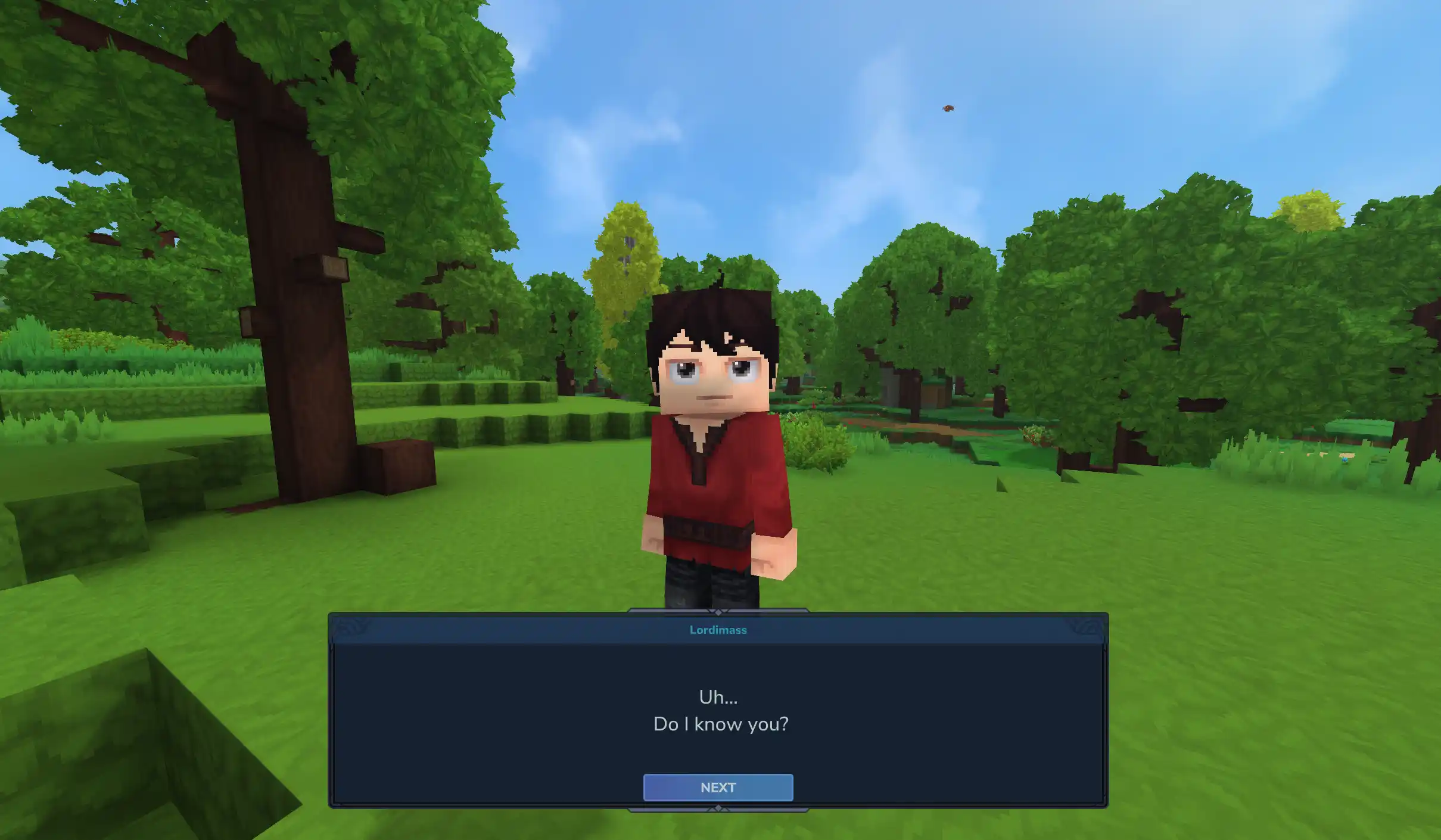 查看大图
查看大图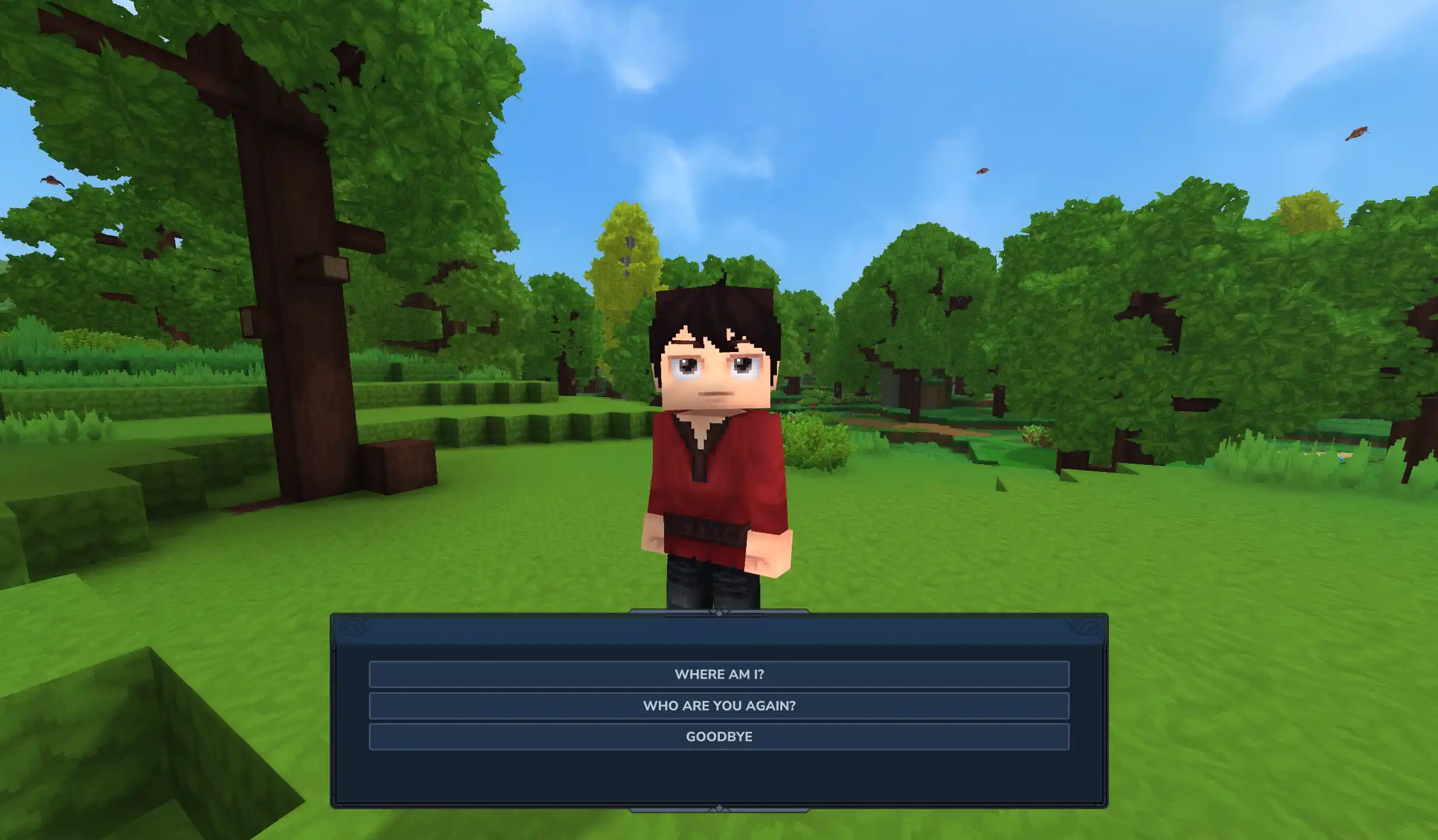
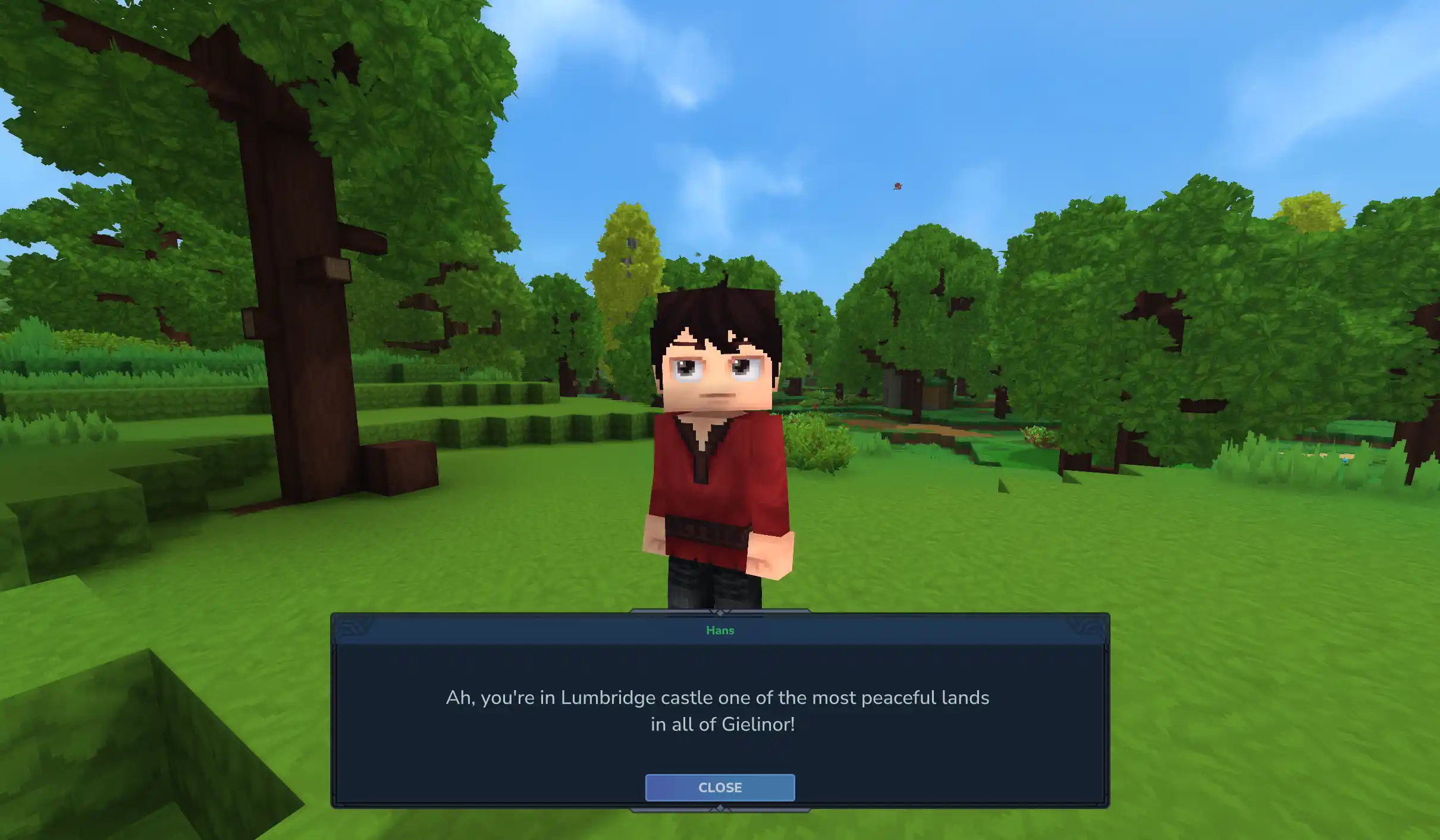



快速入门
Dialogue 新增了一个 NPC 动作 BeginDialogue,用于与玩家开始对话。建议在 NPC 的 InteractionInstructions 块中使用此动作。以下是 InteractionInstruction 块的基础设置示例:
{
  "InteractionInstruction": {
    "Instructions": [
      {
        "Continue": true,
        "Sensor": {"Type": "Any"},
        "Actions": [
          {
            "Type": "SetInteractable",
            "Interactable": true,
            "Hint": "dialogue.interactionHints.talk"
          }
        ]
      },
      {
        "Sensor": {"Type": "HasInteracted"},
        "Instructions": [
          {
            "Sensor": {
              "Type": "Not",
              "Sensor": {
                "Type": "State",
                "State": "$Interaction"
              }
            },
            "Actions": [
              {"Type": "LockOnInteractionTarget"},
              {
                "Type": "BeginDialogue",
                "Dialogue": "IntroDialogue01"
              },
              {
                "Type": "State",
                "State": "$Interaction"
              }
            ]
          }
        ]
      }
    ]
  }
}
BeginDialogue 的 Dialogue 参数指向一个 DialogueAsset 的 ID,该资源应放置在 Server/Dialogue/ 目录下。这些资源是 Dialogue 功能的核心,因为它们定义了与 NPC 交互的内容和流程。下面是一个 DialogueAsset 的示例:
{
  "Type": "Dialogue",
  "Entries": [
    {
      "Content": "dialogue.IntroDialogue01.content.0"
    }
  ],
  "NextId": "IntroDialogue02"
}
本地化与 .lang 文件
Dialogue 完全支持 NPC 对话的本地化。只需在你的 DialogueAssets 中提供 .lang 键,模组就会根据玩家语言自动获取正确的本地化字符串。
动态与富文本内容
有时你希望在对话中添加一些颜色,或是斜体,甚至按玩家名称称呼他们?通过占位符和富文本标签,你可以实现所有这些效果。这些功能在 .lang 文件中同样支持,因此你可以使动态和富文本内容保持本地化。
| 占位符 | 效果 |
|---|---|
| <i>斜体</i> | 斜体 |
| <b>粗体</b> | 粗体 |
| <color is="#2e94ad">多彩!</color> | 多彩! |
| {username} | 玩家的用户名 |
| {uuid} | 玩家的 UUID |
| {lang} | 玩家使用的语言,例如 en-US |
你甚至可以指定自己的自定义占位符。以下是注册上面最后三个占位符的方法:
DialogueMod.get().registerParameter("{username}", PlayerRef.class, PlayerRef::getUsername);
DialogueMod.get().registerParameter("{uuid}", PlayerRef.class, p -> p.getUuid().toString());
DialogueMod.get().registerParameter("{lang}", PlayerRef.class, PlayerRef::getLanguage);
与 NPC 行为集成
正在被交互的 NPC 会包含 NPCDialogueComponent,该组件描述了对话的当前状态。它还与一个 Dialogue 传感器配对,可用于检测 NPC 当前的对话界面,并相应地调整 NPC 行为。例如,我们可以在显示某个特定对话时释放粒子效果:
{
  "Sensor": {
    "Type": "Dialogue",
    "BlockIdentifier": "IntroDialogue02"
  },
  "Actions": [
    {
      "Type": "SpawnParticles",
      "ParticleSystem": "Alerted",
      "Once": true,
      "Offset": [ 0.5, 2, 0.5 ]
    }
  ]
}
示例资源
Dialogue 包含一个示例 NPC 和对话流程,使用 Test_Dialogue NPC 角色。将它们生成到你的世界中,看看效果如何。 
鸣谢
- 此插件的部分内容改编自 Hyspeech,作者 NaughtyKlaus。
- 随附了 HyUI,作者 EllieAU。
- 动物语(Animalese)音效的灵感来自 BubbleChat,作者 BeyondSmash。
- 内置的动物语音效文件来自 animalese-typing-desktop,作者 joshxviii。
查看 Wiki 以获取 Dialogue 功能的完整概述和指南!
正在加载版本记录…
正在加载评论…
评论在新手盒子客户端中发表,这里同步展示。