乌克兰本地化 | Українізатор
完整的乌克兰语本地化。界面、物品和对话的翻译。
 查看大图
查看大图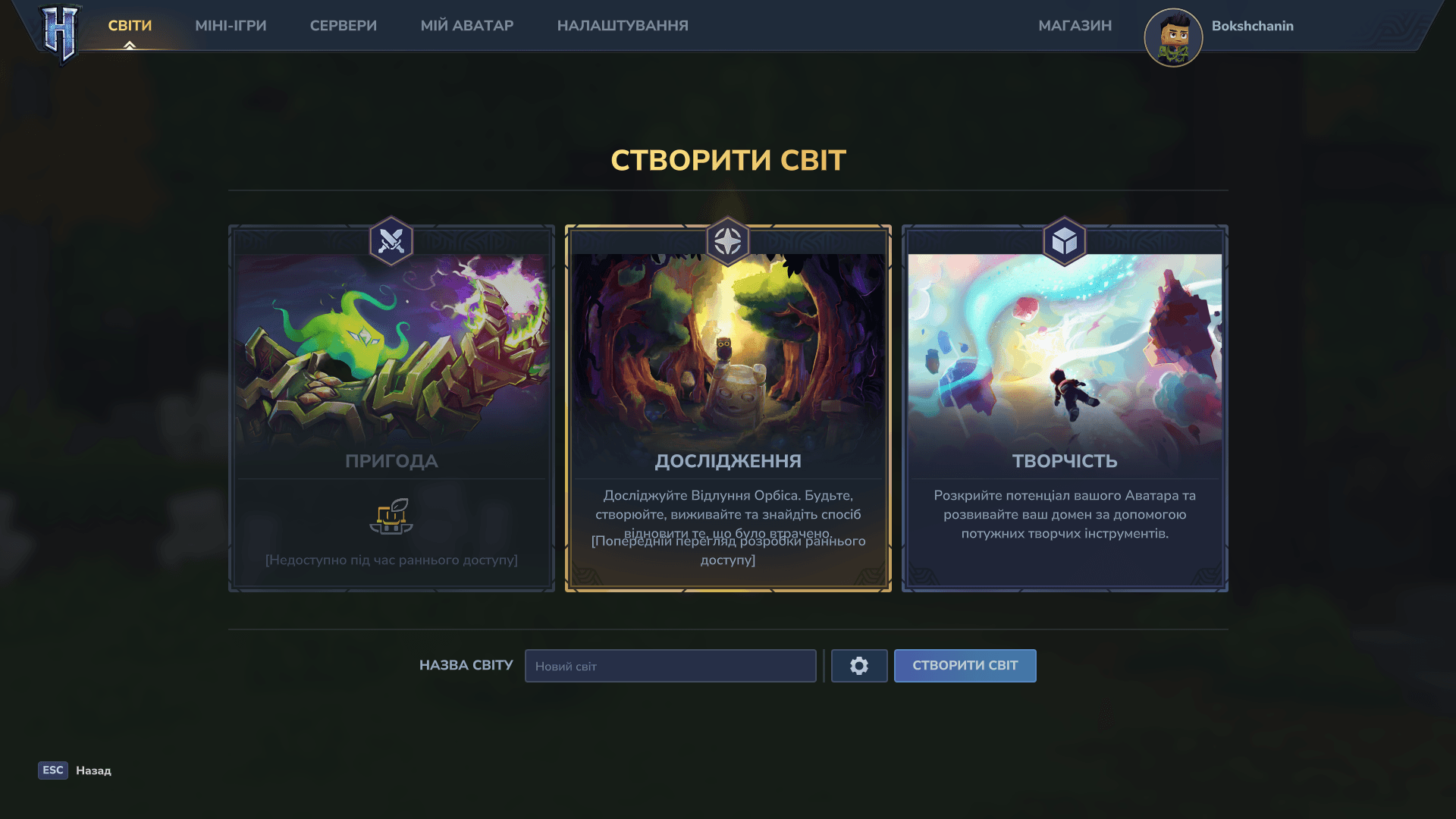
Ukrainian — Full Localization | Українізатор
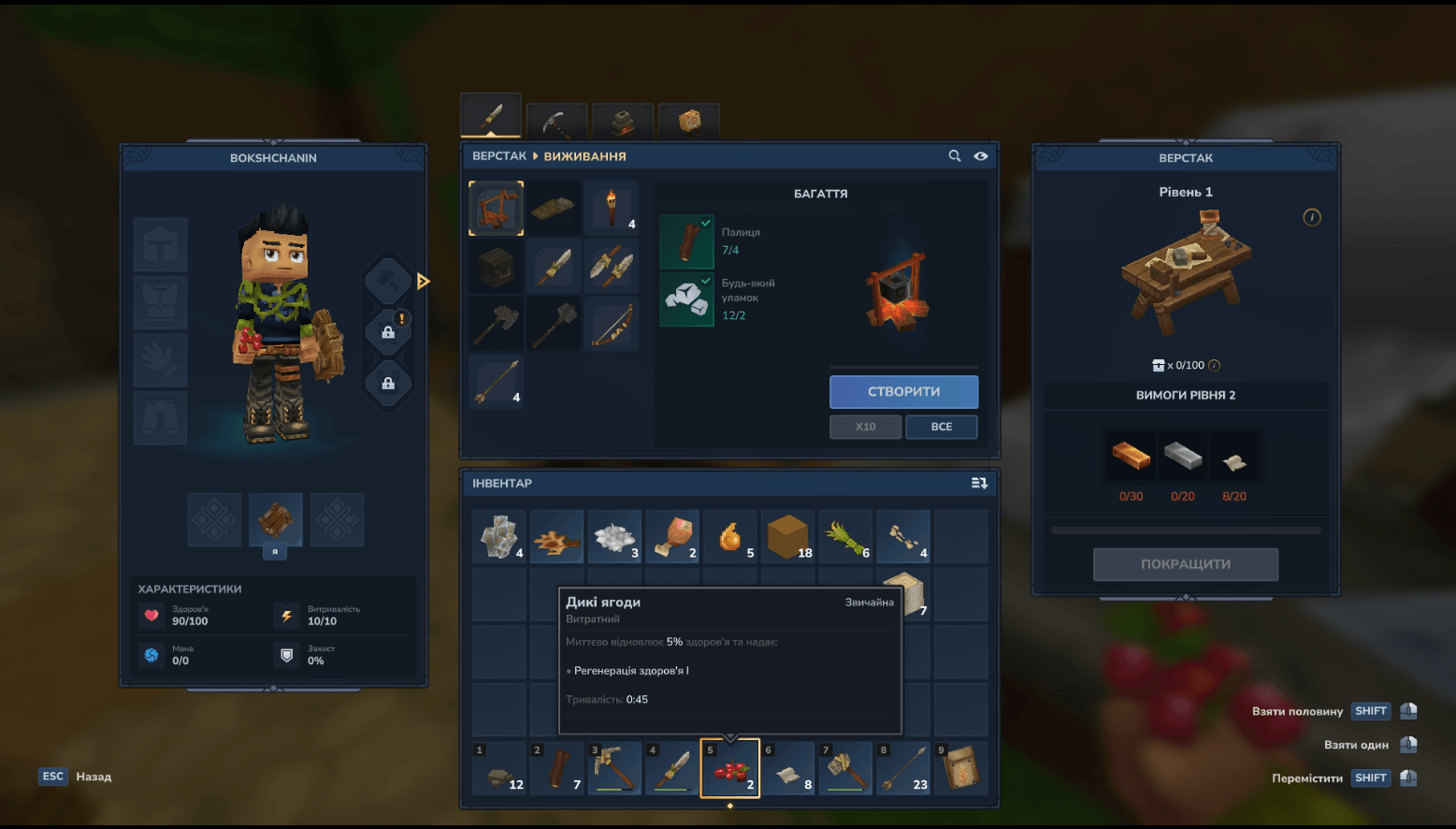
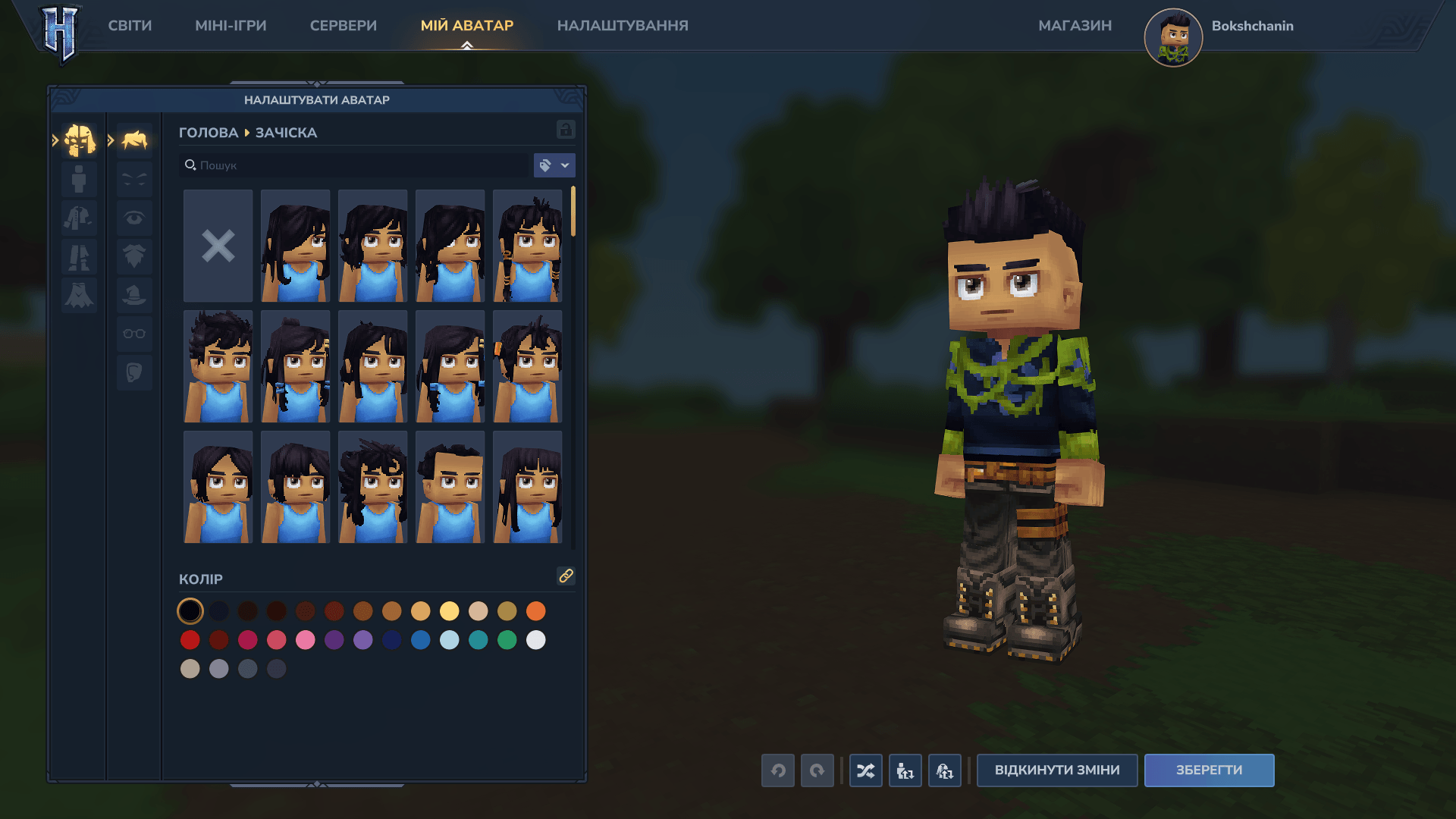
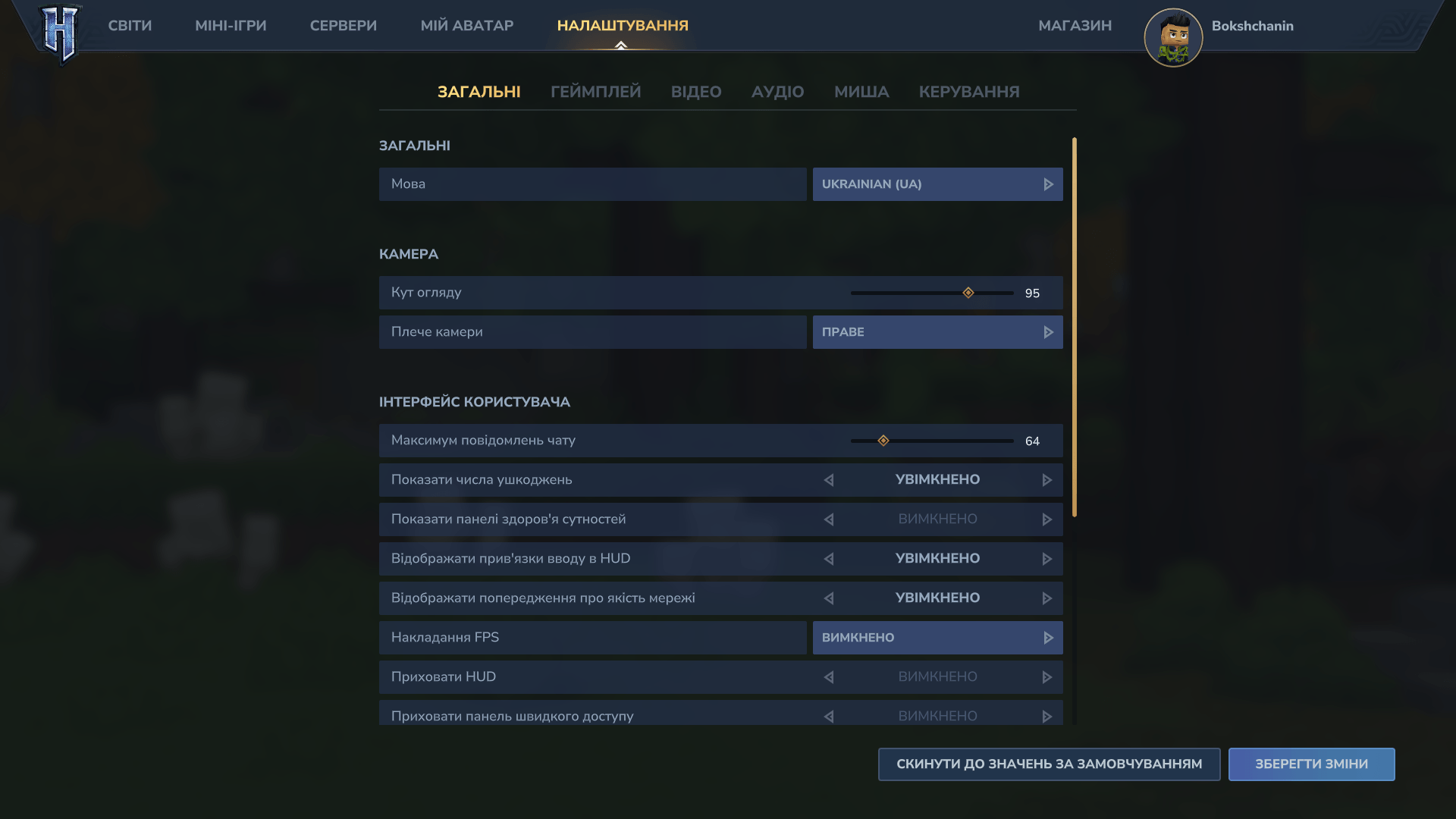
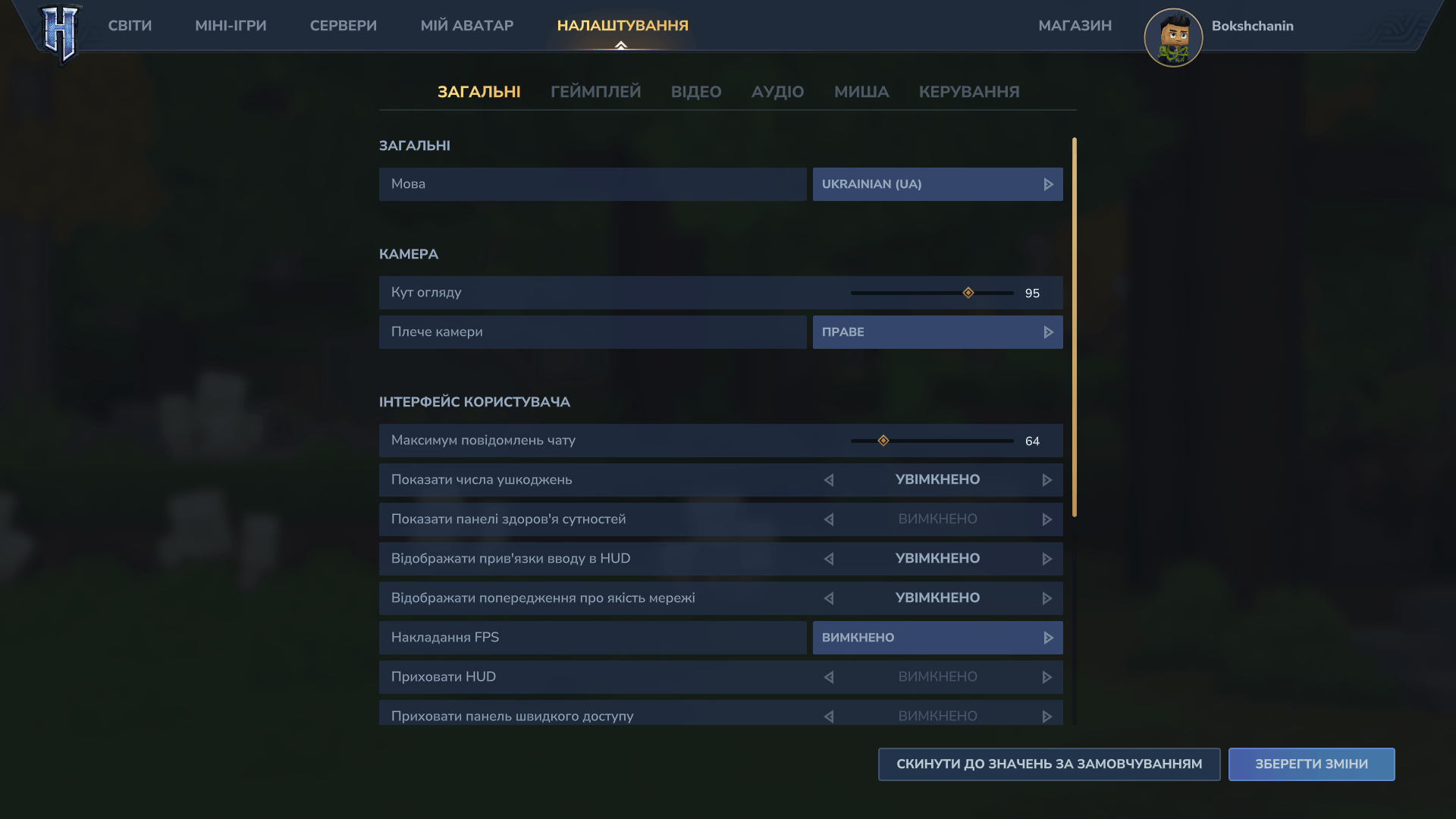
[UA] Набридло грати з англійським інтерфейсом? Цей пак додає українську мову в Hytale: від головного меню та налаштувань до назв предметів і діалогів із персонажами. Робимо гру комфортнішою та ріднішою разом!
[EN] Tired of playing with an English interface? This pack brings the Ukrainian language to Hytale: from the main menu and settings to item names and character dialogues. Let's make the game more comfortable and familiar together!
🛠 Як встановити / How to install:
UA:
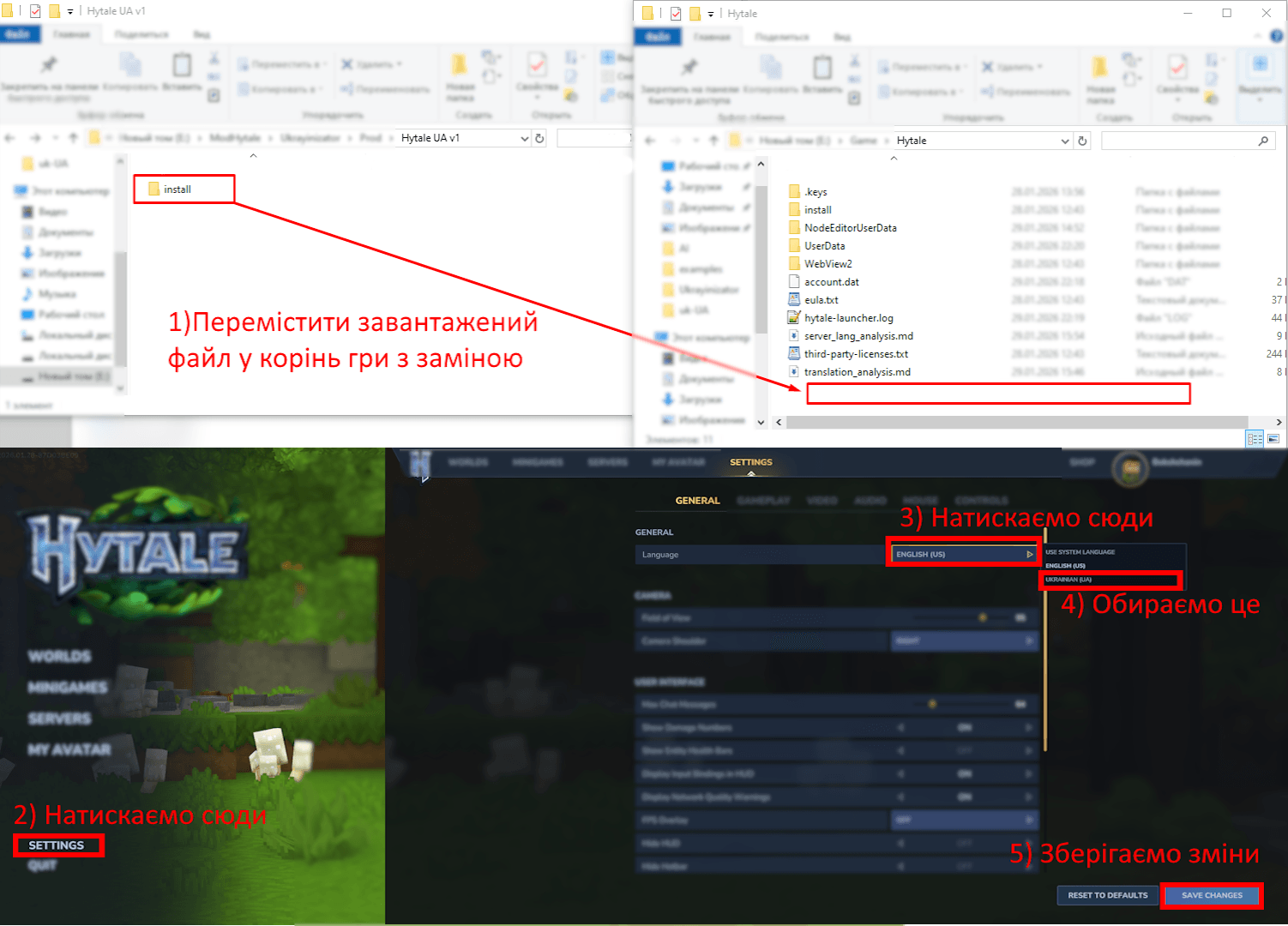
- Знайдіть папку з грою. У лаунчері натисніть на "шестерню" (Settings) → Open Directory.
- Перенесіть файли. Відкрийте завантажений архів
.zipі просто перетягніть папкуinstallу корінь гри (туди, де ви щойно опинилися). - Підтвердіть заміну. Якщо Windows запитає, чи замінювати файли — сміливо тицяйте "Замінити все".
- Увімкніть мову. Заходьте в гру, відкривайте налаштування мови та обирайте Українську.
EN:
- Locate the game folder. In the launcher, click the "gear" icon (Settings) → Open Directory.
- Transfer the files. Open the downloaded
.ziparchive and drag theinstallfolder into the game's root directory. - Confirm replacement. If prompted by Windows, select "Replace all files".
- Enable the language. Launch the game, go to language settings, and select Ukrainian.
🚨 Важливо / Important (CurseForge Users):
UA: Якщо ви ставили мод через застосунок CurseForge, обов'язково зайдіть у папку
modsі видаліть звідти файл .zip після встановлення. Якщо цього не зробити, ваш ігровий світ може просто не завантажитись.EN: If you installed the mod via the CurseForge app, make sure to go to the
modsfolder and delete the .zip file after installation. Otherwise, your game world may fail to load.
🔄 Оновлення гри / Game Updates:
UA: Коли гра оновлюється, вона може "затирати" шрифти. Щоб повернути українську:
- Перекиньте папку
installіз бекапу (fontsBackup) назад у корінь гри. - Або просто ще раз вручну повторіть процедуру встановлення.
EN: When the game updates, it often overwrites font files. To restore the translation:
- Move the
installfolder from your backup (fontsBackup) back to the root directory. - Or simply repeat the manual installation process.
⚠️ Статус перекладу / Translation Status:
UA: Це версія 1.0, тому вона ще не ідеальна. Десь можуть траплятися англійські слова або проблеми з версткою тексту. Я постійно доопрацьовую проект, тож чекайте на оновлення!
EN: This is version 1.0, so it's a work in progress. You might encounter some untranslated strings or UI scaling issues. I am constantly working on improvements, so stay tuned for updates!
正在加载版本记录…
正在加载评论…
评论在新手盒子客户端中发表,这里同步展示。