捷克语
捷克语翻译适用于Hytale
 查看大图
查看大图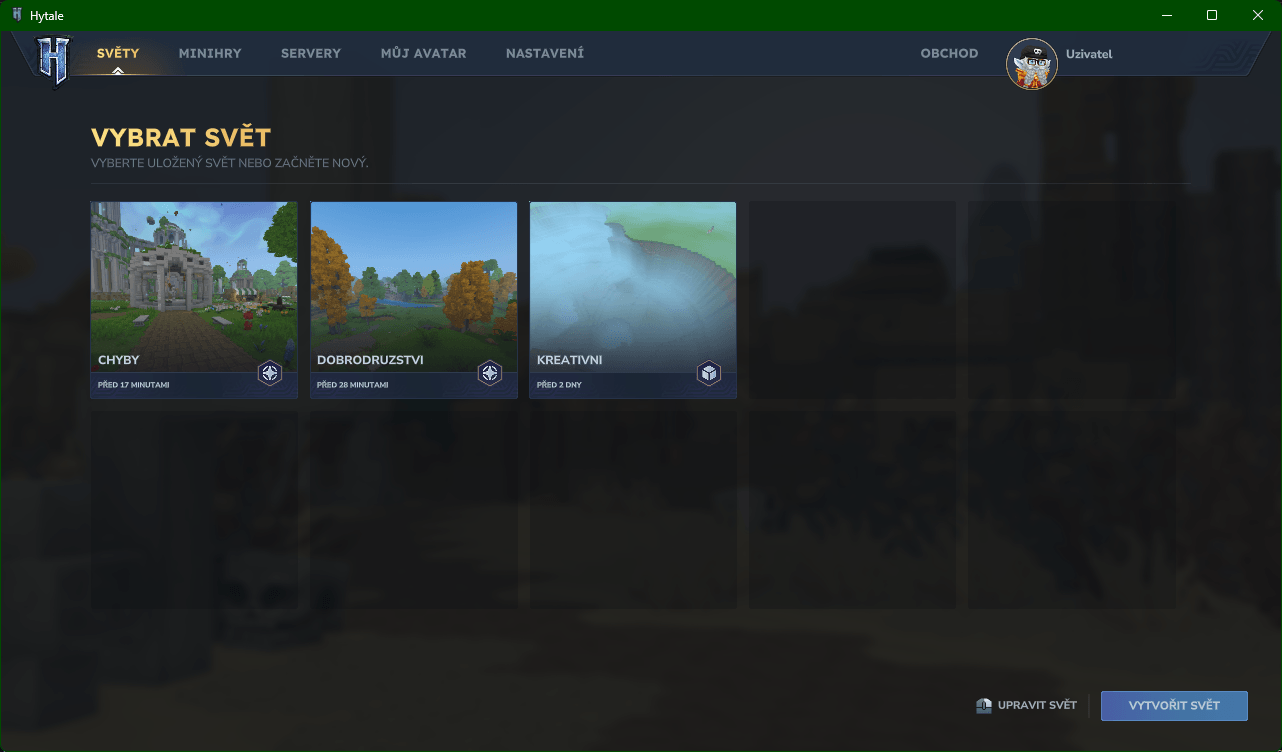
(Czechtale) 捷克语语言包 for Hytale - 帮助翻译和修正 → CROWDIN ← 点击
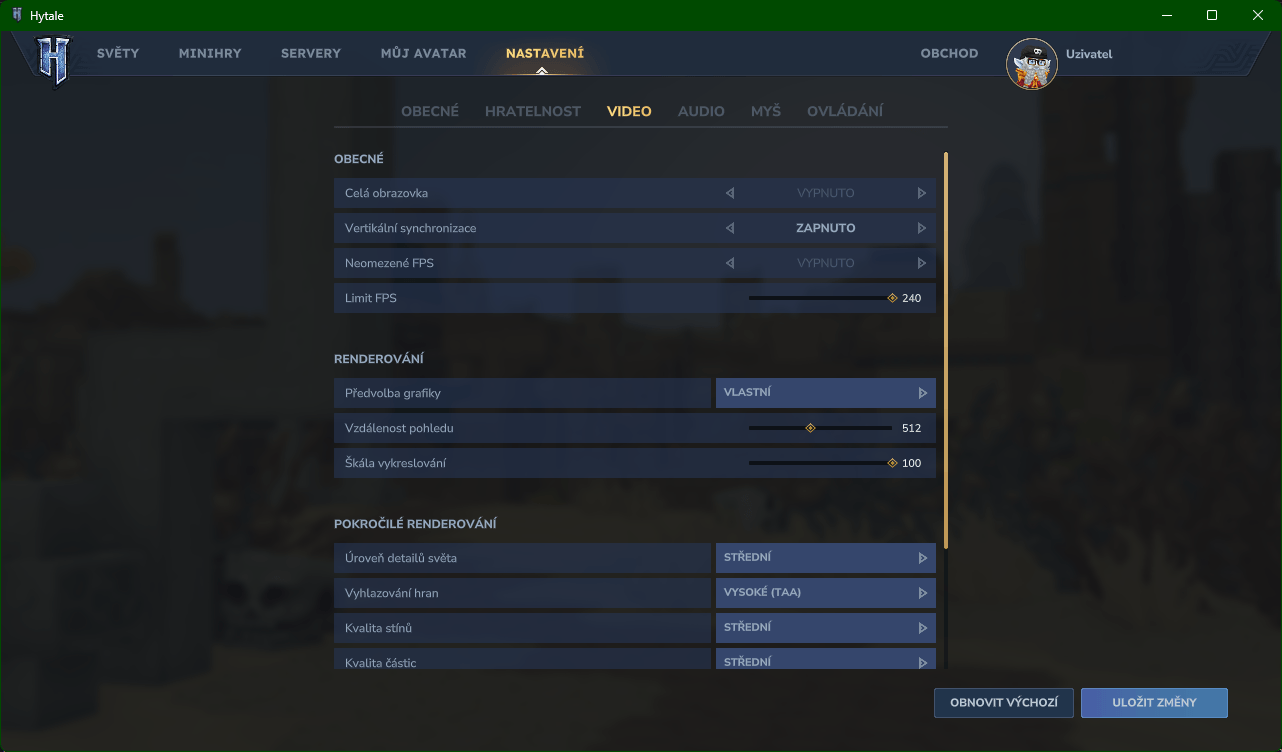
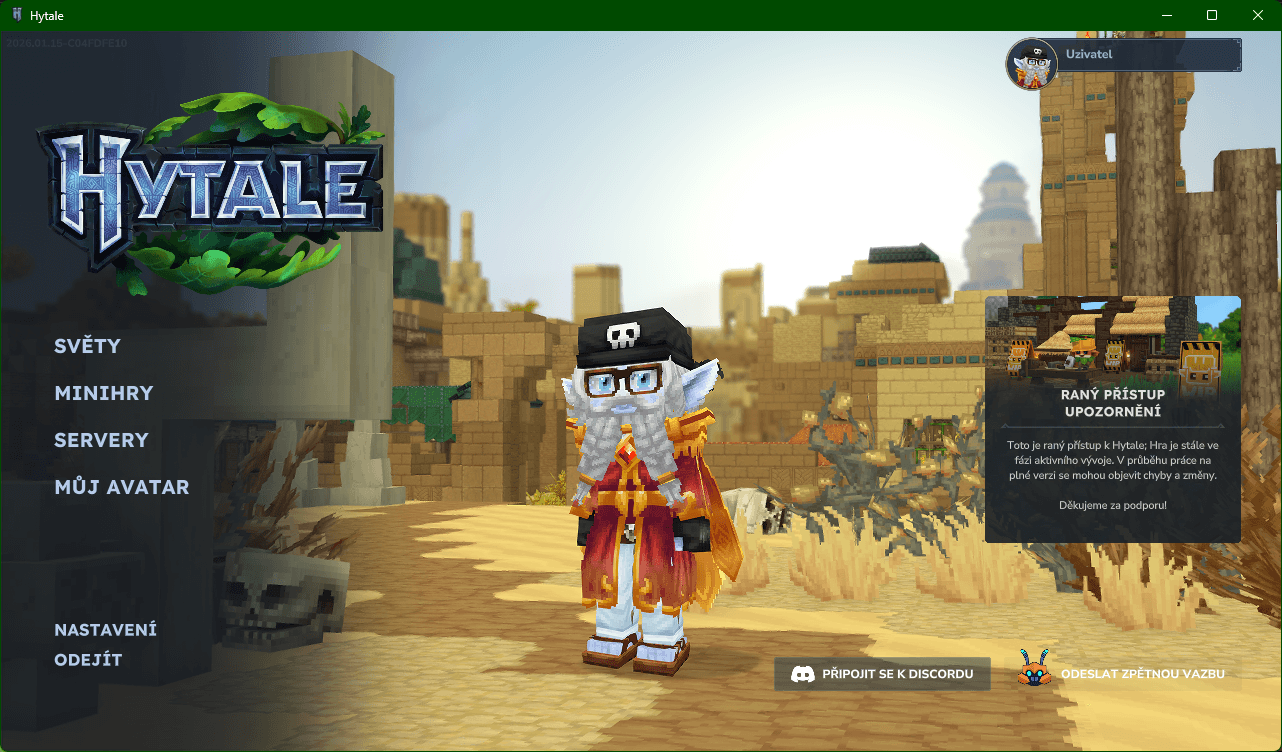
这个捷克语语言包旨在提供更自然、更舒适的游戏体验。它翻译了界面元素和常见的游戏内消息,使日常游戏和设置对捷克语玩家来说更清晰、更直观。Discord
!!! 此语言包完全支持捷克语变音符号 (á, č, ď, é, ě, í, ň, ó, ř, š, ť, ú, ů, ý, ž). !!!
安装指南
自动安装: 使用安装程序 ← 点击 | 也支持非官方启动器
手动安装:
- 找到游戏的根目录。如果不确定位置,请打开启动器,前往设置(齿轮图标),然后选择打开目录。
- 打开下载的
.zip文件,将 install 文件夹复制到游戏的根目录。 - 如果出现提示,选择全部替换(或替换目标位置的文件)。
- 启动游戏,打开设置,将语言设置为 Čeština。
- (可选) 要完全强制覆盖语言,请解压
Assets.zip,并在以下位置覆盖原始文件,然后重新创建Assets.zip:"\Hytale\install\release\package\game\latest\Assets.zip\Server\Languages\en-US""\Hytale\install\release\package\game\latest\Assets.zip\Common\Languages\en-US\avatarCustomization"
完成 — 翻译现已生效。
重要:
如果通过 CurseForge 应用下载了此语言包,请在安装后从 mods 文件夹中删除 .zip 文件。如果留在那里,可能会阻止世界正确加载。
在今天(2026年1月15日)的更新后,应用翻译时可能会出现问题。
要解决此问题,请按照以下步骤操作:
- 前往设置并选择打开目录。
- 卸载游戏。
- 重新安装游戏。
- 使用从
.zip压缩包中提取的文件(不要直接使用.zip)应用翻译。
此步骤应能解决问题。
如果你想找到原始语言文件,可以前往:
"\Hytale\install\release\package\game\latest\Assets.zip\Server\Languages\en-US" 和 "\Hytale\install\release\package\game\latest\Assets.zip\Common\Languages\en-US\avatarCustomization"
翻译状态
该项目仍在开发中。部分文本可能尚未翻译或有待改进。该语言包将在未来的更新中不断完善和扩展。
(Czechtale) Czech Language Pack for Hytale - Contribute to this project → GITHUB ← click
This Czech language pack aims to provide a more natural and comfortable gameplay experience. It translates interface elements and common in-game messages, making everyday play and configuration clearer and more intuitive for Czech-speaking players. Discord
!!! This language pack fully supports Czech diacritics (á, č, ď, é, ě, í, ň, ó, ř, š, ť, ú, ů, ý, ž). !!!
Installation Guide
- Locate the game's root directory. If you are unsure where it is, open the launcher, go to Settings (gear icon), and select Open Directory.
- Open the downloaded
.zipfile and copy the install folder into Hytale's root directory. - When prompted, choose Replace all (or Replace files in the destination).
- Launch the game, open Settings, and set the language to Čeština.
- (Optional) For a complete forced language override, unzip
Assets.zipand overwrite the original files in these locations, then recreateAssets.zip:"\Hytale\install\release\package\game\latest\Assets.zip\Server\Languages\en-US""\Hytale\install\release\package\game\latest\Assets.zip\Common\Languages\en-US\avatarCustomization"
That's it — the translation is now active.
Important:
If you downloaded the pack via the CurseForge application, remove the
.zipfile from themodsfolder after installation. Leaving it there may prevent your world from loading correctly.After today's update (15.01.2026), an issue with applying the translation may occur.
To resolve this problem, follow these steps:
- Go to Settings and select Open Directory.
- Uninstall the game.
- Install the game again.
- Apply the translation using the files extracted from the
.ziparchive (do not use the.zipdirectly).This should fix the issue.
If you want to find original language files you can go in:
"\Hytale\install\release\package\game\latest\Assets.zip\Server\Languages\en-US" and "\Hytale\install\release\package\game\latest\Assets.zip\Common\Languages\en-US\avatarCustomization"
Translation Status
This project is still a work in progress. Some lines may remain untranslated or could be further improved. The language pack will be refined and expanded in future updates.
正在加载版本记录…
正在加载评论…
评论在新手盒子客户端中发表,这里同步展示。