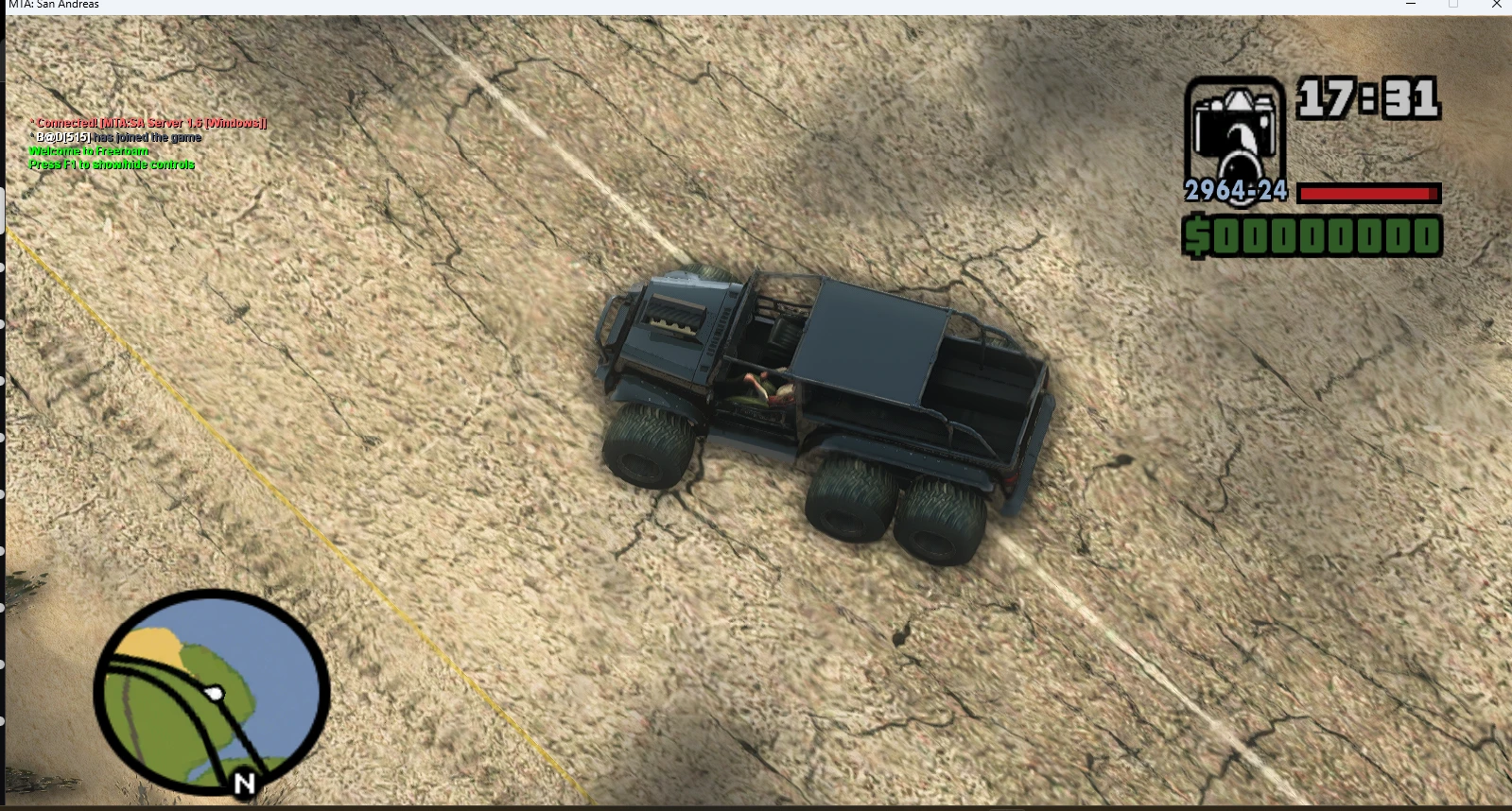
Core Ranger 6x6
BY : Core Star StudioOverviewThe Core Ranger 6x6 is a custom-built, heavy-duty off-road vehicle designed and modeled from the ground up by the Core Star Games team. Every detail, from the 3D geometry and custom textures to the final handling configuration, has been meticulously crafted to ensure a high-quality experience within the game.This vehicl
 查看大图
查看大图[size=4][b]Description[/b][/size]
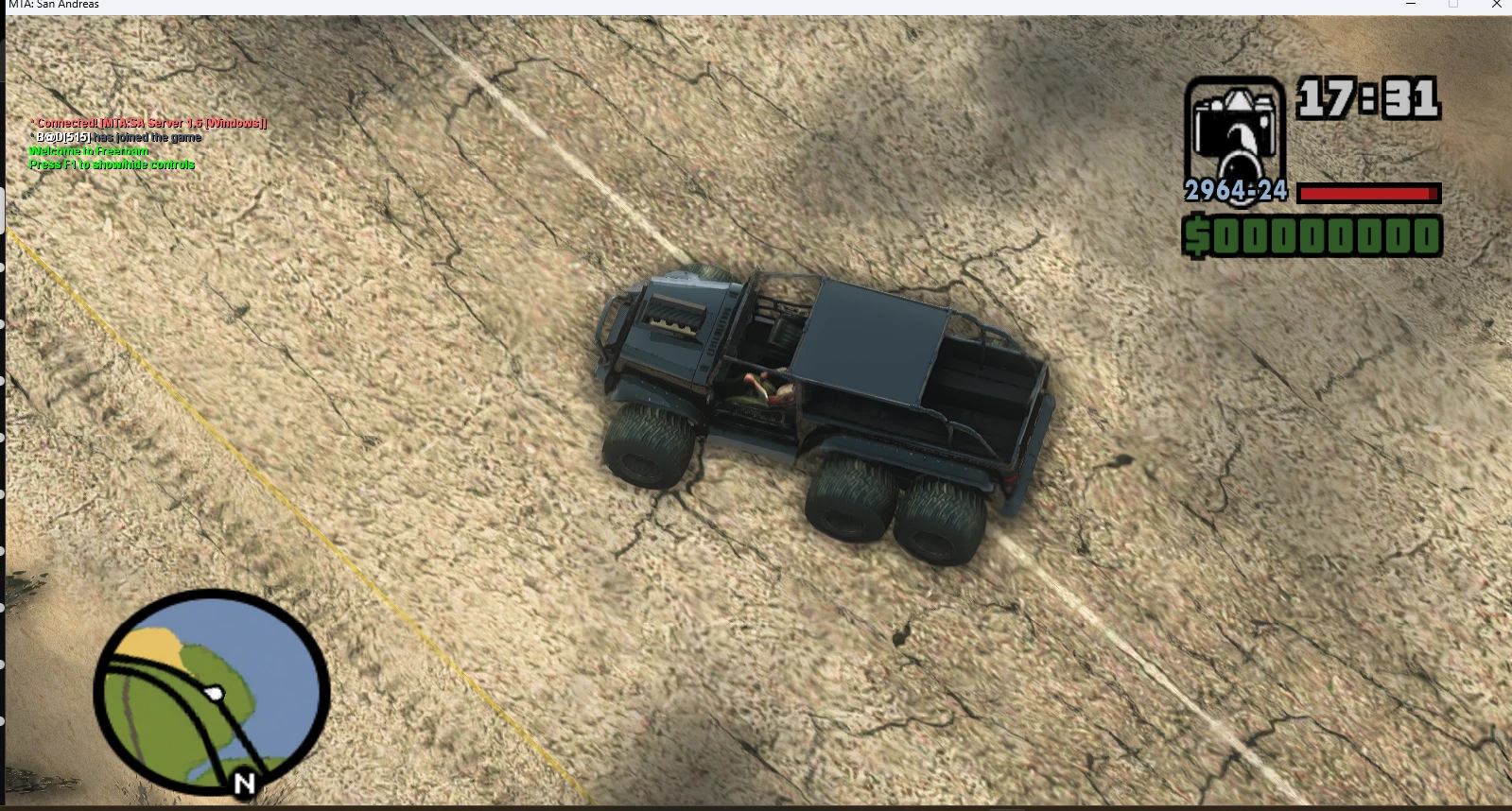
Core Star StudioOverviewThe Core Ranger 6x6 is a custom-built, heavy-duty off-road vehicle designed and modeled from the ground up by the Core Star Games team. Every detail, from the 3D geometry and custom textures to the final handling configuration, has been meticulously crafted to ensure a high-quality experience within the game.This vehicle is inspired by classic off-road designs, re-imagined with a unique 6x6 configuration to dominate any terrain in the game world.Crédits :Design, Modeling & Texturing: Core Star GamesGame Integration & Configuration: Core Star Games
[size=4][b]Installation instructions[/b][/size]
To install the Core Ranger 6x6, choose one of the two methods below:Method 1: Mod Loader (Recommended)Ensure you have Mod Loader installed in your GTA San Andreas directory.Navigate to your GTA San Andreas game folder.Open the modloader folder.Drag and drop the Core_Ranger_6x6 folder into the modloader directory.Launch the game; the mod will load automatically.Method 2: Manual Installation (IMG/ACI)Ensure you have an IMG editor or a compatible ACI (Asset Customization Interface) tool installed.Open your gta3.img file (usually located in the models folder).Use your tool to replace the existing .dff and .txd files with the ones provided in this package.Ensure you update the handling and vehicle IDE lines if provided to ensure the 6x6 physics function correctly.Save your changes and launch the game.
[size=4][b]Main features[/b][/size]
[color=#d4d4d8]new 6x6 car (jeep) [/color]
[size=4][b]Requirements[/b][/size]
[color=#d4d4d8]modloader/ cleo / Alci's IMG Editor [/color]
[size=4][b]Shout outs[/b][/size]
[color=#D4D4D8]Rayane Desgin
B@D[/color]
还没有人评论,去客户端里说两句吧。
评论在新手盒子客户端中发表,这里同步展示。