Just Another Reshade(RTGI兼容)
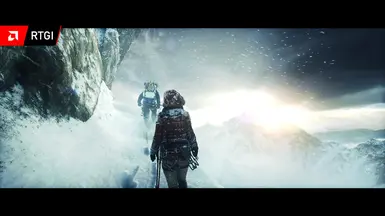
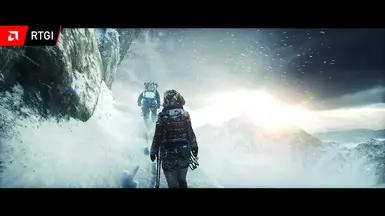
古墓丽影:崛起 的另一个 Reshade,兼容 RTGI
 查看大图
查看大图Reshade 5.4.2
本模组与 RTGI(0.33)兼容,但并非必需。即使你没有 RTGI,模组也能完美运行。
所有图片均来自 RTGI Ultimate 预设。
电脑配置要求?(最低/推荐)
对于 RTGI 版本,它不需要 RTX 2000/3000 或 RX 6000 显卡,我推荐 GTX 1060 和 RX 570。
没有最低配置要求,超级精简的无 RTGI 版本在我的显卡(RX570)上只占用 3 帧,所以应该具有很好的可扩展性。
[视频占位]
安装
English / Anglais
安装时,你只需要安装 Reshade 5.4.2,并以 directx10/11/12 模式安装。
当它询问你想安装什么着色器时,点击“跳过”。
然后将 .ini 文件和 reshade-shaders 文件夹放入你的 exe 文件所在的文件夹中。
看起来应该是这样的:
H:\My Games\SteamLibrary\steamapps\common\Rise of the Tomb Raider
在该文件夹内,你应该能看到游戏的 exe 文件、ini 文件和 reshade-shaders 文件夹。
添加 RTGI 特效?
在 RTGI 文件夹内,复制两个文件夹(texture 和 shaders),并将它们放入 reshade-shaders 文件夹中。
看起来应该是这样的:
H:\My Games\SteamLibrary\steamapps\common\Rise of the Tomb Raider\reshade-shaders
French / Français
Pour l'installation tous ce que vous avez a faire c'est de installer Reshade 5.4.2 prenez l'option directx 10/11/12
Apuyer sur skip quand il vous demande quelle shaders que vous voulez installer
Ensuite copier les fichiers .ini et le dossier reshade-shaders a l'endroit ou votre fichier exe est situer.
Devrait ressembler à ça:
H:\My Games\SteamLibrary\steamapps\common\Rise of the Tomb Raider
Ajouter effets RTGI?
ouvrez le dossier de RTGI et copier les deux dossier a l'intérieur (shaders et texture) puis placer les dans dossier nommé Reshade-Shader
Devrait ressembler à ça:
H:\My Games\SteamLibrary\steamapps\common\Rise of the Tomb Raider\reshade-shaders
还没有人评论,去客户端里说两句吧。
评论在新手盒子客户端中发表,这里同步展示。