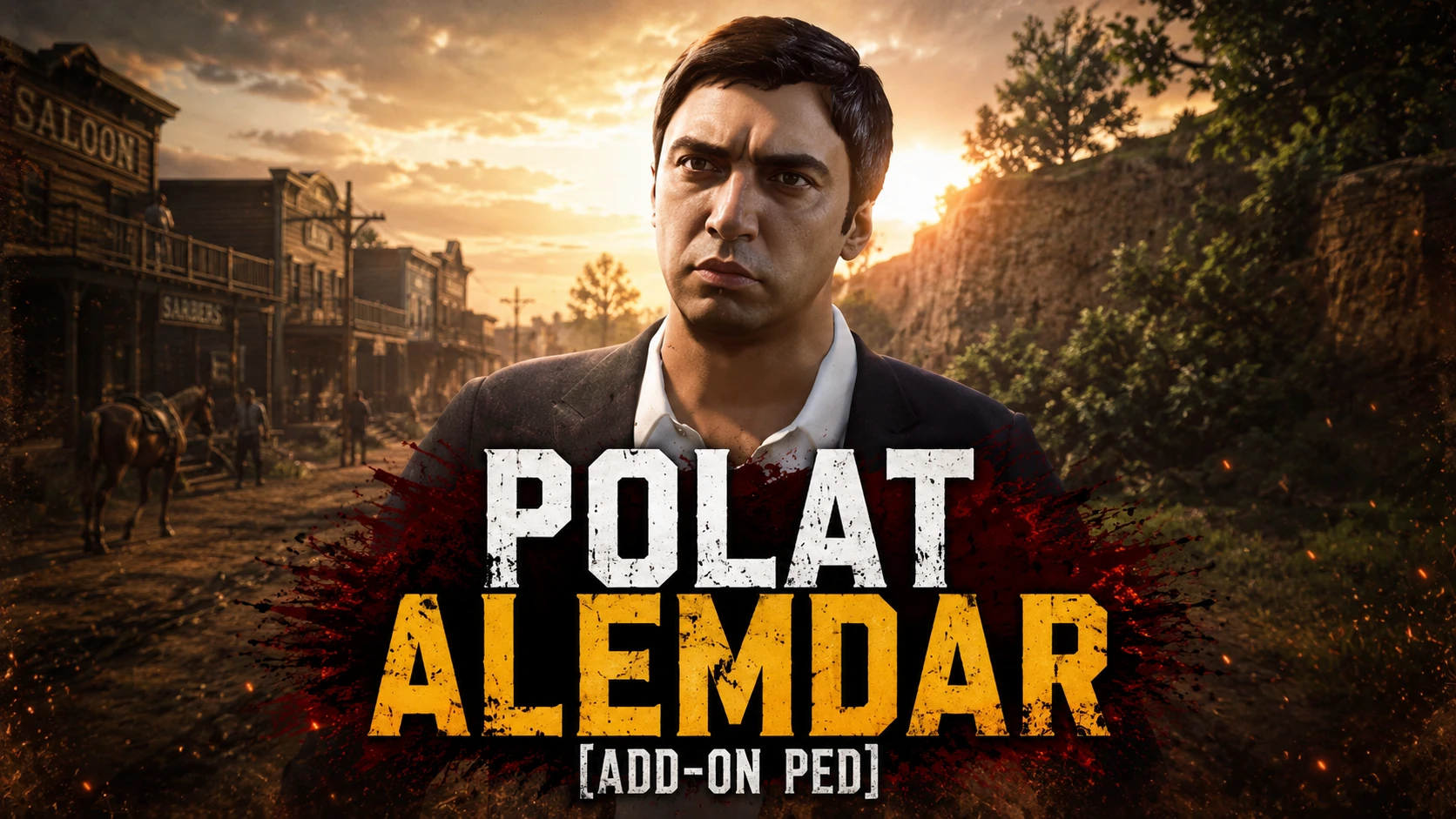
Polat Alemdar(Add-On Ped)
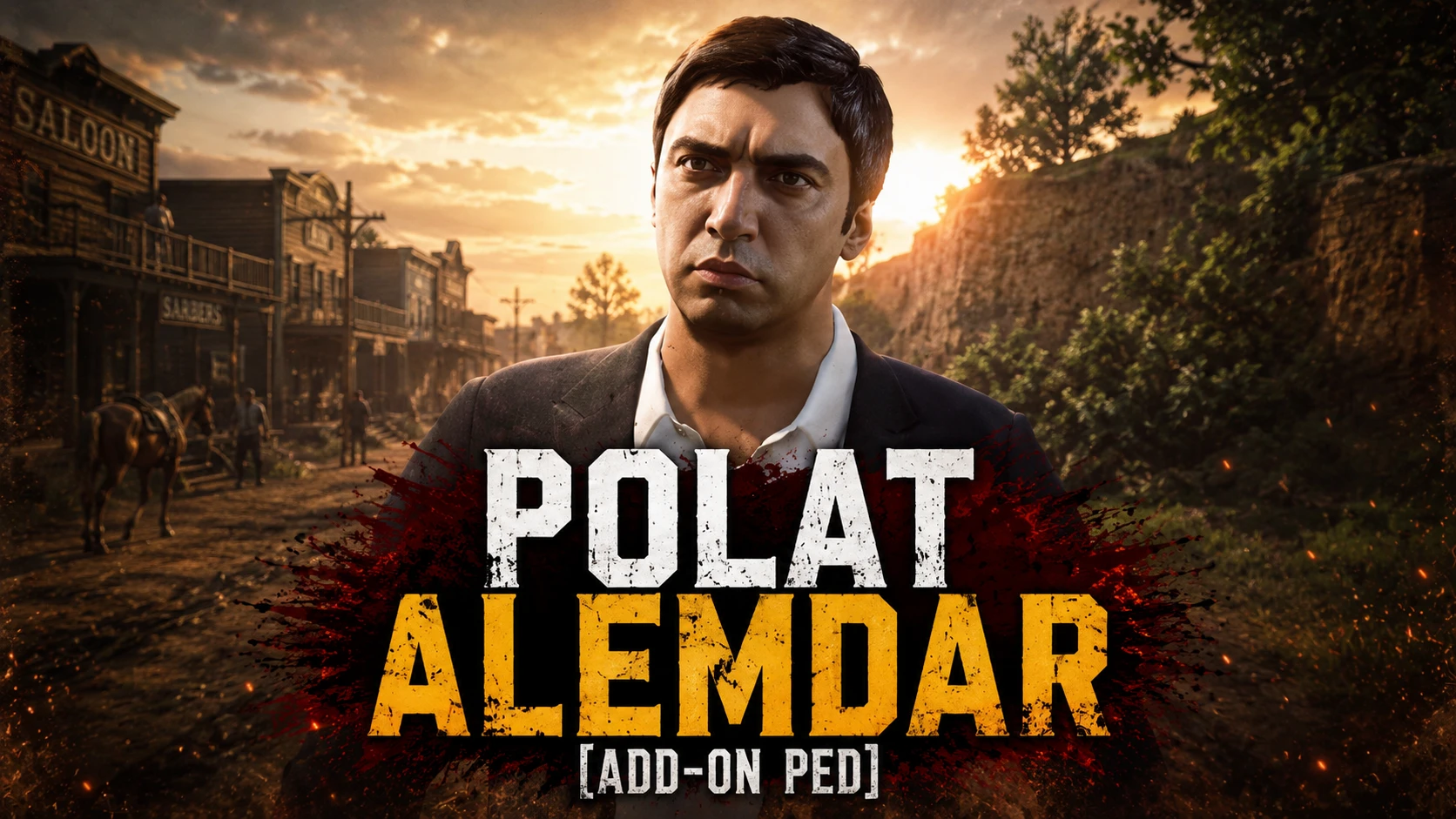
Polat Alemdar is the legendary main character of the Turkish TV and film franchise Valley of the Wolves (Kurtlar Vadisi), played by Necati Şaşmaz. Originally a state undercover agent named Ali Candan, he undergoes plastic surgery, changes his identity, and infiltrates the mafia to fight deep-state corruption and global syndicates
 查看大图
查看大图💬 Custom Orders / Özel Sipariş
[heading]🇹🇷 Türkçe[/heading]
Özel mod veya karakter siparişleri için bana Discord üzerinden ulaşabilirsiniz.
[b]Discord:[/b][url=https://discord.gg/GAn6zJjC8P]https://discord.gg/GAn6zJjC8P[/url]
[heading]🇬🇧 English[/heading]
For custom mods or character commissions, feel free to contact me on Discord.
[b]Discord:[/b][url=https://discord.gg/GAn6zJjC8P]https://discord.gg/GAn6zJjC8P[/url]
📥 Installation / Kurulum
[heading]🇹🇷 Türkçe[/heading]
[b]📦 Kurulum[/b]
[list]
[]İndirdiğiniz [b].zip[/b] dosyasını çıkartın.(Masaüstünde sadece ''addonped'' dosyalı klasör duracak.[/]
[][b]Klasörü Mod Loader[/b] ile yükleyin.(Yüklemeyi bilmiyorsanız ''Add-On Ped''selector modumun kurulumunda var.Ayrıca kullanımıda var o videoyu izleyebilirsiniz,öneririm.[/]
[]Benim yaptığım(Add-On Ped Selector modu gereklidir).
-Oyun içine girdiğinizde ''F11'' tuşuna basın ve hangi karakteri yüklediyseniz karşınıza çıkar ve seçin bu kadar.
-[b]Tekrardan karakterin tipi değişirse aynı işlemi bir daha uygulayın değişmez.(F11 ile seçmek yani).[/b]
-Add-On Ped Selector modum bu dosyayı indirirken 'gerekliler kısmında karşınıza çıkar indirirsiniz ve videolar kısmında videolu kurulumuda var'.
[youtube]4tyZJmetbNE[/youtube]
[b] 🇬🇧 English
[/b]
[b]📦 Installation[/b]
Extract the .zip file you downloaded. (Only the folder with the "addonped" file will remain on the desktop.)
Load the folder with Mod Loader. (If you don't know how to install it, it's included in the installation of my "Add-On Ped" selector mod. There's also a video on how to use it, I recommend watching that video.)
What I did (Add-On Ped Selector mod is required).
-When you enter the game, press the "F11" key and the character you loaded will appear, select it, that's all.
-If the character type changes again, repeat the same process, it won't change. (Selecting with F11, that is).
-[b]If the character type changes again, simply repeat the same process (i.e., selecting it with F11).[/b][/]
[/list]
还没有人评论,去客户端里说两句吧。
评论在新手盒子客户端中发表,这里同步展示。