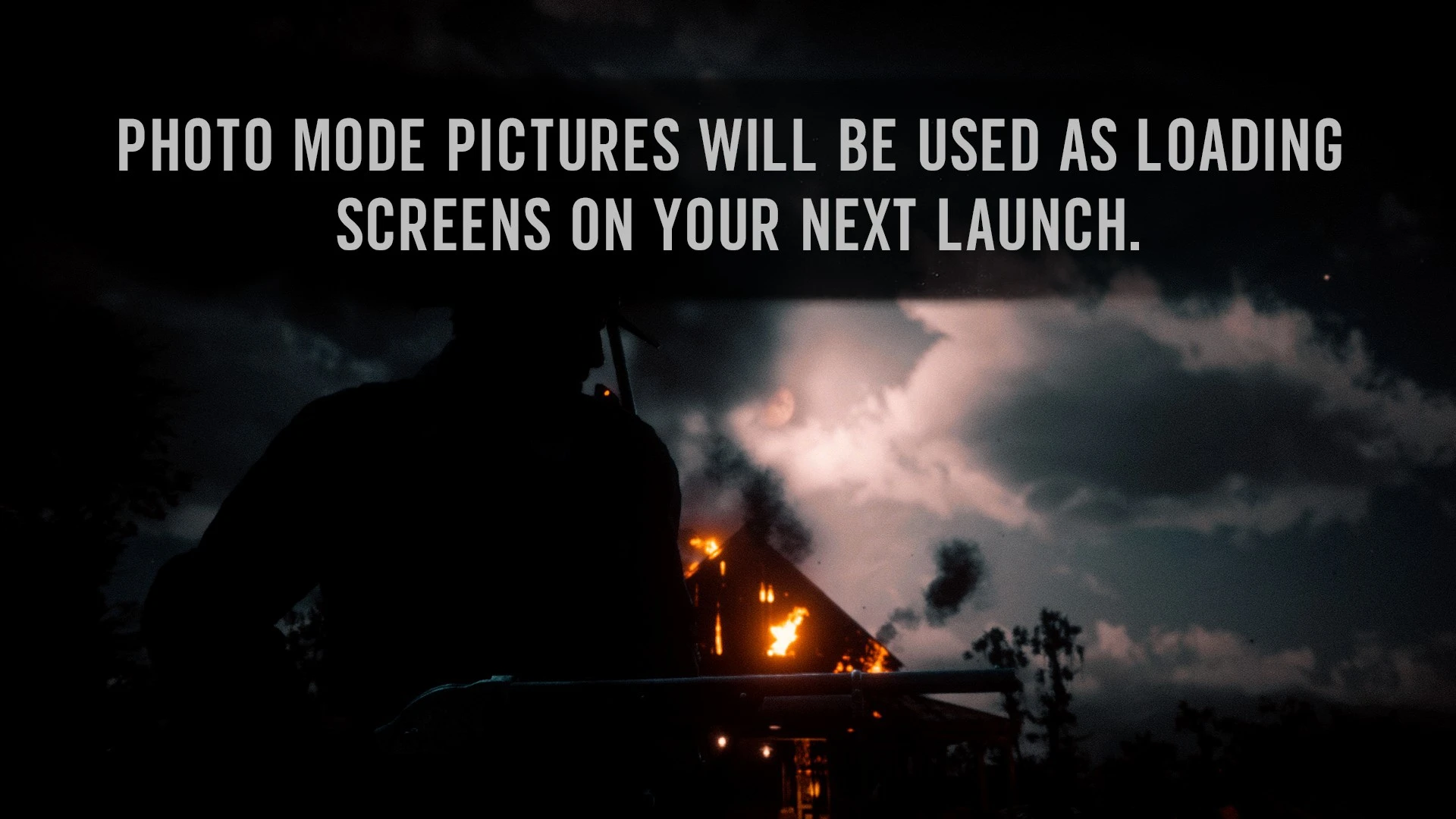
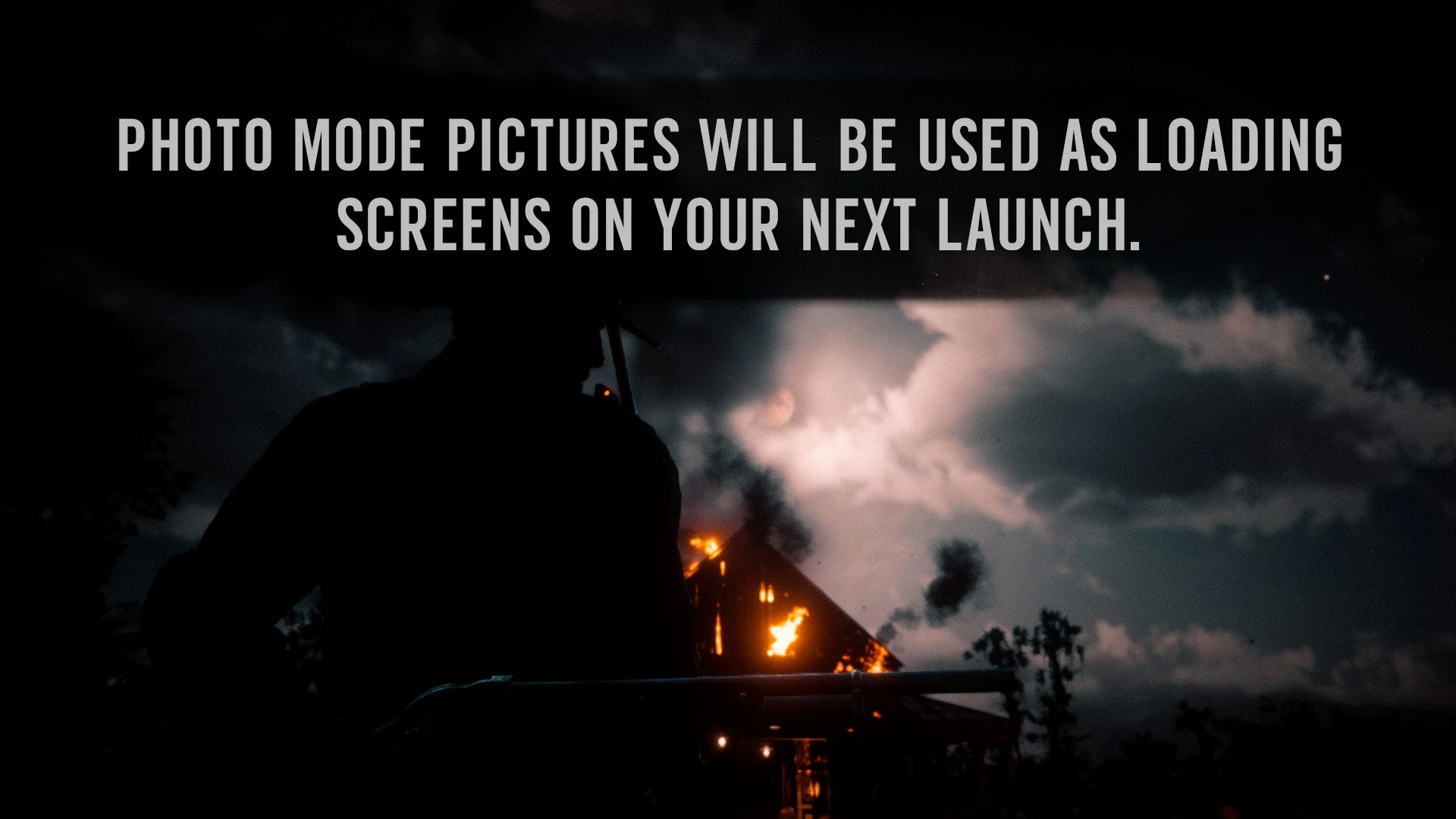
Photo Mode Loading Screens
An ASI that will use the pictures taken in Photo Mode to create loading screens
 查看大图
查看大图[size=4][b]Description[/b][/size]
[color=#D4D4D8]Use your own [b]Photo Mode pictures as loading screens[/b].
The mod automatically finds the Photo Mode pictures saved in your RDR2 profile, converts them into loading-screen images, and adds them to the game's loading-screen rotation. On your first launch, placeholder images are used while your Photo Mode pictures are being prepared. The placeholders won’t be in that rotation anymore. After that, any new Photo Mode pictures you take will automatically be prepared after you quit the game and become available on your next launch. [/color]
[color=#D4D4D8]
You can also customize how your loading screens look with optional filters, film grain, and location/date captions. Captions use information from the Photo Mode file itself, including the in-game date and the location where the picture was taken. Your original Photo Mode pictures are kept untouched. The mod stores a clean copy and always reapplies visual effects from that clean version, so changing or removing filters does not permanently alter the image.[/color]
[color=#D4D4D8]A [url=https://forums.nexusmods.com/topic/13527954-photo-mode-loading-screen/]request [/url]by [b][url=https://forums.nexusmods.com/profile/194480909-chubez/]Chubez[/url][/b] [/color]
[line]
[size=4][b]Installation instructions[/b][/size]
Extract the contents of the archive into your [b]RDR2 game directory[/b].
[line]
[b][size=4]Configuration[/size][/b]
[b]General Settings [/b]can be customized in
[code]PhotoModeLoadingScreens.ini[/code]This contains the main mod settings, including:
▫️ Enable/disable the mod
▫️ Maximum number of loading screens (Default is 200)
▫️ Photo location detection : You can add another path. Most image formats are supported.
▫️ Location search radius : For the text overlay showing region.
▫️ Master toggle for all visual effects : Turning this off will keep your photos completely untouched in loading screens.
[b]Overlay Settings[/b] can be customized in:
[code]Sauvy_ASI/PhotoModeLoadingScreens/PhotoModeOverlaySettings.ini[/code]You can configure:
▫️Image filter / color preset
▫️ Film grain
▫️ Location caption
▫️ In-game date caption
▫️ Text appearance and positioning
▫️ Image processing/output options
[line]
[size=4][b]Requirements[/b][/size]
[color=#D4D4D8][url=https://www.nexusmods.com/reddeadredemption2/mods/1472]ScriptHookRDR2 V2 [/url]
[url=https://www.rdr2mods.com/downloads/rdr2/tools/76-lennys-mod-loader-rdr/]Lenny’s Mod Loader [/url][/color]
正在加载版本记录…
正在加载评论…
评论在新手盒子客户端中发表,这里同步展示。