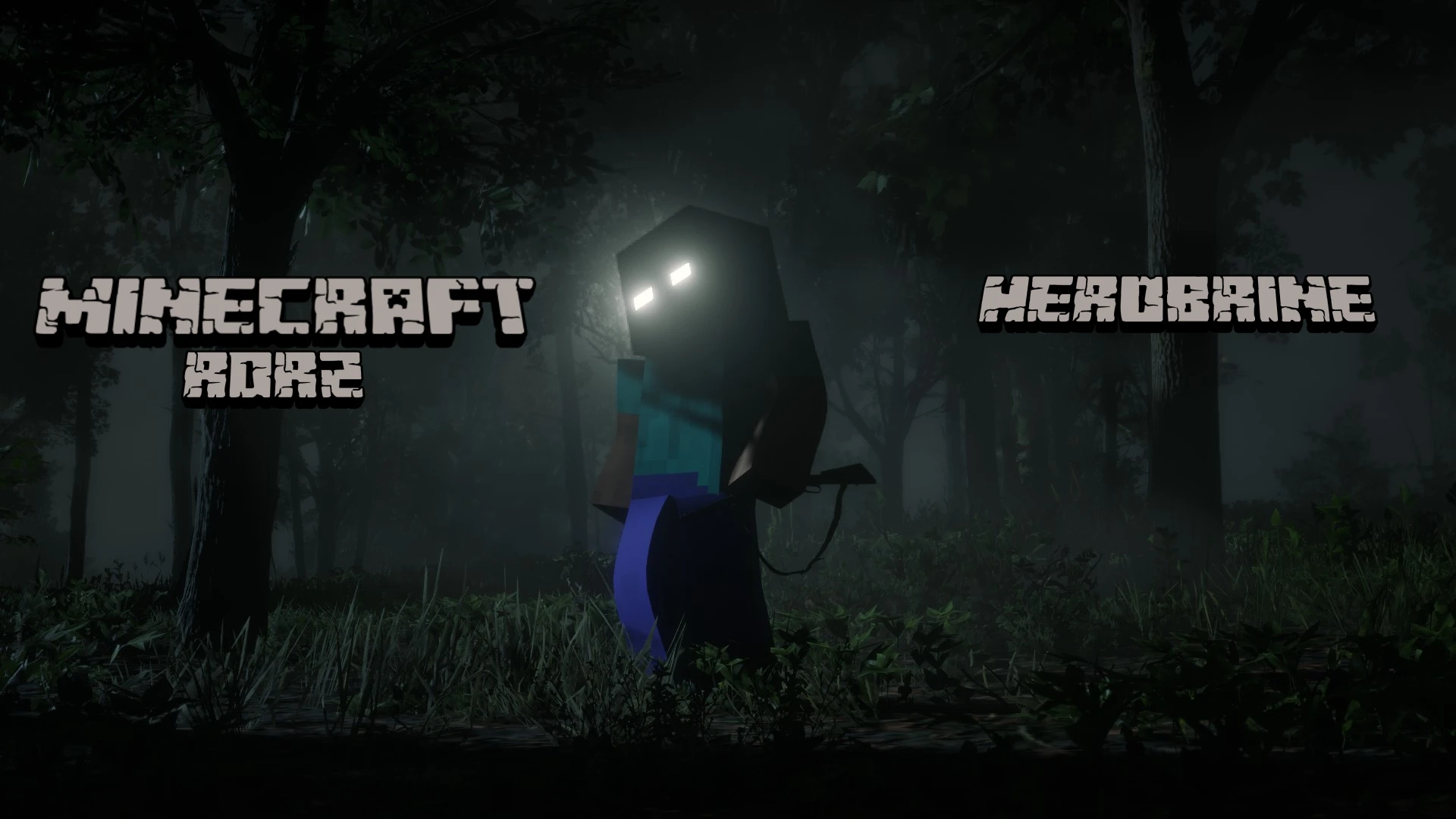
Minecraft - Steve and Herobrine
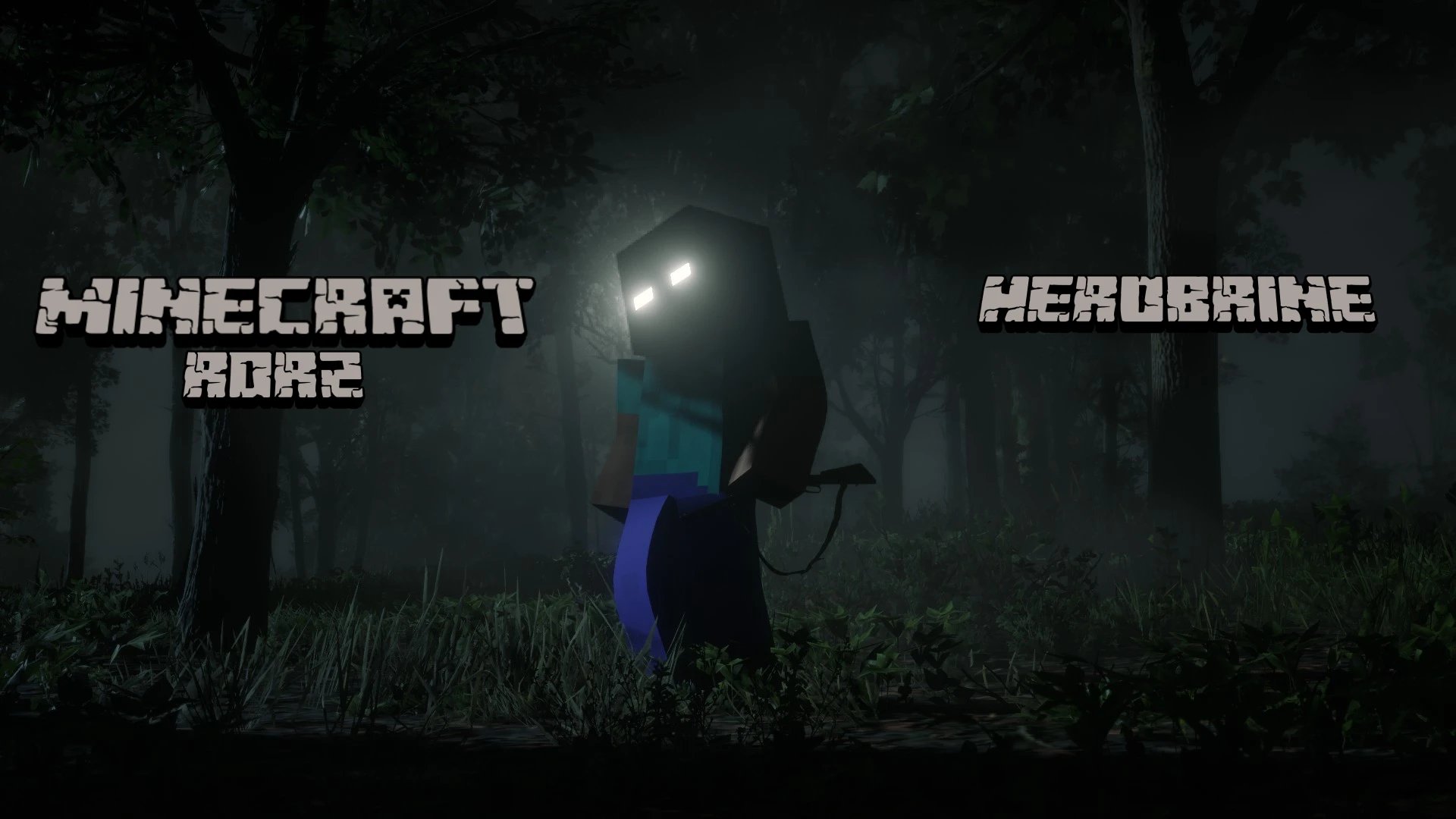
Bring the world of Minecraft into Red Dead Redemption 2! This mod allows you to play as Steve or Herobrine with fully functional emissive glowing eyes at night.
 查看大图
查看大图
DESCRIPTION
--------------------------------------------------
Bring the world of Minecraft into Red Dead Redemption 2! This mod allows you to play as Steve or Herobrine with fully functional emissive glowing eyes at night.
--------------------------------------------------
REQUIREMENTS
--------------------------------------------------
make sure you have the following installed:
- Lenny's Mod Loader (LML)
- Rampage Trainer
--------------------------------------------------
INSTALLATION
--------------------------------------------------
1. Download and extract the ZIP file.
2. Copy the contents of the "lml" folder from this mod into the "lml" folder located in your main RDR2 game directory.
(Path example: C:\Program Files (x86)\Steam\steamapps\common\Red Dead Redemption 2\lml)
--------------------------------------------------
HOW TO USE IN-GAME
--------------------------------------------------
1. Open Rampage Trainer in-game.
2. Go to Player --> Wardrobe --> Model Changer --> Custom Input.
3. Type in: "steve" and press Enter to spawn the character.
4. To switch outfits, go to: Player --> Wardrobe --> Outfit Variation.
- Outfit 0: Steve
- Outfit 1: Herobrine
--------------------------------------------------
CREDITS & SOURCES
--------------------------------------------------
- 3D Model source: [url=https://sketchfab.com/3d-models/the-perfect-steve-rigged-0cffc39bdab04551bde4f8cdfbc52eca]Model[/url]
正在加载版本记录…
正在加载评论…
评论在新手盒子客户端中发表,这里同步展示。