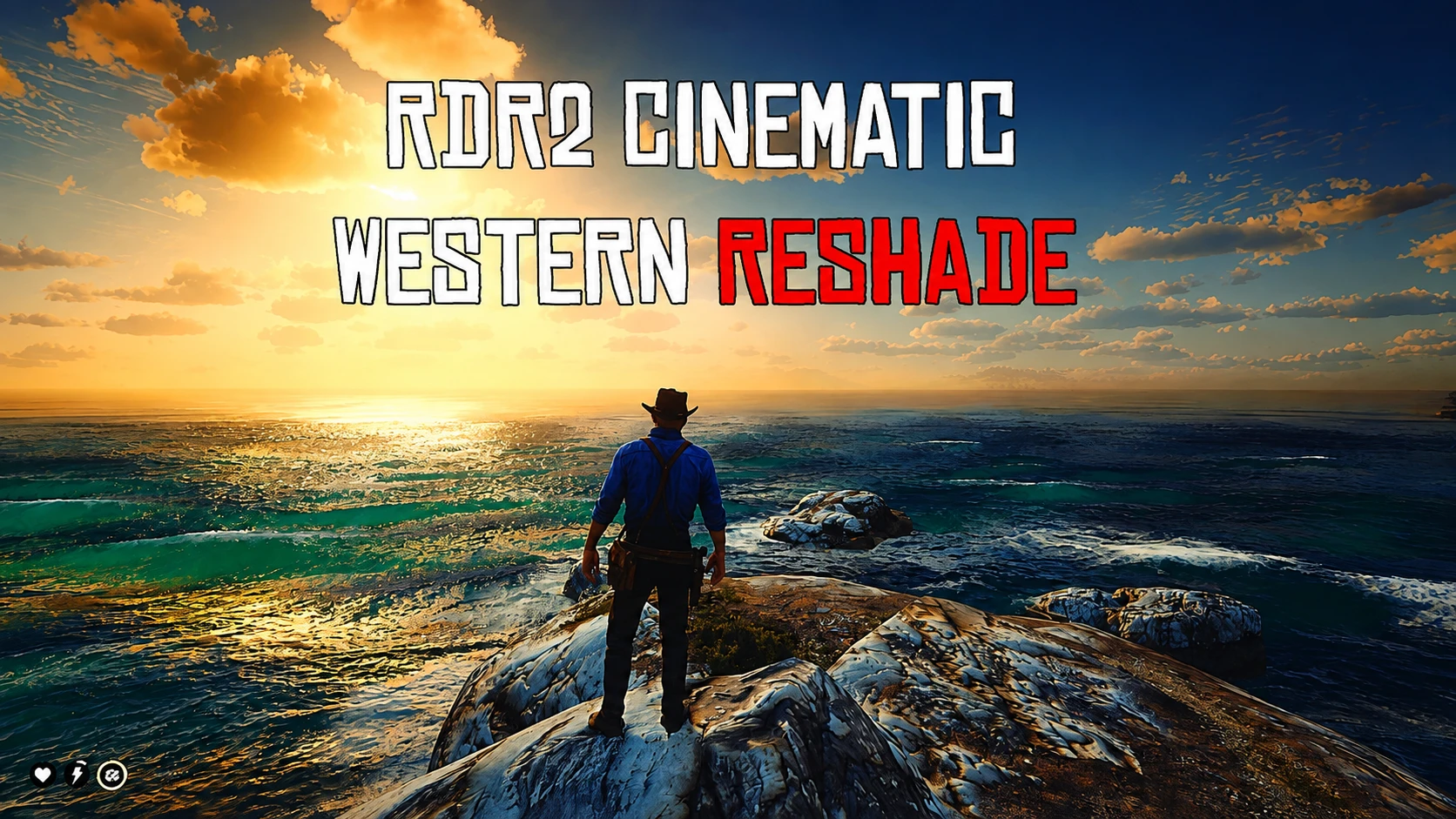
RDR2 Cinematic Western ReShade
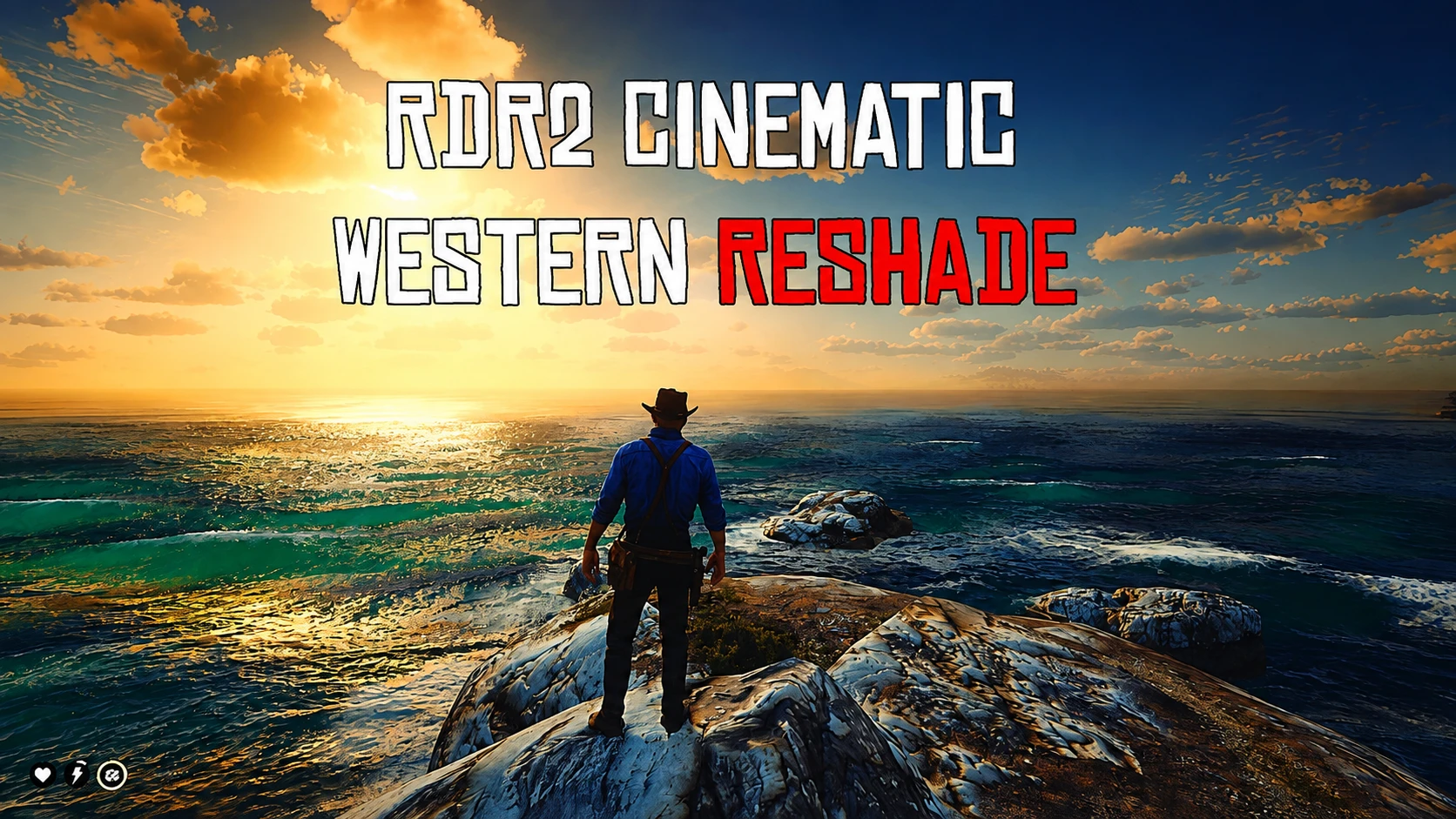
A cinematic, realistic ReShade preset for RDR2 — natural western color grading, dramatic lighting, and immersive weather, without breaking Rockstar's original art style.
 查看大图
查看大图[size=4][font=Arial Black][b][color=#ff0000]RDR2 Cinematic Western ReShade:[/color][/b]
A cinematic ReShade preset designed to enhance Red Dead Redemption 2 while preserving Rockstar Games' original artistic vision.
[color=#ff0000]RDR2 Cinematic Western ReShade[/color] focuses on natural lighting, balanced colors, realistic contrast, and subtle image enhancements to create a more immersive western experience.
Rather than dramatically changing the game's appearance, this preset builds upon Rockstar's existing visuals, refining the atmosphere with carefully tuned lighting, improved color grading, and cleaner image quality.
[i]Every shader has been adjusted to provide a cinematic look that feels authentic in every region, every weather condition, and every time of day.[/i]
[b]
[color=#ff0000]FEATURES:[/color][/b][/font][/size]
[list]
[][size=4][font=Arial Black]Cinematic color grading[/font][/size][/]
[][size=4][font=Arial Black]Improved sunlight and ambient lighting[/font][/size][/]
[][size=4][font=Arial Black]Natural shadow depth[/font][/size][/]
[][size=4][font=Arial Black]Enhanced weather atmosphere[/font][/size][/]
[][size=4][font=Arial Black]Richer sunrise and sunset lighting[/font][/size][/]
[][size=4][font=Arial Black]Cleaner image clarity[/font][/size][/]
[][size=4][font=Arial Black]Balanced contrast with subtle sharpening[/font][/size][/]
[][size=4][font=Arial Black]Natural fog appearance[/font][/size][/]
[][size=4][font=Arial Black]Film-inspired finishing touches[/font][/size][/]
[][size=4][font=Arial Black]Performance-conscious configuration for everyday gameplay[/font][/size][/]
[/list][size=4][font=Arial Black][b]
[color=#ff0000]VISUAL PHILOSOPHY:[/color][/b]
This preset was created with one simple goal: [b]Enhance… not replace.[/b]
Instead of transforming Red Dead Redemption 2 into something completely different, this preset respects the original artwork while improving overall visual quality — the result is a cleaner, richer, more cinematic image without exaggerated colors or distracting post-processing.[/font][/size]
[url=https://reshade.me/][/url]
[size=4][font=Arial Black][b][color=#ff0000]INSTALLATION:[/color][/b][/font][/size]
[size=4][font=Arial Black]1. Install the latest version of [url=https://reshade.me/][u]ReShade[/u][/url][/font][/size]
[size=4][font=Arial Black]2. Select DirectX 12 during installation[/font][/size]
[size=4][font=Arial Black]3. Install all available shader packages[/font][/size]
[size=4][font=Arial Black]4. Copy [b]RDR2CinematicWestern.ini[/b] into your Red Dead Redemption 2 installation folder[/font][/size]
[size=4][font=Arial Black]5. Launch the game, open the ReShade overlay, and select [b]RDR2CinematicWestern.ini file[/b][/font][/size]
[size=4][font=Arial Black][b]
[color=#ff0000]COMPATIBILITY:[/color][/b]
Compatible with most visual, texture, outfit, weapon, and gameplay modifications. Weather overhaul mods may require small exposure adjustments depending on personal preference.
[b]
[color=#ff0000]CREDITS:[/color][/b]
Preset created by [b]Swedanii[/b], alongside the [b]Frontier Grade Studio[/b] team.
Special thanks to the ReShade community and shader developers whose work made this preset possible — [b]Crosire[/b] (ReShade), [b]Marty McFly[/b] (qUINT), and [b]Prod80[/b] (Shader Collection). Please support the original shader authors for their incredible work.
[b]
[color=#ff0000]THANK YOU:[/color][/b]
Thank you for downloading RDR2 Cinematic Western ReShade. If you enjoy this preset, please consider endorsing the mod — your support helps future updates.[/font][/size]
[size=4][font=Arial Black] [/font][/size]
[size=4][font=Arial Black] [color=#ff0000]TUTORIAL:[/color][/font][/size]
[size=4][font=Arial Black] [youtube]3AUxd5nqIY0[/youtube][/font][/size]
正在加载版本记录…
正在加载评论…
评论在新手盒子客户端中发表,这里同步展示。