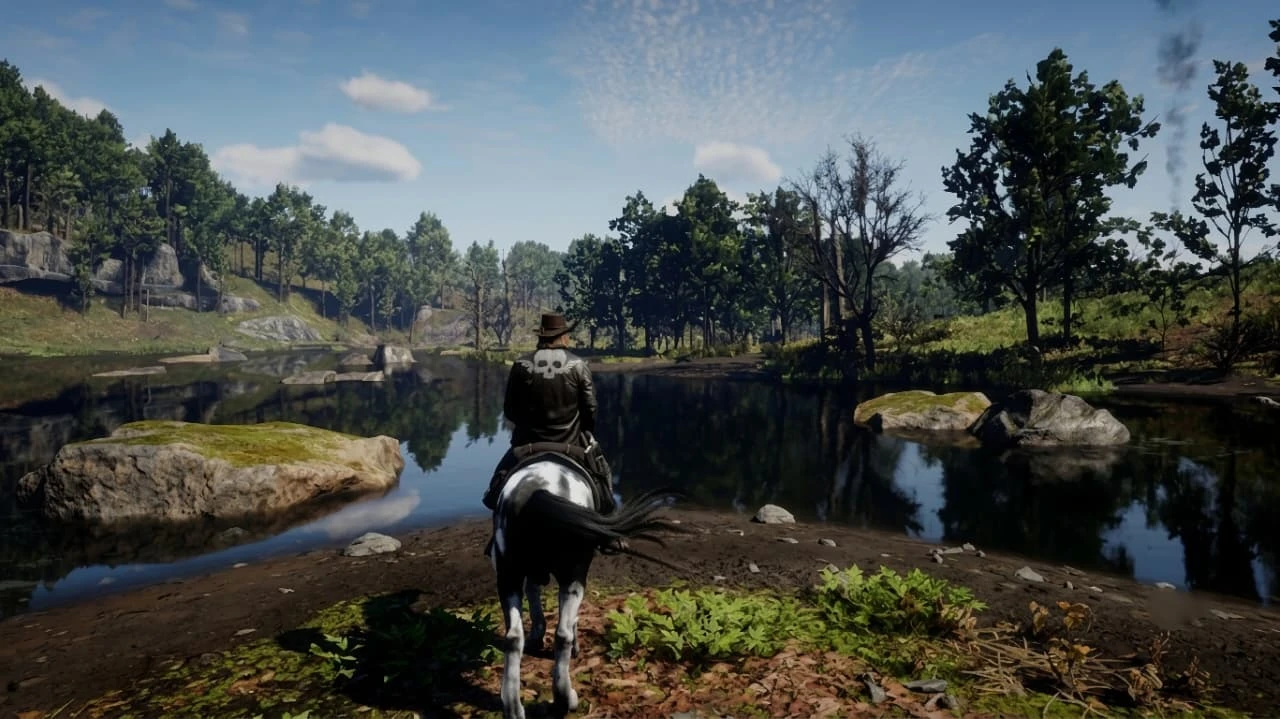
Helwo Realism
HelwoReShade is a custom ReShade preset that enhances colors, lighting, contrast, and sharpness while keeping performance smooth. Easy to install and designed for a clean, immersive visual experience. Support: duthkiq@gmail.com
 查看大图
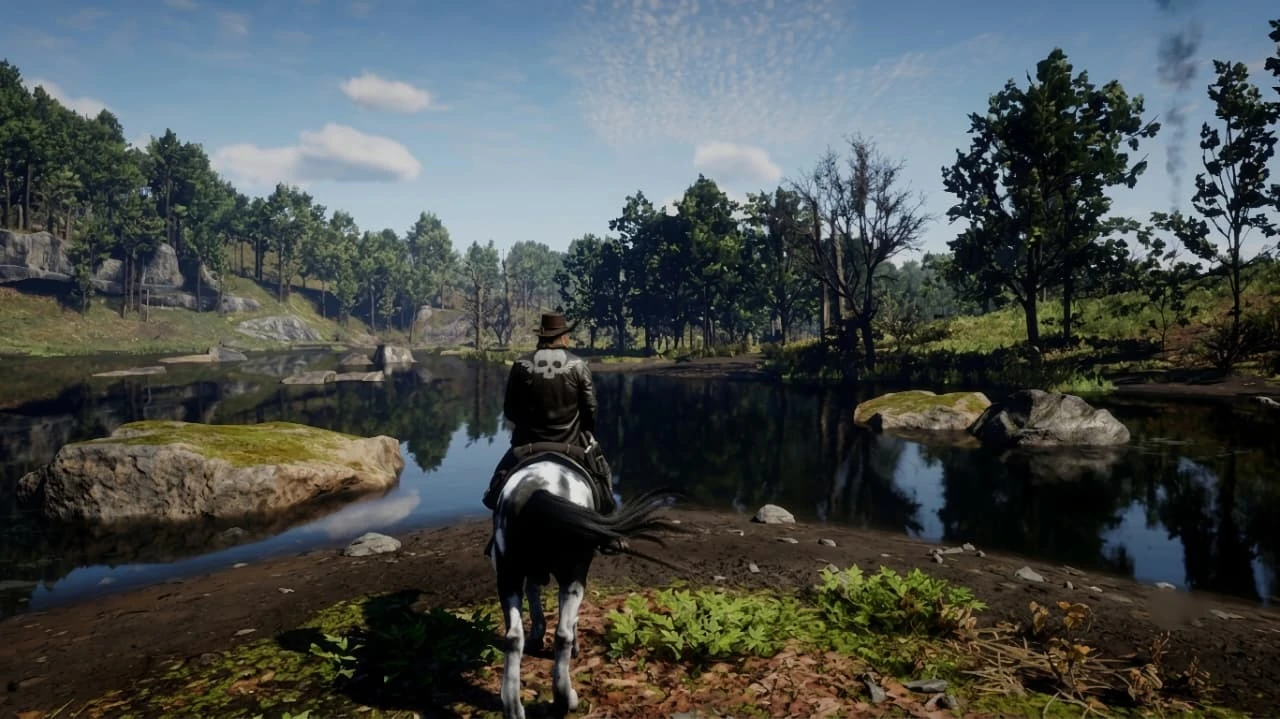
查看大图HelwoReShade is a custom ReShade preset created for Red Dead Redemption 2 to deliver a cleaner, sharper, and more immersive visual experience. It improves lighting, colors, contrast, and image clarity while preserving the game's original atmosphere. This preset is designed to create a cinematic look without significantly impacting performance.
---
Installation Instructions
1. Download and install the latest version of ReShade.
2. During installation, select Red Dead Redemption 2 (RDR2.exe).
3. Install the default shader packs recommended by ReShade.
4. Unzip the HelwoReShade archive to the Red Dead Redemption 2 installation folder.
5. Launch the game.
6. Open the ReShade overlay by pressing the Home button and select the HelwoReShade.ini file if it doesn't load automatically.
---
Key Features
- Improved color correction using natural tones.
- Improved lighting for a pleasant atmosphere.
- Improved contrast without suppressing shadows.
- Increased image sharpness.
- Cinematic visual style.
- Balanced settings for good performance.
- Easy installation and configuration.
---
Requirements
- Red Dead Redemption 2 (PC)
- Latest version of ReShade
- Standard ReShade shader packs are installed during installation.
No additional modifications are required.
---
Cheers
Special thanks to the ReShade development team for creating such a wonderful tool, and to the Red Dead Redemption 2 modding community for inspiration and feedback.
If you enjoy HelwoReShade, please leave a review or share screenshots. Your support is incredibly valuable to us!
For support or questions:
Email: duthkiq@gmail.com
正在加载版本记录…
正在加载评论…
评论在新手盒子客户端中发表,这里同步展示。