
移除提示消息
移除提示消息 移除进度消息
 查看大图
🧩 RemoveToastMessage 模组介绍
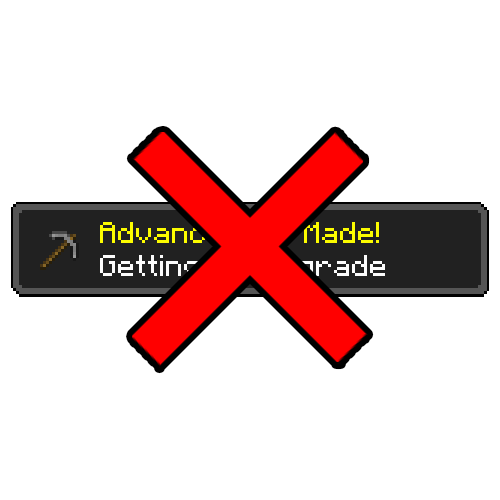
这是一个用于移除显示在画面右上角提示消息的模组。
✨ 主要功能
在 Minecraft 中,达成进度时默认会产生两种通知。
- 显示在画面右上角的提示弹窗
(进度达成、配方解锁、游戏时长提示等) - 显示在聊天栏中的进度达成消息
RemoveToastMessage 模组会禁用上述两种通知。
⚙️ 特点
- 进度会正常达成
- 奖励也会照常发放
- 仅仅是不显示通知
使用原版游戏规则很难完全关闭右上角的提示消息,
而使用此模组可以干净地隐藏这些消息。
此外,无需额外设置游戏规则,
进度达成消息也不会显示在聊天栏中。
🌍 English
🧩 RemoveToastMessage Mod Overview
A mod that removes toast messages displayed in the top-right corner of the screen.
✨ Features
In Minecraft, two types of notifications are triggered when you complete an advancement:
- Toast pop-ups shown in the top-right corner
(advancements, recipe unlocks, playtime notifications, etc.) - Chat messages announcing advancement completion
RemoveToastMessage disables both types of notifications.
⚙️ Details
- Advancements are still completed normally
- Rewards are fully preserved
- Only the notifications are removed
While it is difficult to completely disable toast messages using vanilla game rules,
this mod cleanly hides them.
Additionally, advancement messages will not appear in chat,
even without changing any game rules.
正在加载版本记录…
正在加载评论…
评论在新手盒子客户端中发表,这里同步展示。