
客户基础
将你的暂停菜单带入现实空间!
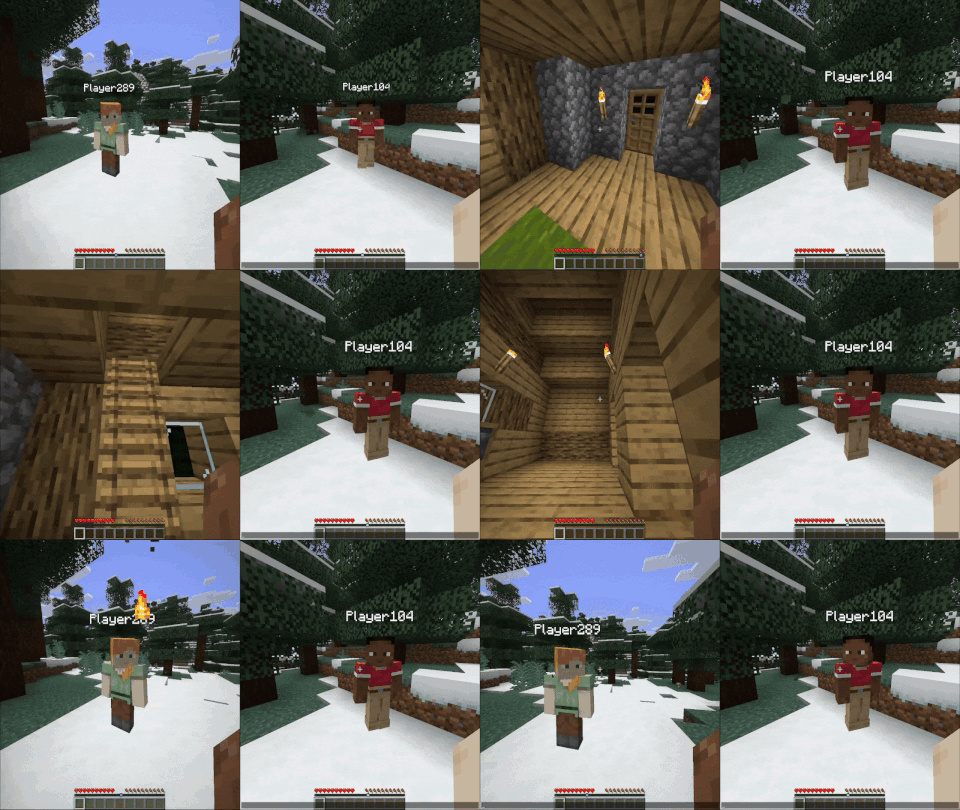 查看大图
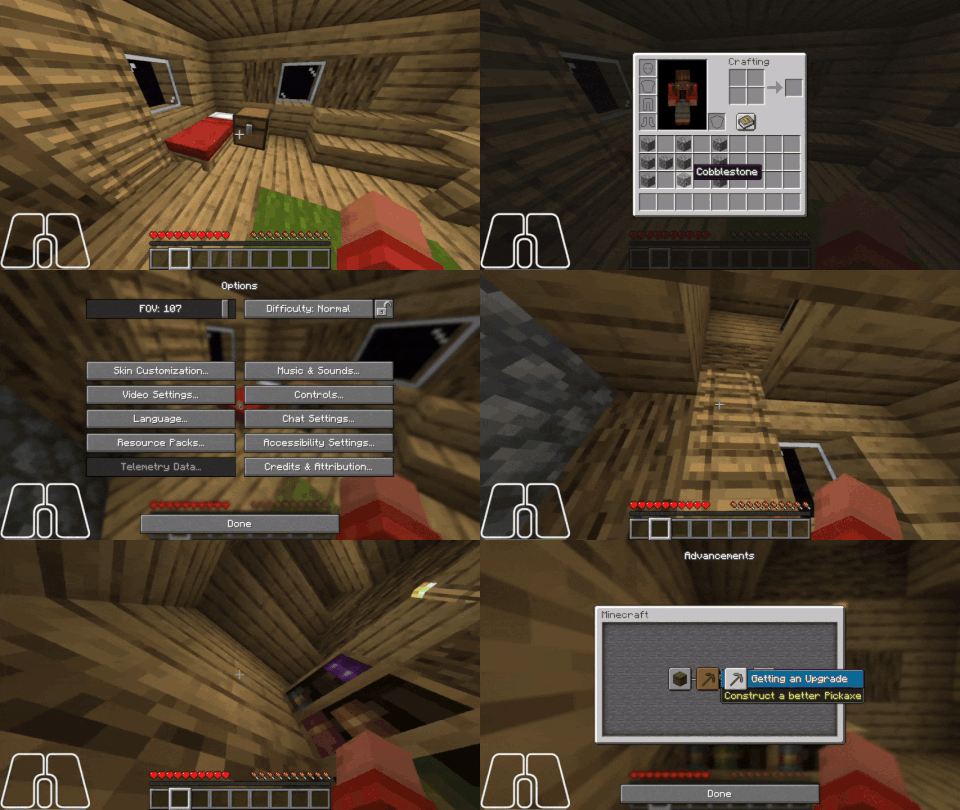
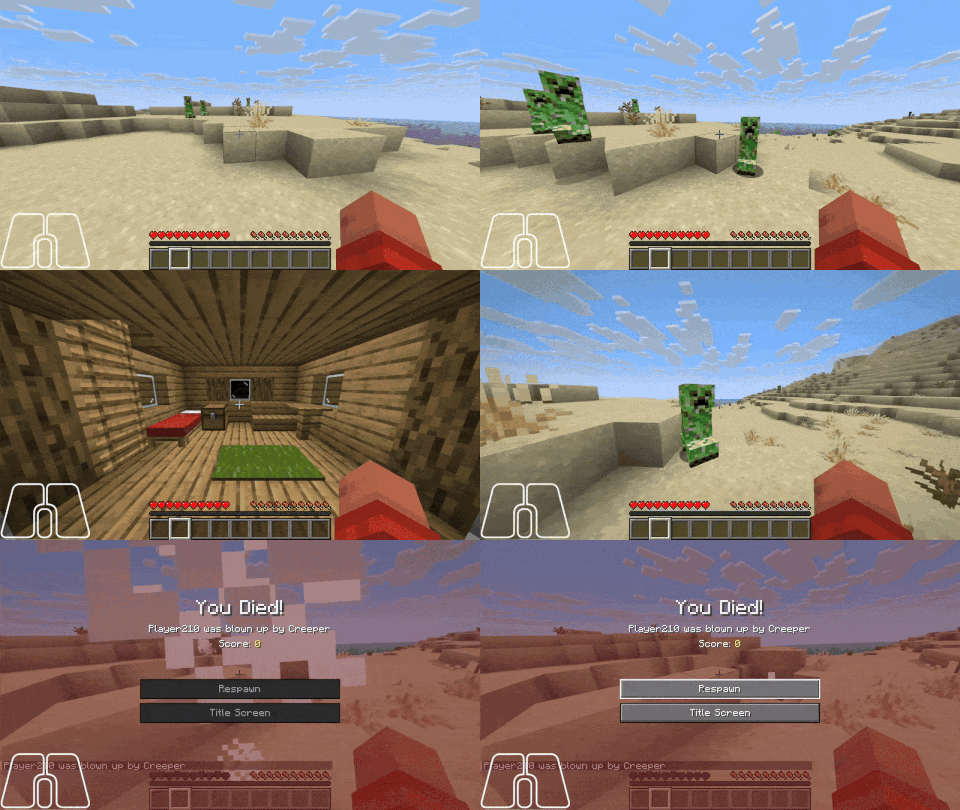
在 neo/forge 上需要 Connector 和 FFAPI。
仍处于预发布阶段
此模组仍处于预发布状态。这意味着:- 所有功能均可能变更
- 文档可能较为简略
- 暂无示例
为玩家提供一个仅客户端存在的房间,供依赖模组接入以实现特殊功能。
此模组新增了一个按键绑定和配置设置,允许用户暂停游戏——但不会出现菜单,而是会生成到一个房间中!只要配置和资源设置正确,这个房间可以容纳玩家想要的任何内容。
配置架构
基于 https://misode.github.io/ 的网页版配置生成器
MCDoc
dispatch minecraft:resource[clientbase:config] to struct ClientbaseConfig {
	config_format: 1,
	structure: StructureConfig,
	player_start?: PlayerStartConfig,
	renderers?: struct {
		[string]: RendererConfig,
	},
	interactions?: [InteractionConfig],
	easy_place?: [EasyPlaceConfig],
}

struct StructureConfig {
	structure: string,
	offset?: [int] @ 3,
}

struct PlayerStartConfig {
	offset?: [float] @ 3,
	pitch?: float,
	yaw?: float,
}

struct RendererConfig {
	type: RendererType,
	...clientbase:renderer[[type]],
}

enum(string) RendererType {
	FakeBlock = "fake_block",
	BlockEntity = "block_entity",
	BlockModel = "replace_state",
}

dispatch clientbase:renderer[fake_block] to struct FakeBlockRenderer {
	model: #[id="model"] string,
	hitbox?: [[float] @ 6],
}

dispatch clientbase:renderer[block_entity] to struct BlockEntityRenderer {
	renderer: #[id="renderer"] string,
	hitbox?: [[float] @ 6],
}

dispatch clientbase:renderer[replace_state] to struct BlockModelRenderer {
	model: #[id="model"] string,
	replace_state: struct {
		block: #[id="block"] string,
		state: string,
	},
}

struct InteractionConfig {
	type: InteractionType,
	...clientbase:interaction[[type]],
}

enum(string) InteractionType {
	BlockPos = "blockpos",
}

enum(string) InteractionId {
	Exit = "exit",
	Inventory = "inventory",
	Advancements = "advancements",
	Options = "options",
	VideoOptions = "video_options",
}

dispatch clientbase:interaction[blockpos] to struct BlockPosInteraction {
	interaction: InteractionId,
	blockpos: [int] @ 3,
}

struct EasyPlaceConfig {
	blockpos: [int] @ 3,
	renderer: string,
}
正在加载版本记录…
正在加载评论…
评论在新手盒子客户端中发表,这里同步展示。