
继续按钮 已继续
从主界面继续上次游玩的存档或服务器。继续按钮的续玩版本。
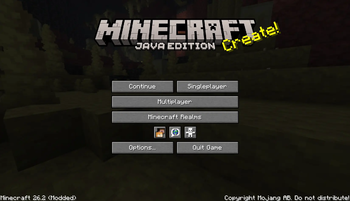 查看大图
Continue Button Continued


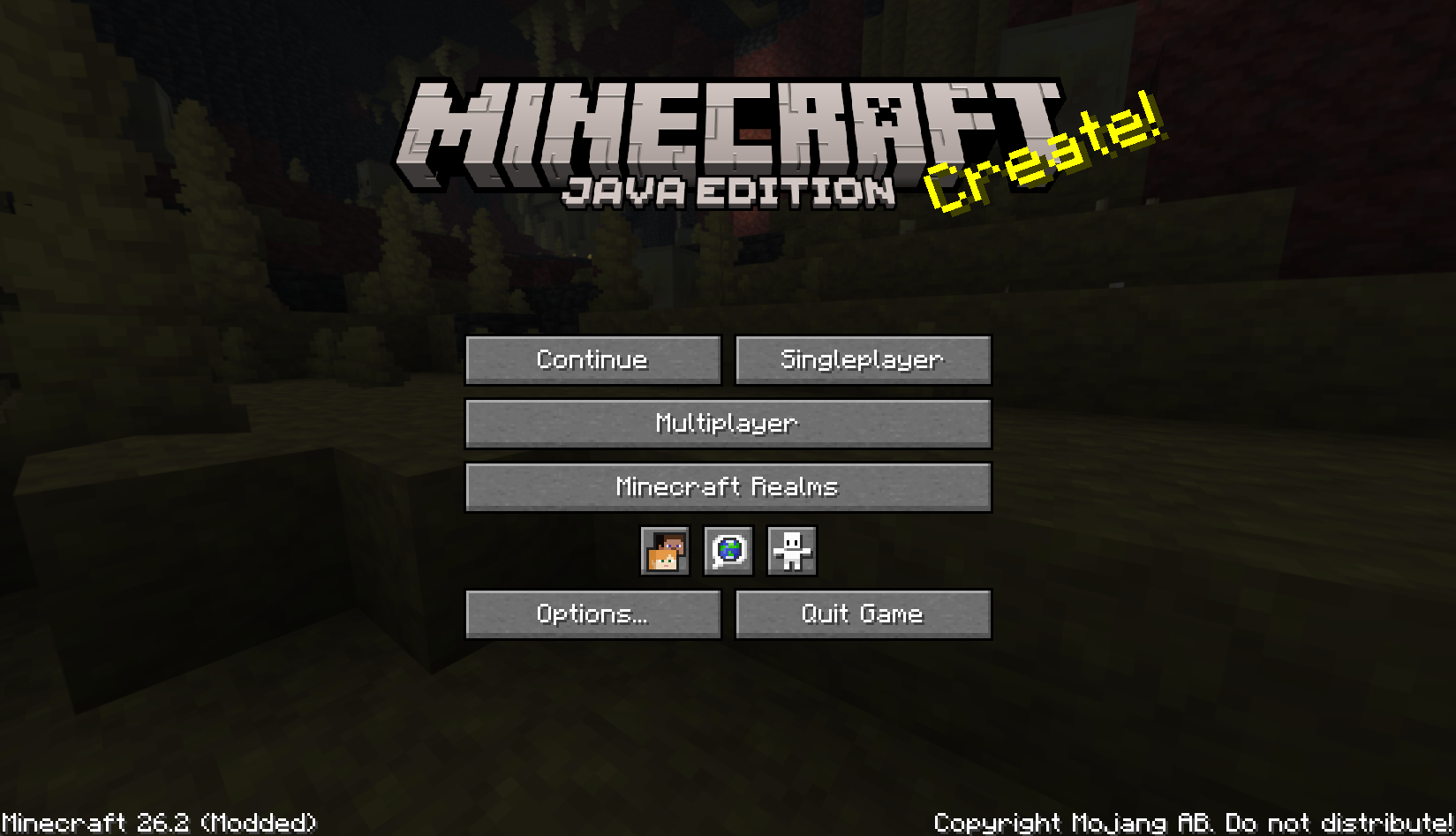
一个轻量的 Fabric 和 NeoForge 客户端模组,在 Minecraft 主菜单中添加一个紧凑的继续按钮。
Continue Button Continued 会记住你上次加入的单人世界或多人服务器,然后让你从标题界面一键返回。
功能
- 在主菜单中添加一个紧凑的继续按钮。
- 自动打开上次游玩的单人世界。
- 自动重新连接到上次加入的多人服务器。
- 当保存的目标不存在时,回退到世界/服务器选择界面。
- 为保存的世界或服务器显示有用的工具提示。
- 在显示状态工具提示之前,对上次的多人服务器进行 ping 检测。
- 尽可能将旧版
continuebutton配置迁移到continuebuttoncontinued。 - 仅客户端模组;服务器无需安装此模组。
- 包含多种语言的翻译。
安装
- 将 Continue Button Continued 的
.jar文件放入你的.minecraft/mods文件夹。 - 启动游戏,在主菜单使用继续按钮。
配置
模组将上次的目标存储在:
.minecraft/config/continuebuttoncontinued/config.properties
旧版 Continue Button 安装使用:
.minecraft/config/continuebutton/config.properties
首次启动时,Continue Button Continued 会尝试将旧版配置复制到新位置,以便现有用户保留其上次保存的世界或服务器。
致谢
Continue Button Continued 是 umollu 所开发的 Continue Button 的延续分支。
许可证
本项目采用 MIT 许可证。
原始 Continue Button 的版权声明保留在 LICENSE 中,延续项目的版权声明也已添加在其中。
正在加载版本记录…
正在加载评论…
评论在新手盒子客户端中发表,这里同步展示。