
米格尔·克拉特斯
为MiguelEconomy注入激动感,使用完全可自定义的动画战利品箱!为你的服务器创建独特的奖励系统
 查看大图
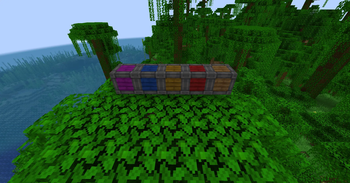
MiguelCrates
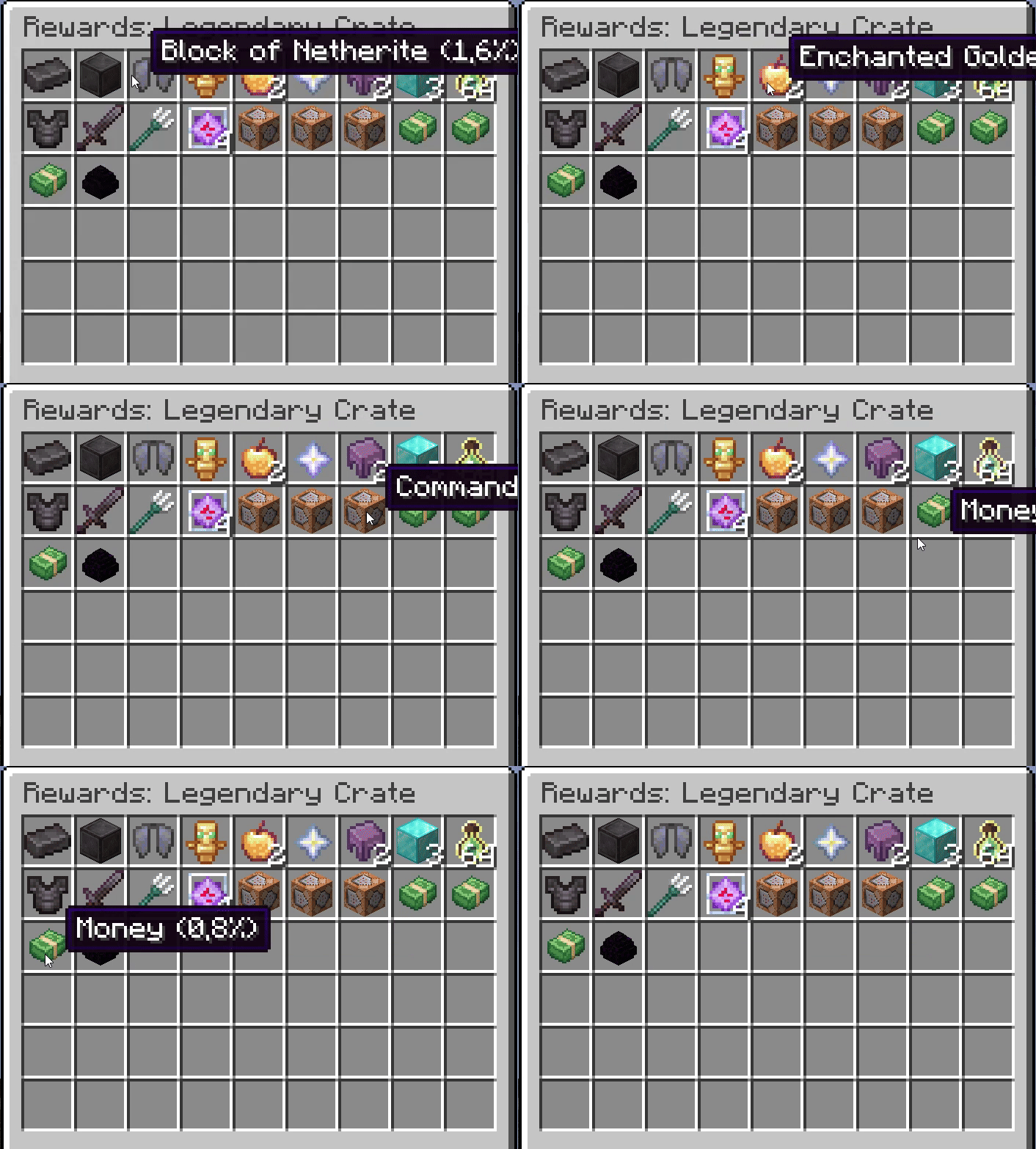
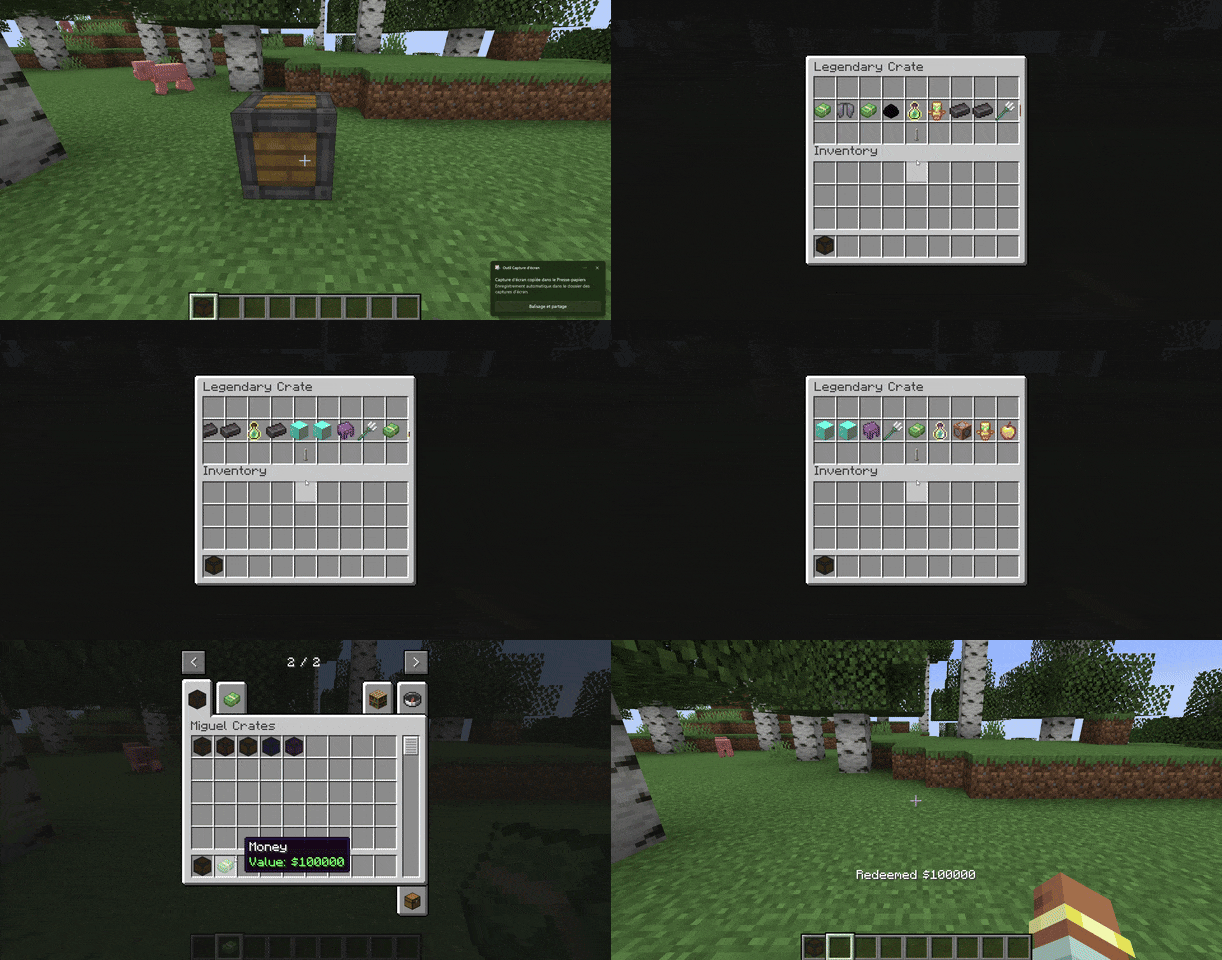
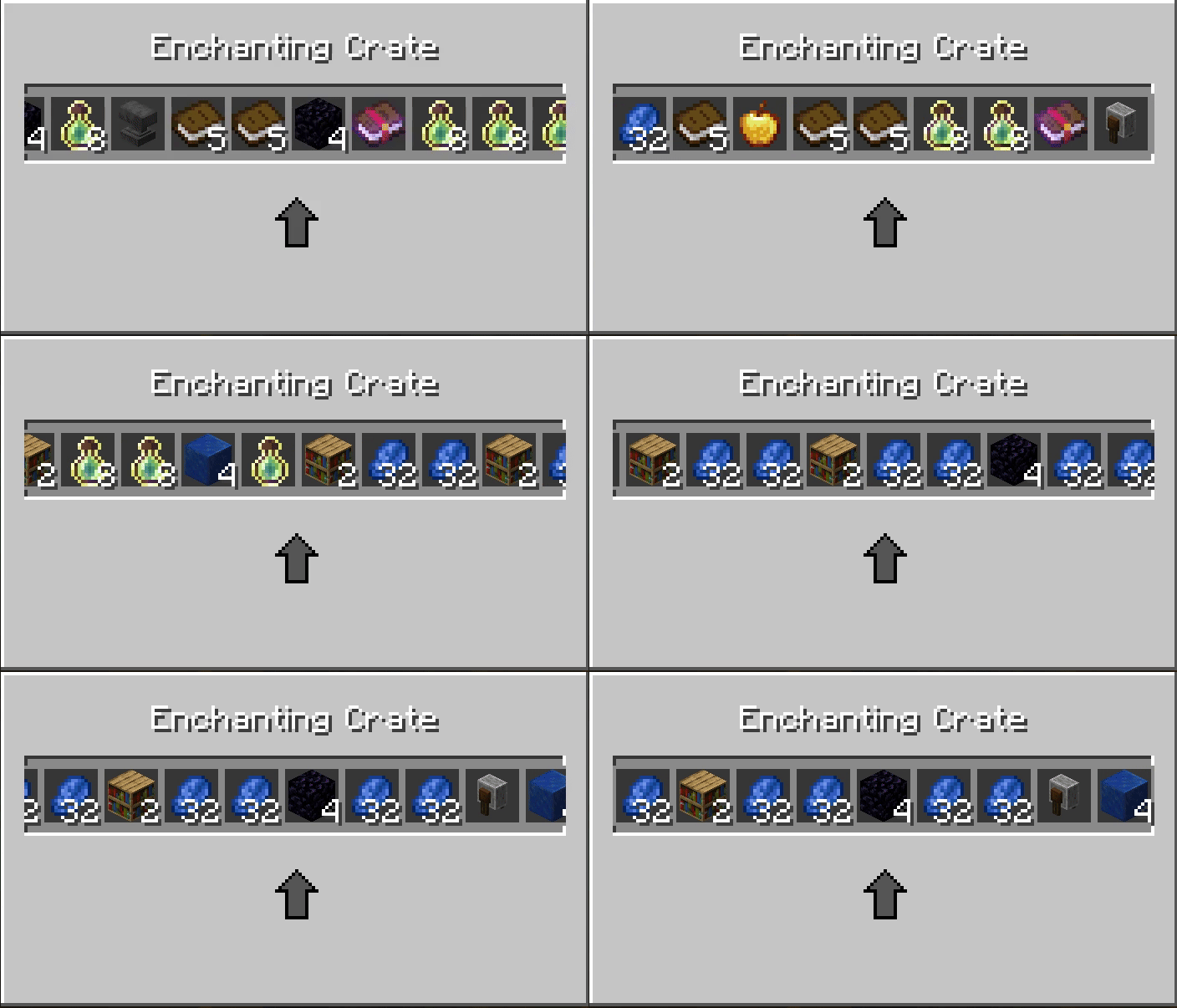
MiguelCrates 将简单的物品给予转变为一场活动。它为你的世界添加了完全动画化、激动人心的战利品箱,这些箱子与你的经济系统挂钩,让玩家不断回来“再来一次”。
如何创建你自己的自定义箱子
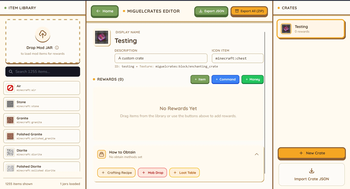
使用在线箱子构建器:https://miguel-economy-builder.vercel.app/crate-builder
或者
- 找到文件夹: 前往你服务器的配置文件夹(
config/migueleconomy/crates)。 - 复制粘贴: 取一个现有文件(如
common.json)并复制它。将其重命名为类似vip_crate.json。 - 编辑详细信息: 用任意文本编辑器(如记事本)打开它。
- 将名称改为“VIP Crate”。
- 选择一个纹理(颜色)来决定它的外观。
- 列出你的奖励: 只需输入你想要的物品(如
"minecraft:diamond")、给予数量以及稀有程度。 - 提示:你甚至可以让它执行命令(带有自定义图标!)或给予金钱。
- 重启: 重启服务器,你的新箱子就可以放置了!
完整箱子指南
创建和编辑箱子
MiguelCrates 使用 JSON 配置文件来定义箱子。这让你可以轻松创建新箱子或修改现有箱子,而无需更改模组代码。
位置
箱子配置文件位于 Minecraft 实例的 config/migueleconomy/crates/ 目录中。
- 服务器/客户端:
config/migueleconomy/crates/
每个箱子都是一个单独的 .json 文件。文件名决定了箱子的唯一 ID(例如,common.json -> common)。
箱子结构
箱子 JSON 文件的基本结构如下:
{
  "display_name": "My Custom Crate",
  "description": "A description of what's inside.",
  "icon": "minecraft:chest",
  "texture": "miguelcrates:block/common_crate",
  "rewards": [
    ...
  ],
  "obtain": {
    "sources": [
      ...
    ]
  }
}
字段
| 字段 | 类型 | 描述 |
|---|---|---|
display_name |
String | 在 GUI 和物品中显示的名称。 |
description |
String | 在工具提示中显示的描述文本。 |
icon |
String | 用于表示箱子的物品 ID(例如,minecraft:chest)。 |
texture |
String | 自定义渲染器的纹理路径(通常为 miguelcrates:block/<name>)。 |
rewards |
List | 可能奖励的列表(见下文)。 |
obtain |
Object | (可选)定义玩家如何获得此箱子(见下文)。 |
简化附魔(推荐)
你可以使用 enchantments 块为物品添加附魔,而无需使用复杂的 NBT 字符串。这适用于书和工具。
{
    "item": "minecraft:enchanted_book",
    "quantity": 1,
    "enchantments": {
        "minecraft:sharpness": 5,
        "minecraft:unbreaking": 3
    },
    "weight": 10
}
高级 NBT
对于更复杂的数据(属性、名称等),你仍然可以使用 nbt 字段。
{
    "item": "minecraft:diamond_sword",
    "nbt": "{display:{Name:'{\"text\":\"Excalibur\"}'}}",
    "weight": 5
}
奖励
rewards 列表包含定义玩家可以赢取什么的对象。
"rewards": [
  {
    "item": "minecraft:diamond",
    "quantity": 2,
    "weight": 10
  },
  {
    "command": "give @p minecraft:stone 64",
    "weight": 50
  },
  {
    "item": "minecraft:experience_bottle",
    "command": "xp add @p 5 levels",
    "weight": 10
  },
  {
    "item": "migueleconomy:money",
    "nbt": "{MoneyValue:100L}",
    "weight": 20
  }
]
item:物品的资源位置(例如,minecraft:iron_sword)。如果与command一起使用,它将作为图标。command:要执行的命令。使用@p代表打开箱子的玩家。name:(可选)奖励的自定义显示名称(例如“5 Levels of XP”)。quantity:(可选,默认 1)给予的物品数量。nbt:(可选)物品的 NBT 数据字符串。weight:概率权重。权重越高 = 概率越高。- 概率 =
权重 / 所有奖励的总权重
- 概率 =
获取方式
obtain 部分定义了箱子如何在世界中生成。它包含一个 sources 列表。
1. 合成(craft)
允许玩家在工作台中合成箱子。
{
  "type": "craft",
  "recipe": {
    "type": "minecraft:crafting_shaped",
    "category": "misc",
    "pattern": [
      "AAA",
      "ABA",
      "AAA"
    ],
    "key": {
      "A": { "item": "minecraft:planks" },
      "B": { "item": "minecraft:chest" }
    },
    "result": {
      "id": "miguelcrates:crate",
      "count": 1,
      "components": {
        "minecraft:custom_data": { "CrateId": "your_crate_id" }
      }
    }
  }
}
2. 生物掉落(kill)
当特定实体被杀死时掉落。
{
  "type": "kill",
  "entity": "minecraft:zombie",
  "chance": 0.05
}
entity:实体 ID(例如,minecraft:creeper、minecraft:ender_dragon)。chance:从 0.0 到 1.0 的概率(0.05 = 5%)。
3. 战利品表(loot_table)
将箱子注入原版战利品表(箱子)。
{
  "type": "loot_table",
  "id": "minecraft:chests/simple_dungeon",
  "chance": 0.1
}
id:要注入的战利品表 ID。chance:箱子出现在箱子中的概率。
示例文件(example.json)
{
  "display_name": "Example Crate",
  "description": "An example configuration.",
  "icon": "minecraft:barrel",
  "texture": "miguelcrates:block/common_crate",
  "rewards": [
    {
      "item": "minecraft:apple",
      "quantity": 5,
      "weight": 50
    },
    {
      "item": "minecraft:golden_apple",
      "weight": 10
    }
  ],
  "obtain": {
    "sources": [
      {
        "type": "kill",
        "entity": "minecraft:skeleton",
        "chance": 0.02
      }
    ]
  }
}
游戏内命令(管理员)
使用这些命令来管理箱子。
给予一个箱子
/miguelcrates give <player> <crate_id> [amount]
- 示例 1(给自己一个稀有箱子):
/miguelcrates give @p rare - 示例 2(给一个玩家 5 个普通箱子):
/miguelcrates give PlayerName common 5
恢复默认箱子
/miguelcrates default <name|all>
- 恢复缺失或删除的默认箱子。
- 示例:
/miguelcrates default all(恢复所有 20+ 个主题箱子) - 示例:
/miguelcrates default miner(仅恢复 Miner 箱子)
重新加载配置
/miguelcrates reload
- 如果你在服务器运行时编辑了 JSON 文件,刷新模组。
打开菜单(快捷方式)
/crates、/crate 或 /box

正在加载版本记录…
正在加载评论…
评论在新手盒子客户端中发表,这里同步展示。