
NextSpace
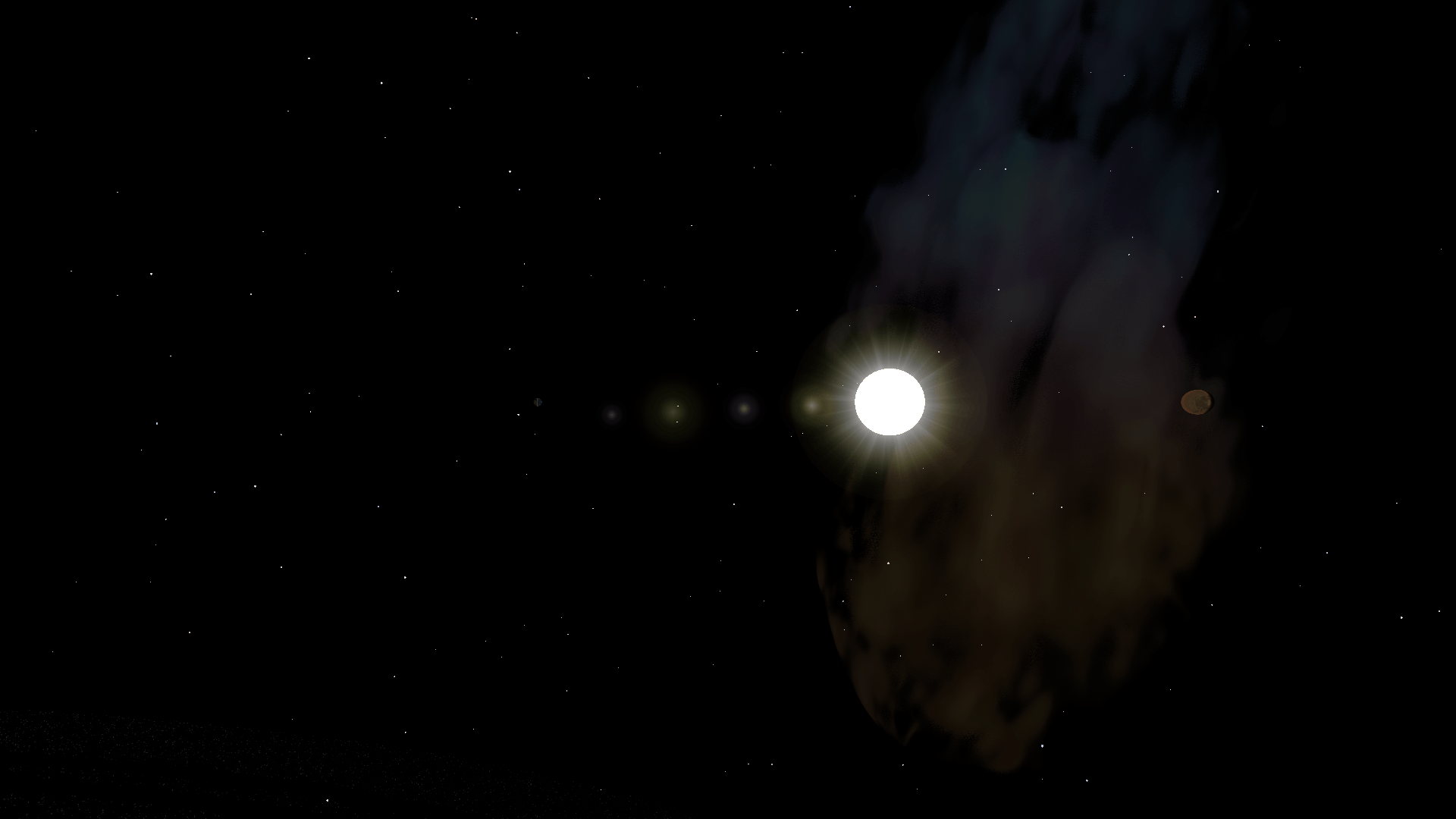
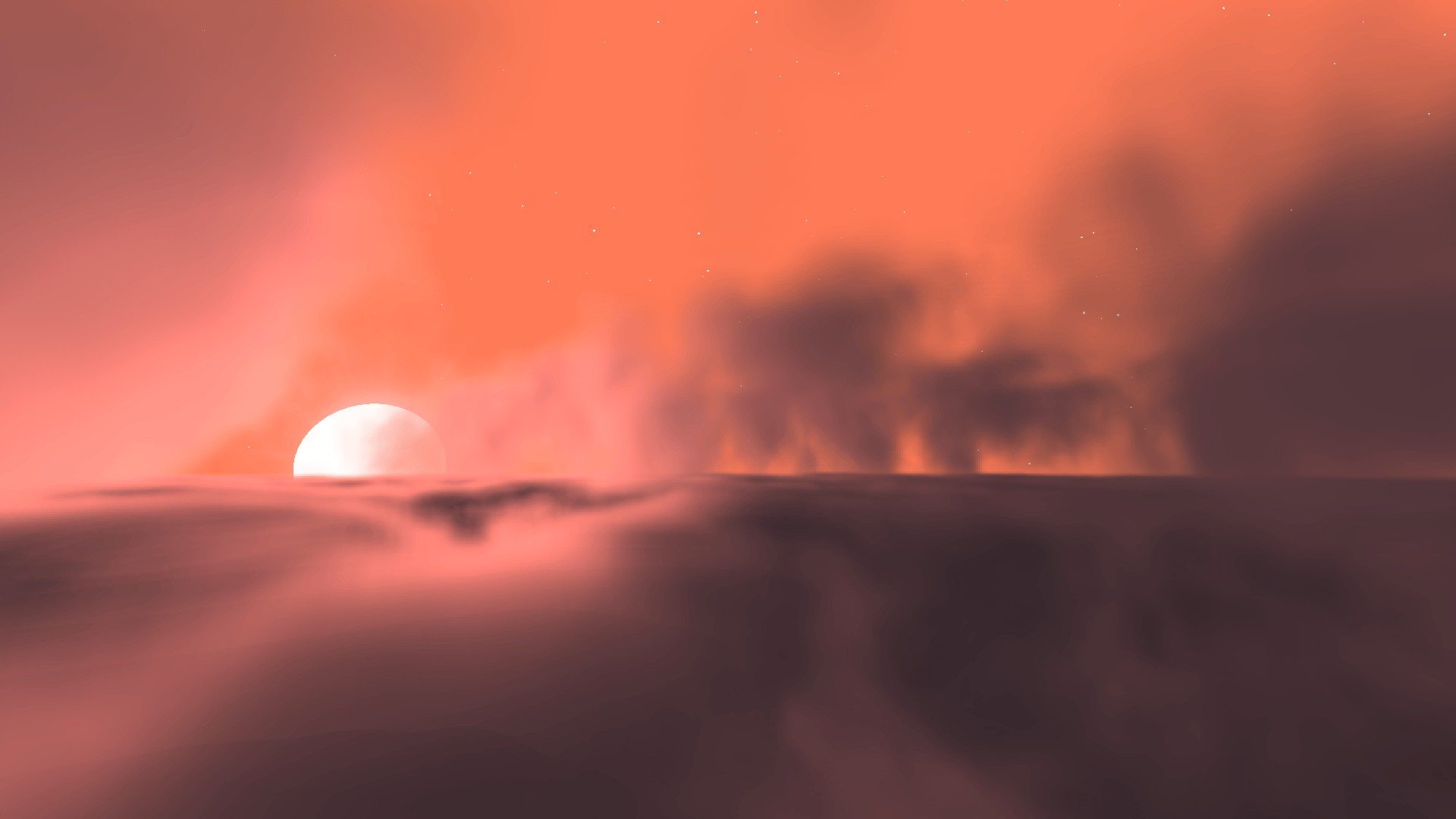
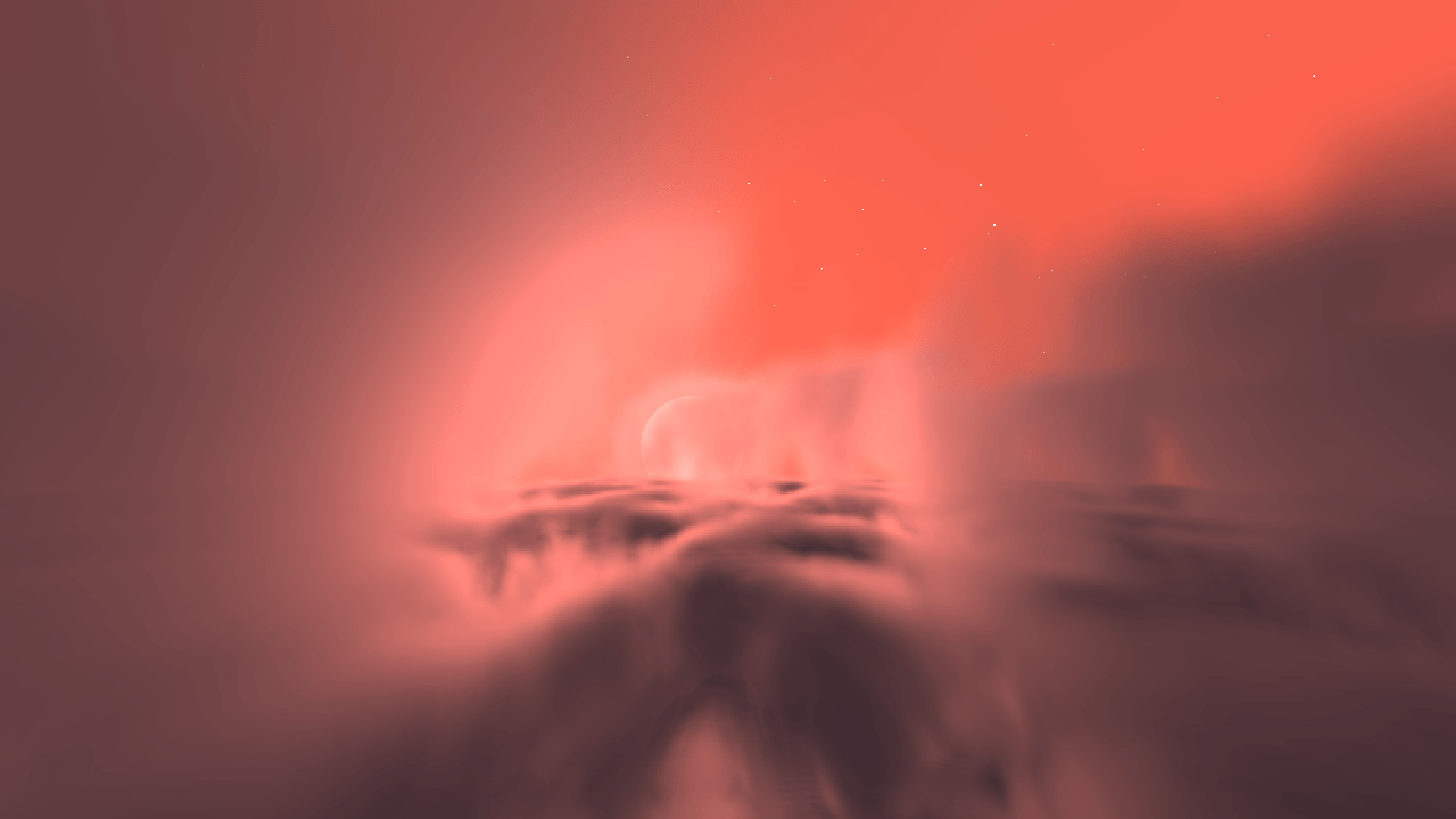
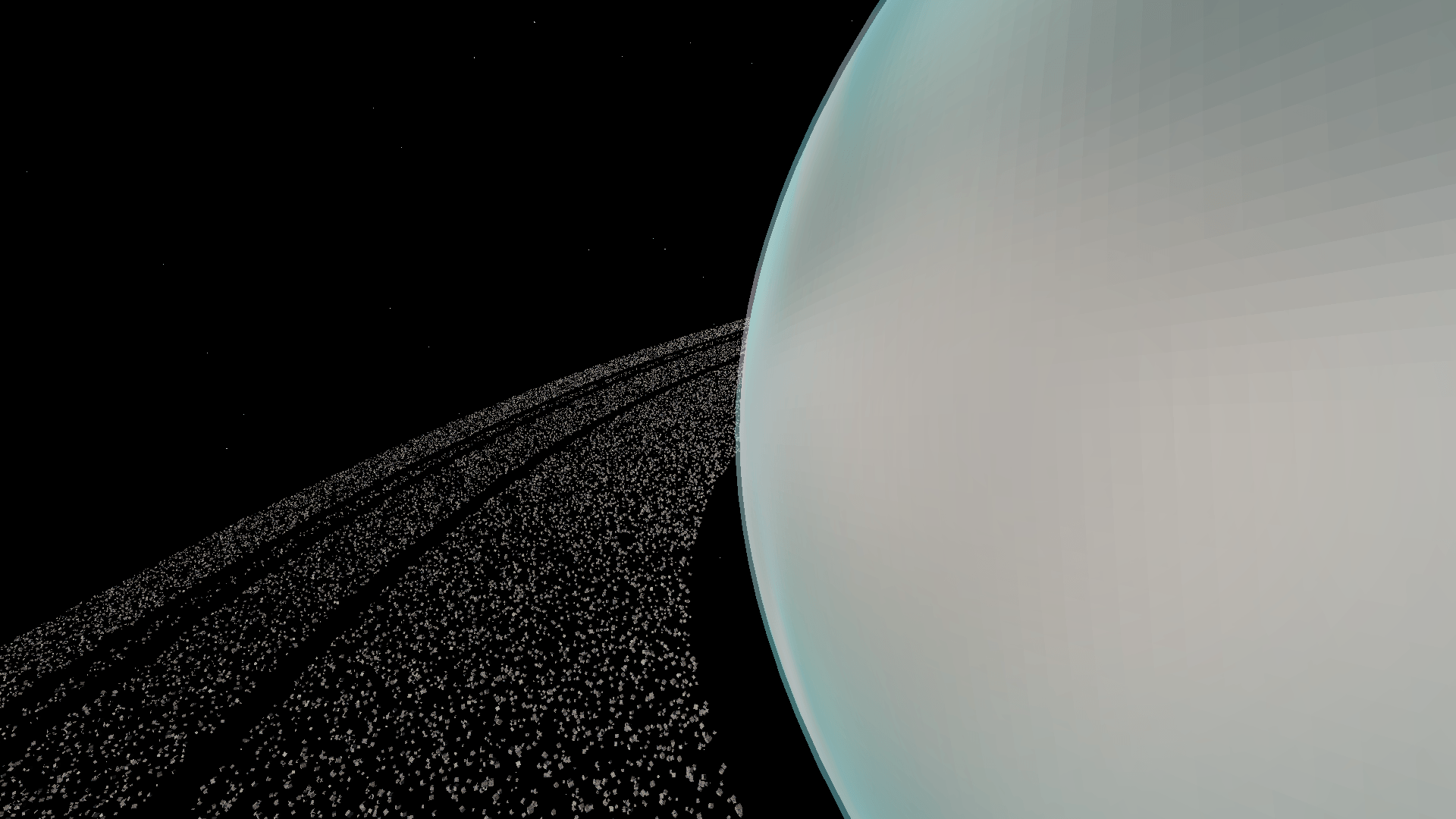
极早期alpha版本!—— 一个包含卫星和新世界的太空模组。探索行星,无缝飞入太空,并使用Create Aeronautics建造功能性航天器。
 查看大图
#pre-alpha v0.0.1

我知道……又一个太空模组。
是的,我知道,Minecraft 已经有很多优秀的太空模组了。
但这个模组并不是要成为它们中任何一个的复制品。它只是我的一个小型趣味项目,我可以在其中进行实验、将自己的想法变为现实,并在此过程中享受乐趣。
我主要是在 AI 的帮助下为自己开发这个模组,但我也很乐意与大家分享这个项目。欢迎下载、试一试,享受其中的乐趣——或者不试。
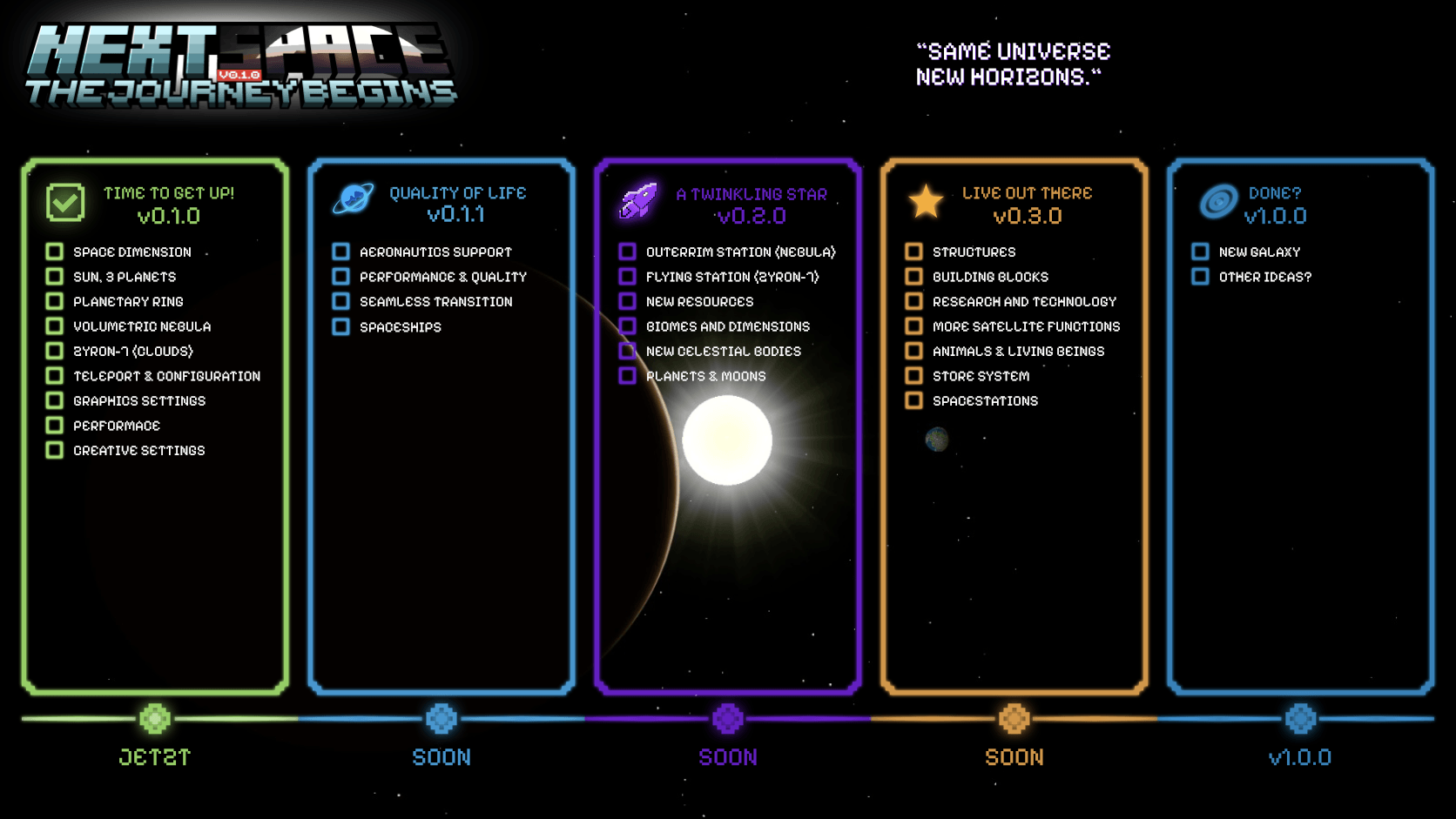
我已经有很多未来想要添加的想法。如果你有任何建议、愿望或疯狂的想法,欢迎留言!也许你的想法会出现在模组中。
玩得开心,发挥创意,最重要的是……
爱你们所有人!❤️🌌
依赖项:
- Create
- PowerGrid
- Create Aeronautics
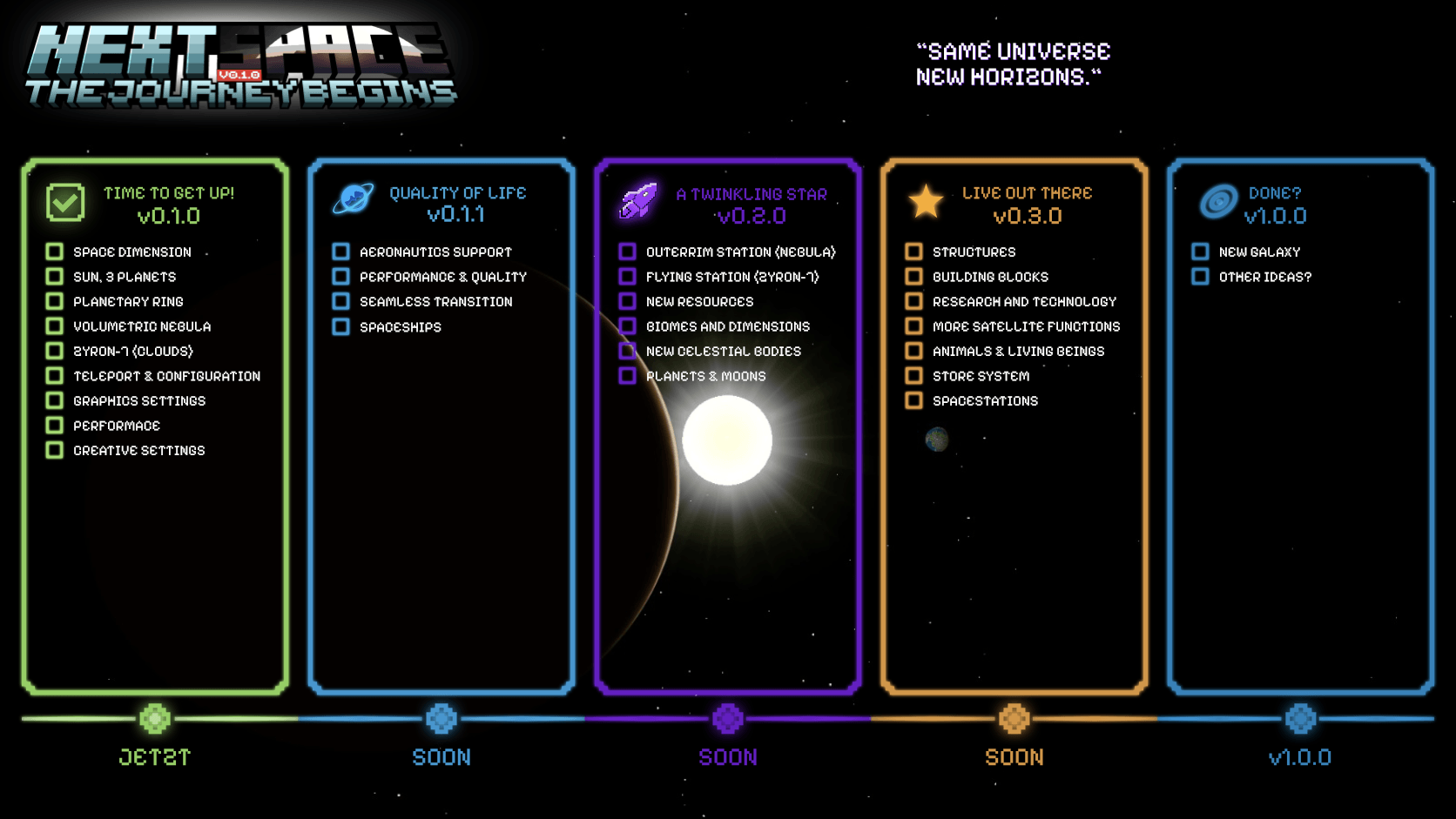
NextSpace – 快速指南
行星
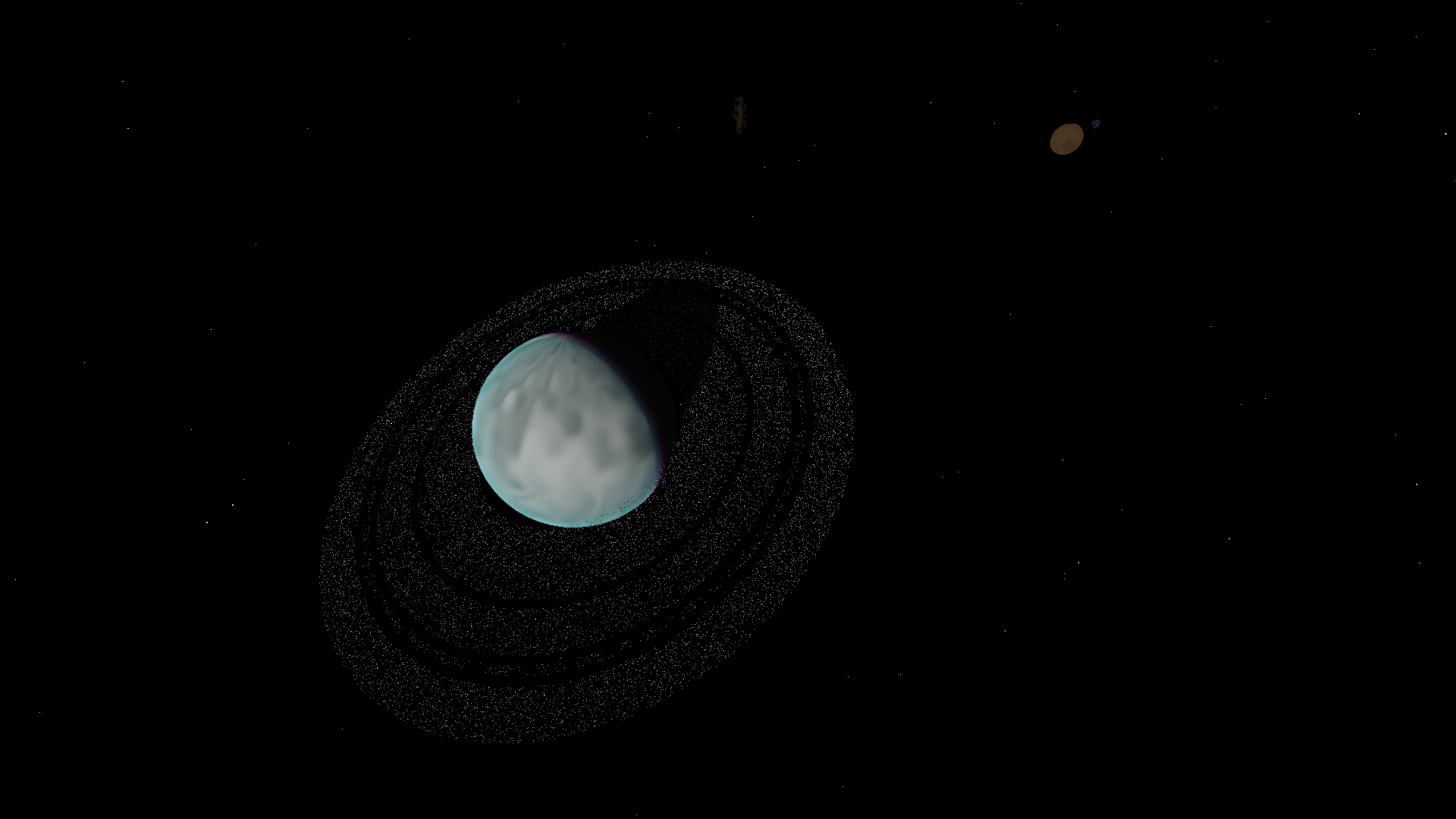
NextSpace 目前包含以下天体:
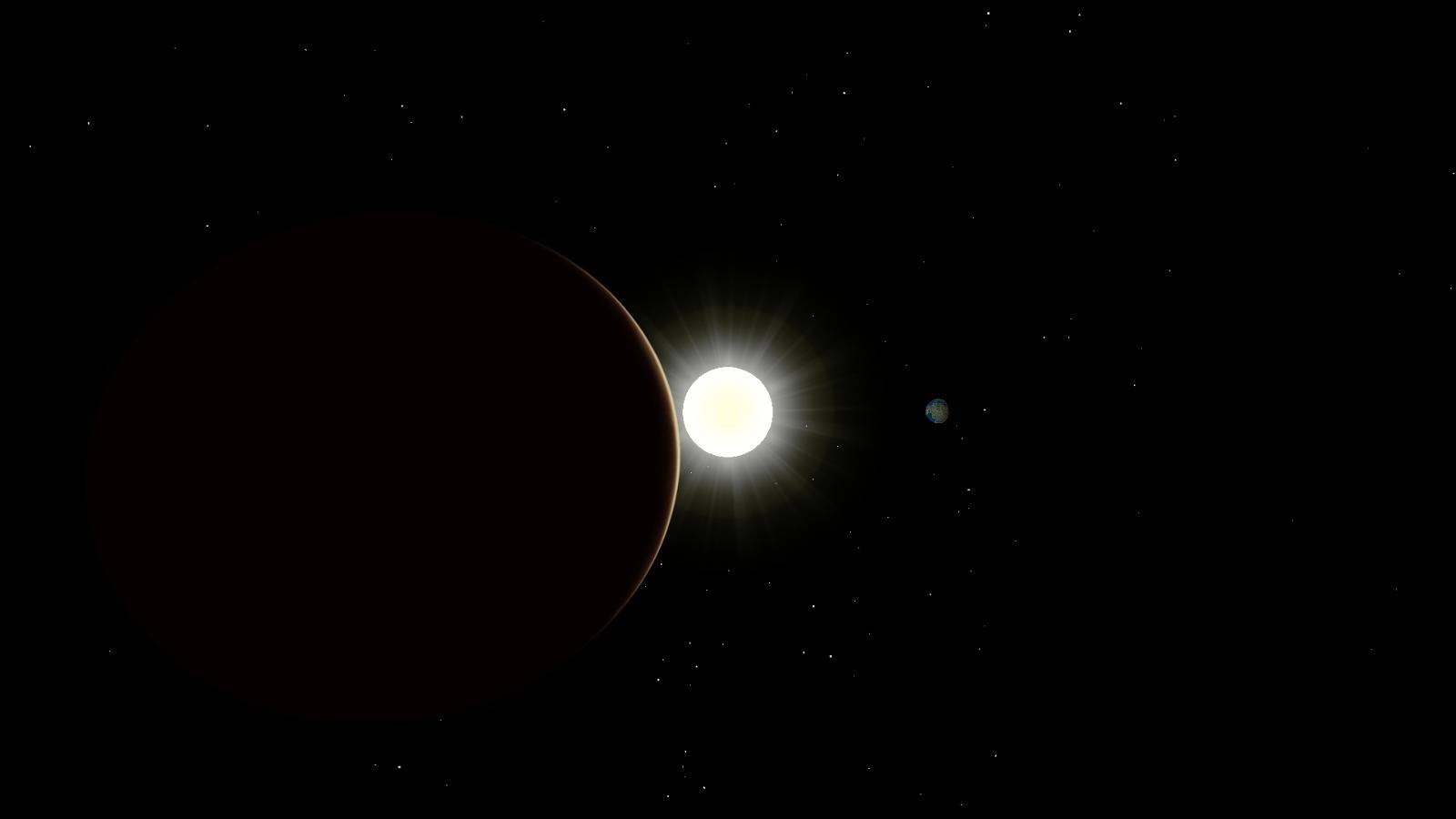
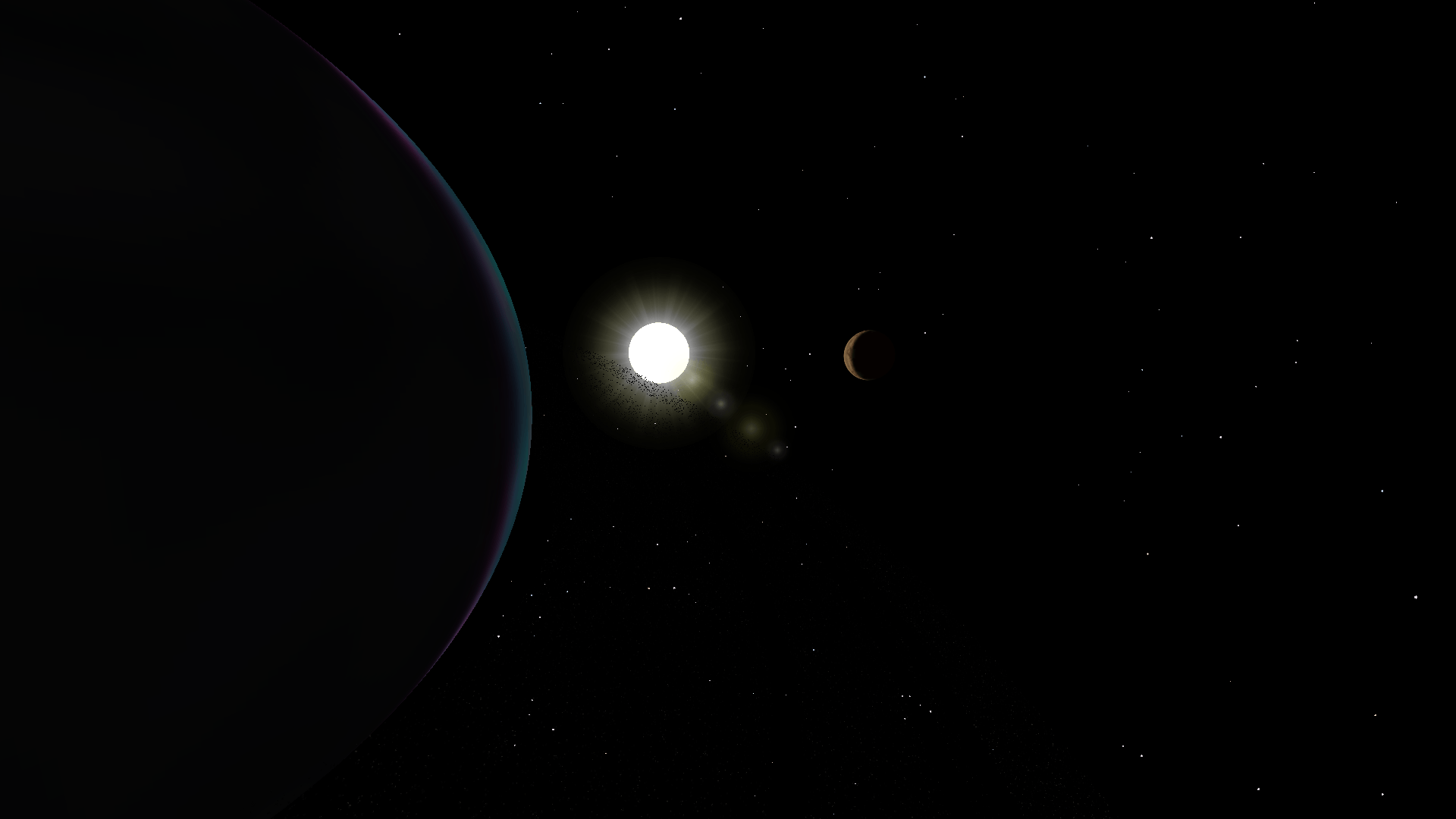
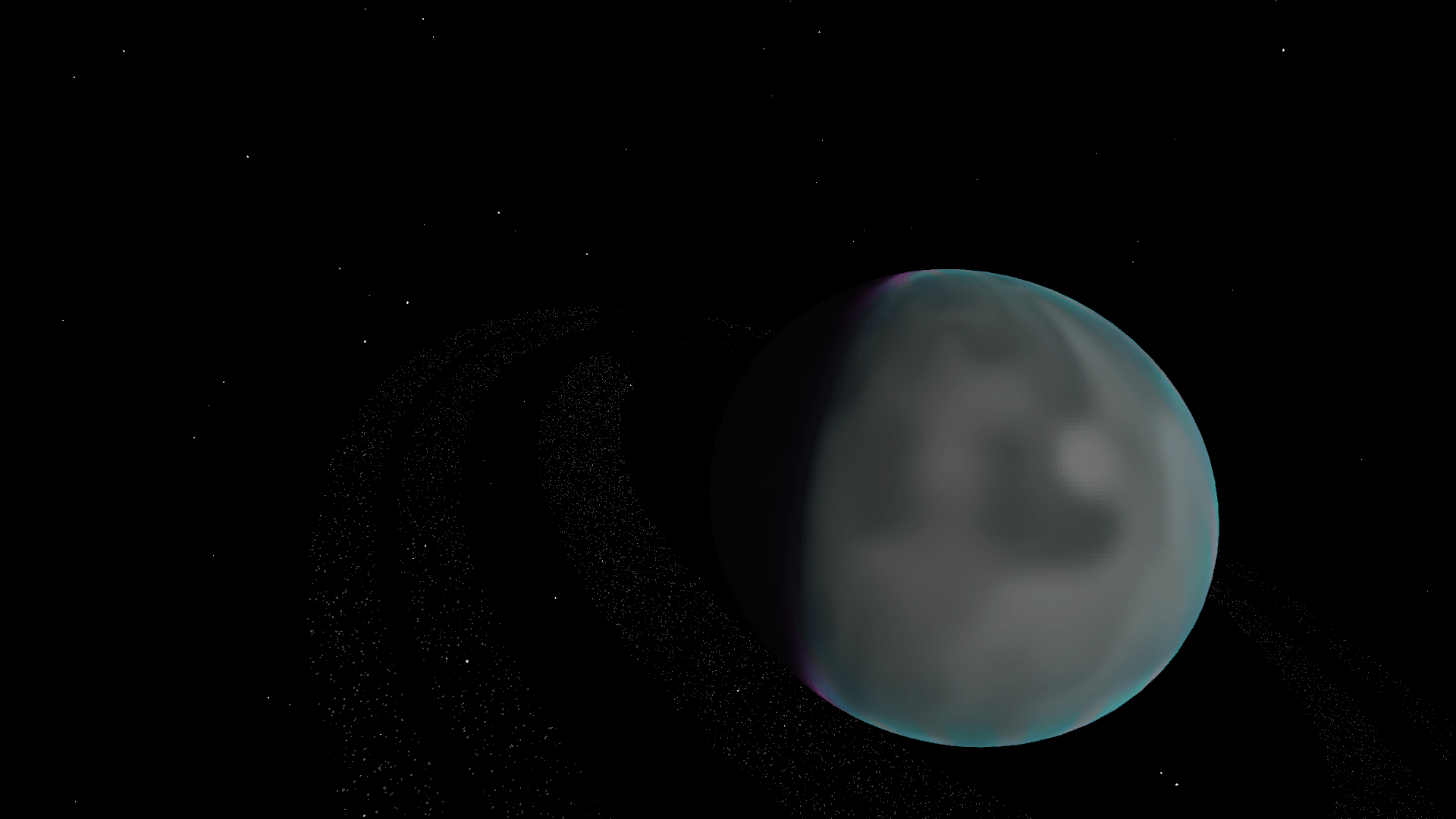
太阳 地球 Zyron-7 带环行星
太空中还存在一个体积星云。
维度
minecraft:overworld 地球表面。
nextspace:space 主太空维度。
nextspace:zyron_7 Zyron-7 的表面维度。
卫星轨道位于太空维度内。
建造卫星
卫星必须建造为有效的 Sable / Create Aeronautics 装置。
基础卫星需要:
- 卫星控制器
- 至少 1 个推进器
- 至少 1 个 Power Grid 太阳能板
- 至少 1 个 Power Grid 电池
- 至少 1 个卫星模块
- 至少 1 个天线
可选模块包括:
- 通信模块
- 遥测模块
- GPS 模块
- 测绘模块
- 矿石扫描模块
- 气象模块
建造完卫星后,将其组装为 Sable / Create Aeronautics 装置。
卫星必须位于 nextspace:space 内。
将卫星连接到终端
在地球或 Zyron-7 上放置卫星终端。
终端会自动创建一个卫星网络。
Shift + 右键点击卫星终端。
这会激活终端的连接模式。
将卫星移动到正确的轨道。
地球上的终端要求卫星位于地球轨道内。
Zyron-7 上的终端要求卫星位于 Zyron-7 轨道内。
前往卫星处,Shift + 右键点击卫星控制器。
控制器会检查:
- 正确的轨道
- 正确的维度
- 有效的 Sable / Create Aeronautics 装置
- 推进器
- 太阳能板
- 电池
- 模块
- 天线
如果一切有效,卫星将被注册到卫星网络。
再次 Shift + 右键点击卫星控制器以激活卫星。
卫星随后应出现在卫星终端中。
传送命令
/nextspace tp sun
/nextspace tp earth
/nextspace tp zyron-7
/nextspace tp ringed-planet
/nextspace tp nebula
行星配置命令
显示当前配置:
/nextspace config sun
/nextspace config earth
/nextspace config zyron_7
/nextspace config ringed_planet
修改行星设置:
/nextspace config radius
/nextspace config rotationSpeed
/nextspace config orbitSpeed
/nextspace config orbitRadius
/nextspace config atmosphereRadius
/nextspace config orbitZoneRadius
太阳光照
/nextspace config sun lightStrength
/nextspace config sun lightRange
行星环命令
显示行星环配置:
/nextspace config ring <1-15>
修改环距离:
/nextspace config ring <1-15> distance
修改环宽度:
/nextspace config ring <1-15> width
修改环密度:
/nextspace config ring <1-15> density <0-5000>
修改环厚度:
/nextspace config ring <1-15> thickness
启用或禁用环:
/nextspace config ring <1-15> enabled <true|false>
星云命令
显示当前星云设置:
/nextspace config nebula
修改位置:
/nextspace config nebula x
/nextspace config nebula y
/nextspace config nebula z
修改大小:
/nextspace config nebula size
修改亮度:
/nextspace config nebula brightness
修改密度:
/nextspace config nebula density
修改旋转:
/nextspace config nebula rotationX
/nextspace config nebula rotationY
/nextspace config nebula rotationZ
维度过渡命令
显示过渡设置:
/nextspace config transition
地球到太空预览高度:
/nextspace config transition overworldSpacePreviewY
地球到太空过渡高度:
/nextspace config transition overworldSpaceEntryY
Zyron-7 到太空预览高度:
/nextspace config transition zyronSpacePreviewY
Zyron-7 到太空过渡高度:
/nextspace config transition zyronSpaceEntryY
图形命令
显示图形设置:
/nextspace graphics
图形预设:
/nextspace graphics low
/nextspace graphics medium
/nextspace graphics high
/nextspace graphics ultra
单独图形选项:
/nextspace graphics nebula <true|false>
/nextspace graphics atmospheres <true|false>
/nextspace graphics sunLensFlare <true|false>
/nextspace graphics stars <true|false>
/nextspace graphics shootingStars <true|false>
/nextspace graphics distanceLod <true|false>
性能命令
显示内存和性能信息:
/nextspace perf memory
重置 NextSpace 客户端渲染缓存:
/nextspace perf resetCaches
卫星传送命令
将玩家传送到卫星:
/nextspace satellite tp
/nextspace satellite teleport
替代命令:
/createsatellite tp
/createsatellite teleport
卫星终端命令
授权玩家:
/createsatellite terminal authorize
移除授权:
/createsatellite terminal revoke
显示已注册的卫星:
/createsatellite terminal satellites
重命名卫星:
/createsatellite terminal rename
从网络中移除卫星:
/createsatellite terminal remove
卫星网络命令
显示可用的卫星网络:
/createsatellite network
检查通信路由:
/createsatellite network route
聊天命令
显示聊天配置:
/createsatellite chat status
启用或禁用全局聊天:
/createsatellite chat global <true|false>
启用或禁用卫星聊天:
/createsatellite chat satellite <true|false>
修改本地聊天半径:
/createsatellite chat radius <1-1024>
调试命令
调试你正在查看的卫星终端:
/createsatellite debug terminal
调试你正在查看的卫星:
/createsatellite debug satellite
显示所有已存储的卫星网络:
/createsatellite debug networks
正在加载版本记录…
正在加载评论…
评论在新手盒子客户端中发表,这里同步展示。