KineticDamage
一个高度可配置的Minecraft模组,根据动能调整伤害和击退。
 查看大图
查看大图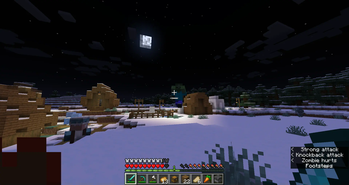
KineticDamage
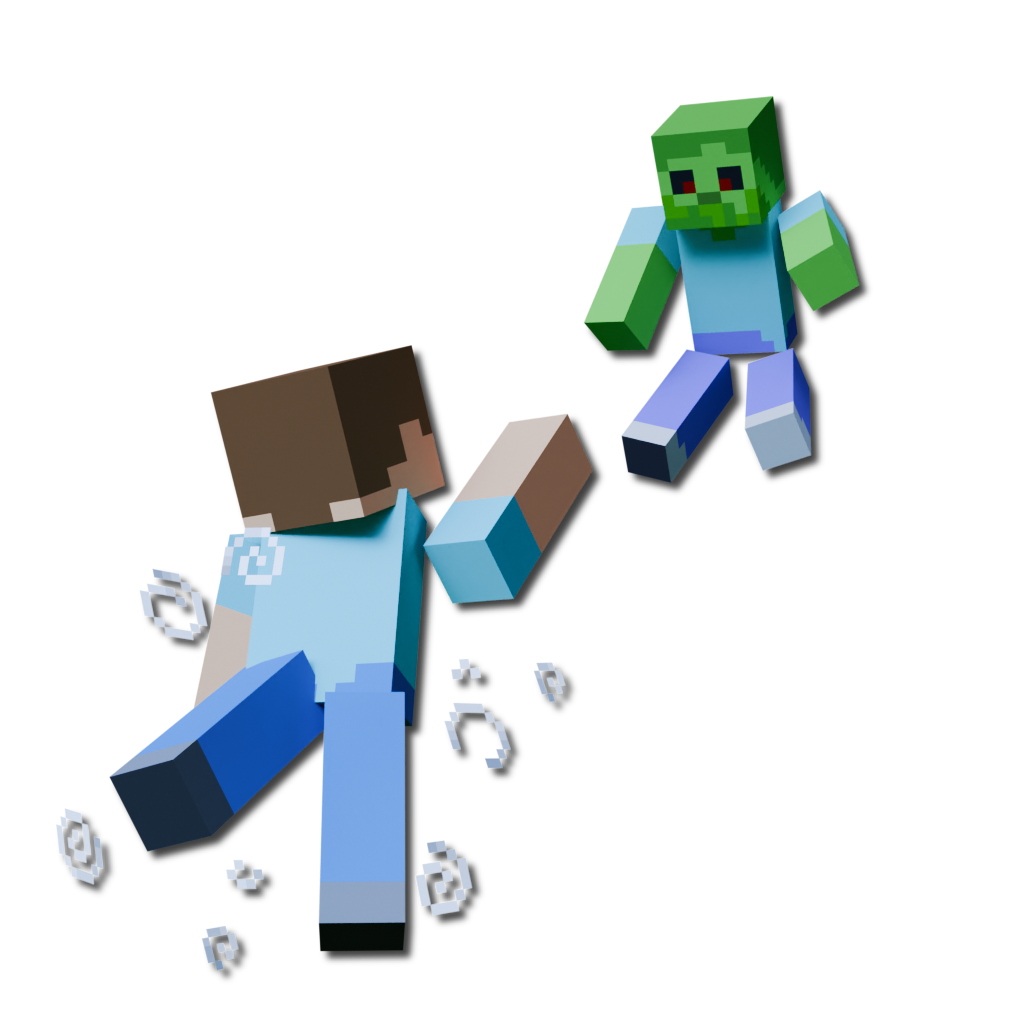
一个易于使用、高度可配置的 Minecraft 模组,通过根据动能缩放伤害和击退,为战斗带来更多真实感。
该模组仍在开发中,许多新功能仍在计划中!这是我的第一个模组,希望你觉得有用! 如果你有功能建议或发现了漏洞,请创建一个 issue 或在 Discord 上给我发消息!(用户名:o7q)😊
✨ 功能
⚔️ 伤害缩放
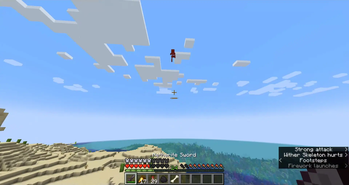
该模组具有高度可配置的伤害缩放系统,改变 Minecraft 对生物造成伤害的方式。

💨 击退缩放
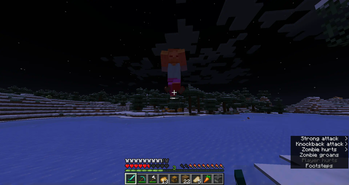
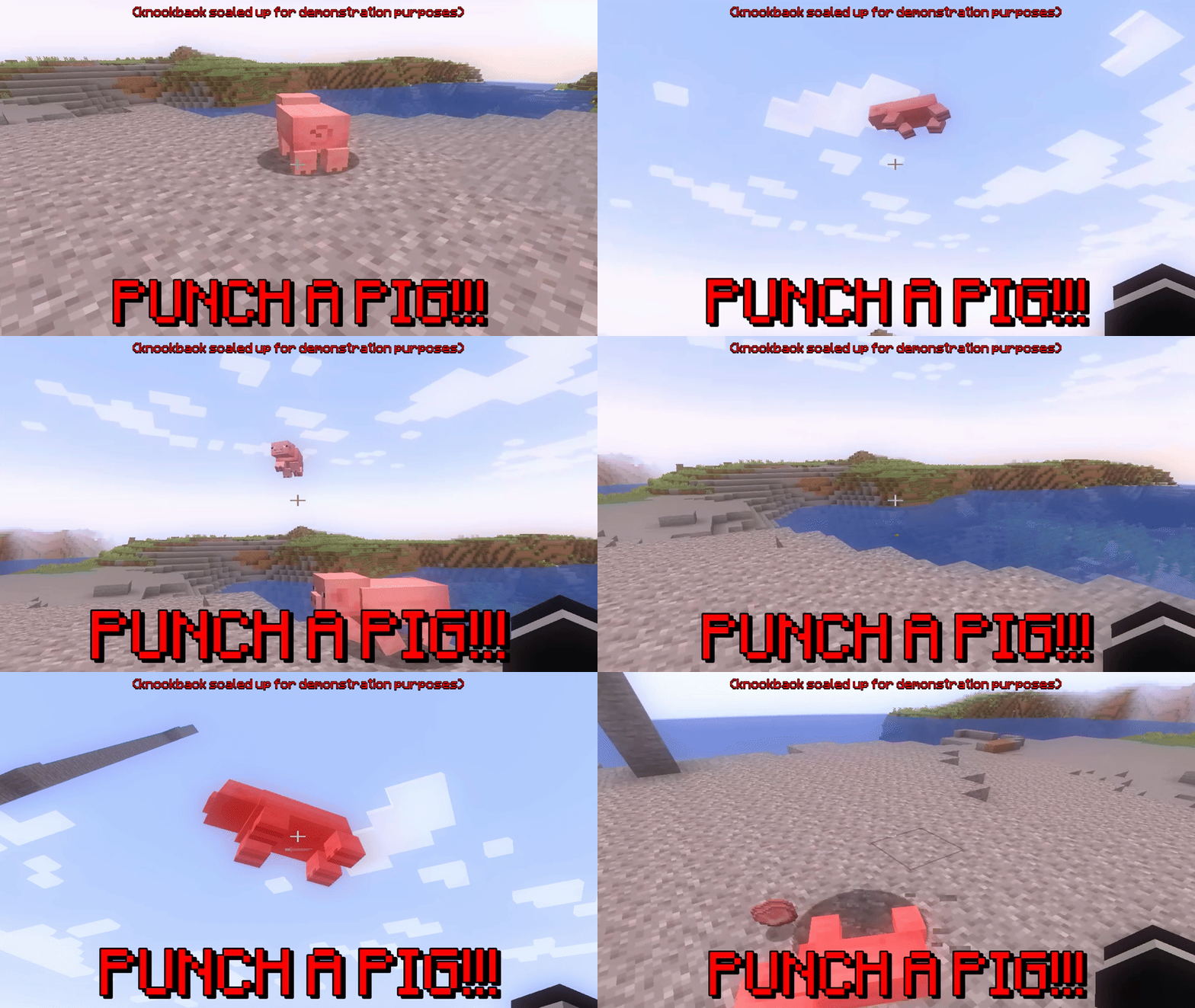
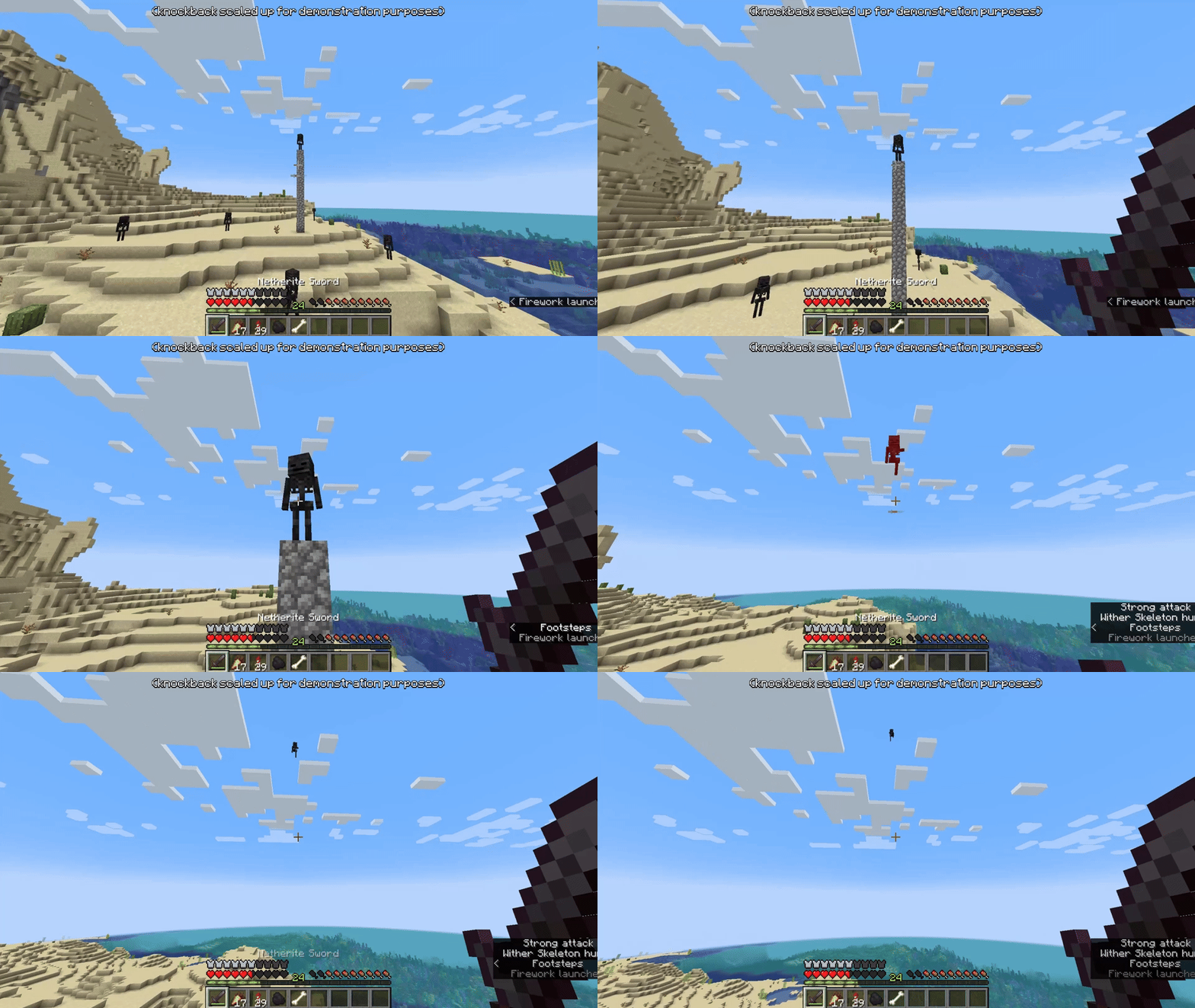
你还可以配置能量如何从你自身传递到其他实体。
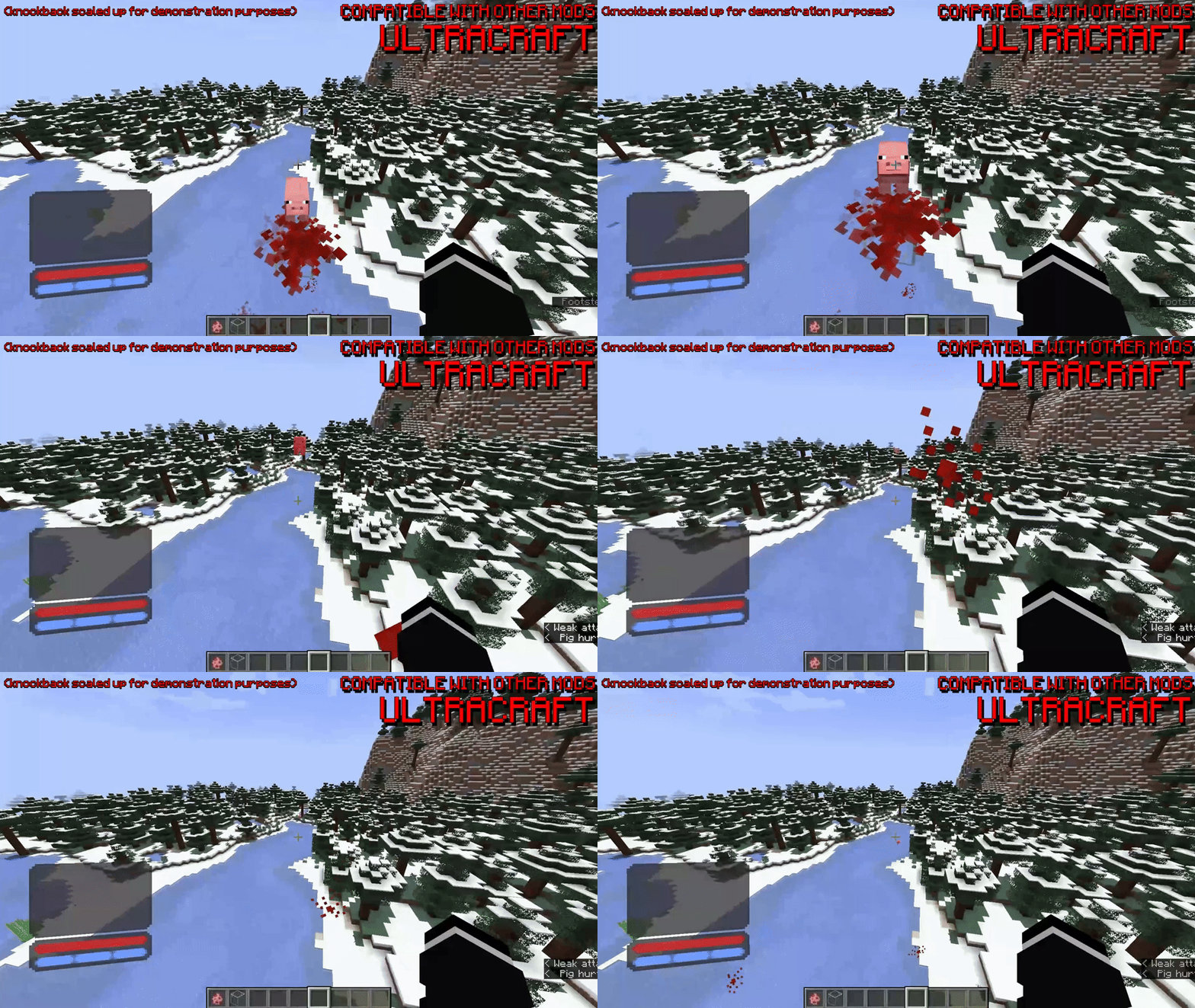
与其他模组高度兼容,以下是一些与 ULTRACRAFT 配合的示例
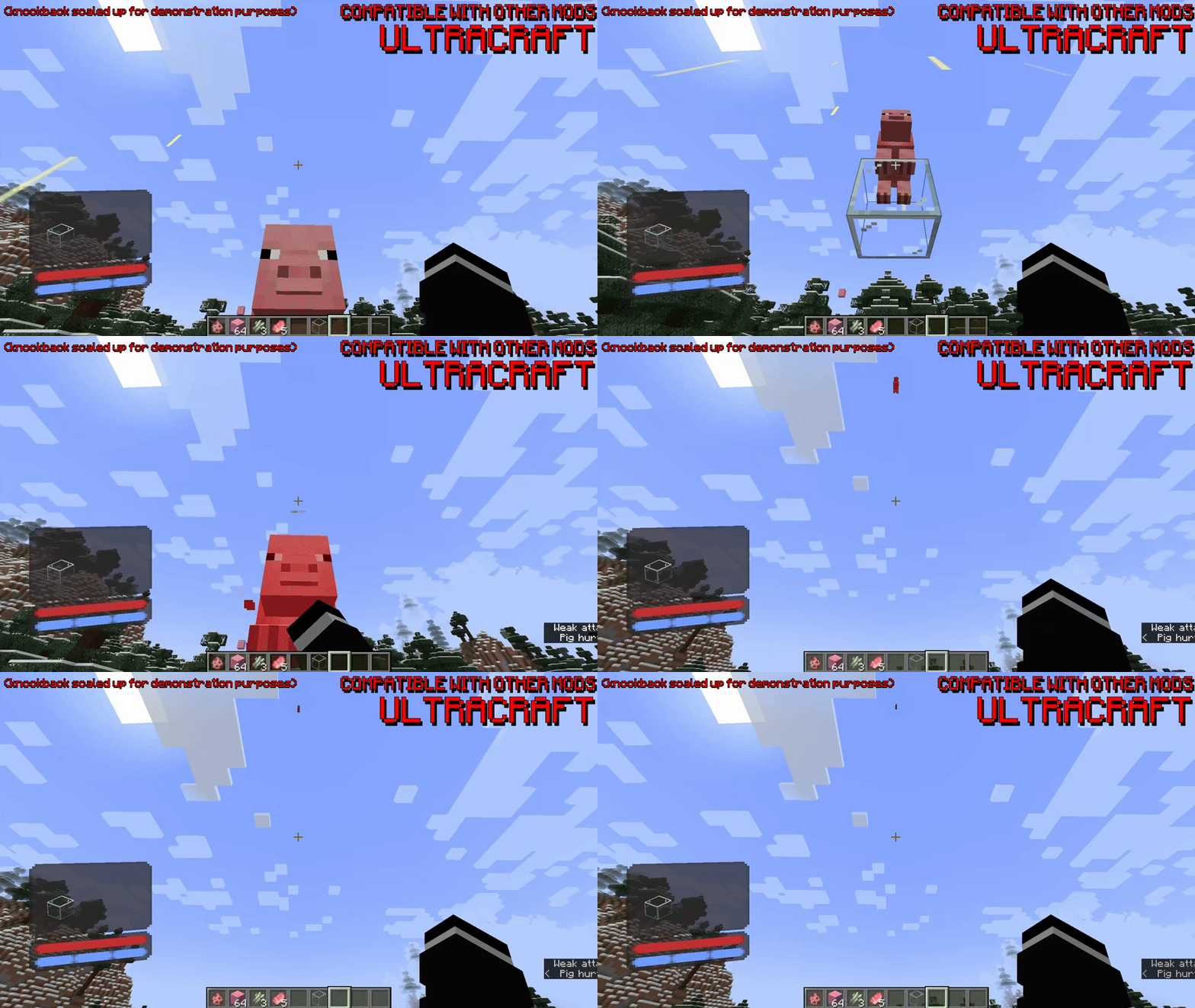
与 BetterCombat 配合的示例
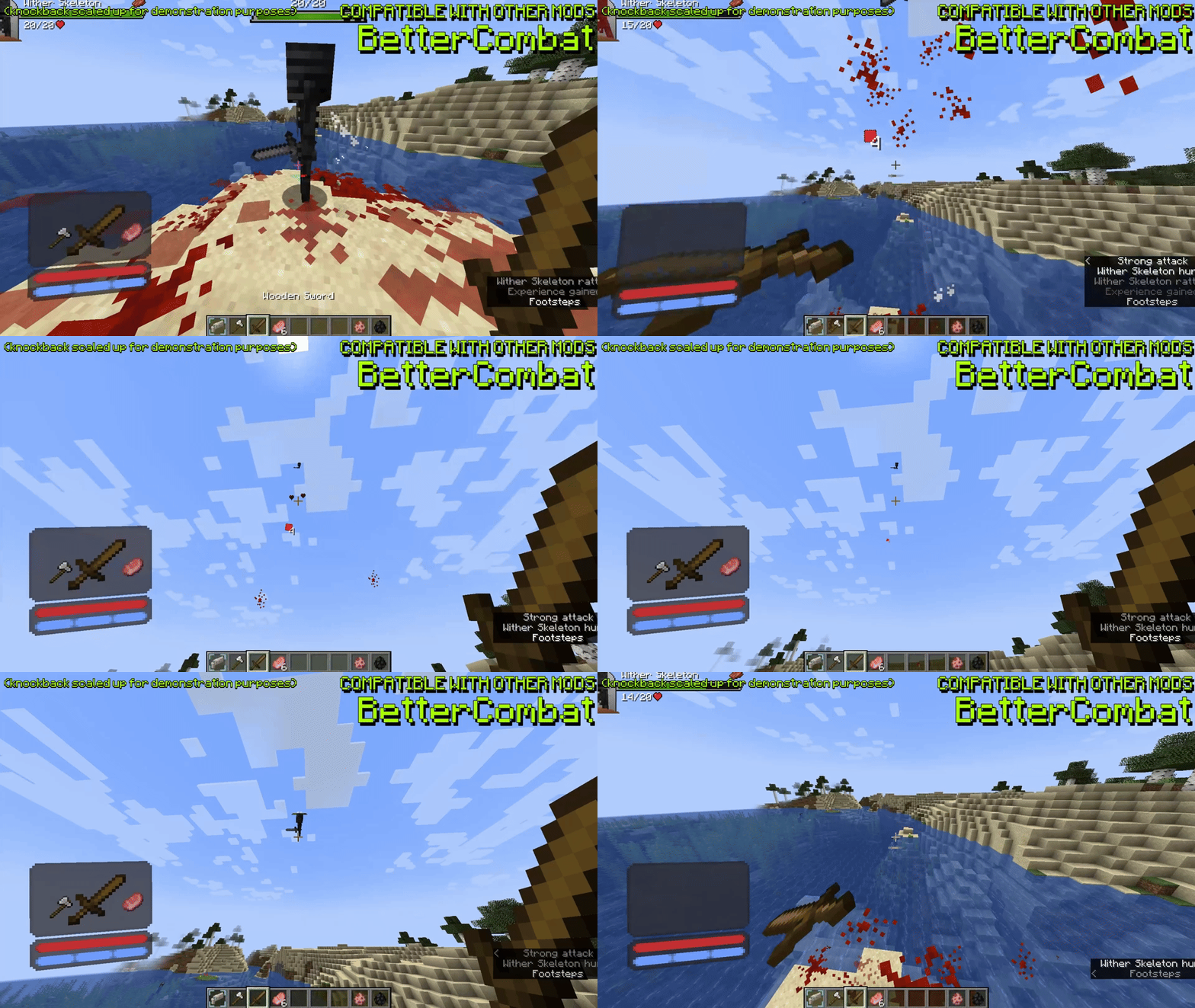
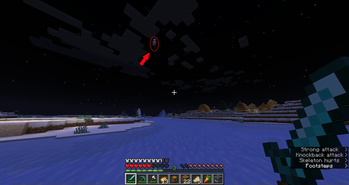
使用鞘翅的示例
📜 命令
/kineticdamage reload重新加载配置
就这些!暂时…… 🙂
⚙️ 配置
这是 KineticDamage 的默认配置文件。它包含每个可配置选项的说明,并作为指南使用。
# KineticDamage config
# Comment out 'version' with '#' if you do not want the config to regenerate on version change
version=1.0.0_beta1

# Damage multipliers
# These values will be multiplied with the calculated damage values
damage-multiplier-vertical=1.0
damage-multiplier-horizontal=2.0

# Specify the max amount of damage that can be done
# Negative numbers will uncap the damage
damage-max-vertical=50.0
damage-max-horizontal=-1.0

# Knockback multipliers
# Scales the knockback with attacker's incoming velocity
knockback-multiplier-x=2.0
knockback-multiplier-y=1.0
knockback-multiplier-z=2.0

# Action multipliers
# Scales damage and knockback depending on the attacker's action
action-sprinting-multiplier=1.5
action-swimming-multiplier=0.75
action-sneaking-multiplier=0.5
action-crawling-multiplier=0.25

# Use player fall distance for damage
# The farther the player falls the more damage they will do
# Also, this damage will be added on top of the damage already done by the player's velocity
player-use-fall-distance=true

# Use the direct attack register rather than the standard attack callback (calculated client-side using a mixin)
# This option is useful if you are having mod compatibility issues (ex. BetterCombat, or other combat based mods that may interfere with KineticDamage)
# This option should usually be enabled, but in the case you are having issues, try disabling it
player-use-direct-hit-register=true

# Use player head rotation vector for math
# This will use the player's head rotation instead of body velocity to calculate values
# If enabled, the server will always use the players head rotation vector to calculate knockback vectors instead of the velocity vector of the player itself
# In other words, the knockback will always occur in the direction the player is looking, this is not as realistic but it can be very fun
player-use-head-rotation=false

# Should the entity's velocity be completely overwritten by the new calculated velocity?
# By default, the new calculated velocity is added to the entities original velocity, this is much more realistic
# If enabled, all original entity velocity will be ignored and overwritten by the new calculated velocity
entity-ignore-original-velocity=false

# ADVANCED OPTIONS
# Damping function for player fall distance
# This option will make the fall distance damage and knockback scale more slowly the longer the player falls
# This is to make it so a player can't just jump off of a mountain and 1 tap any mob
# I've also included some options to increase the damage the longer you fall (inverse-damping options)
#
# If you don't want to use any damping functions specify: none
# DAMPING OPTIONS (by increasing strength):               linear, sqrt, log_e, log, tanh
# INVERSE-DAMPING OPTIONS (by increasing strength):       quadratic, cubic
# Note: 'none' is the same as 'linear', except that linear will use the coefficient and constant values in it's calculation
player-fall-distance-damping-function=sqrt
# This value is multiplied to the fall distance before going into the damping function, it will be ignored if 'none' is set for the damping function
player-fall-distance-damping-coefficient=10.0
# Horizontal shift factor, example: f(x) = FUNC(AX + K1 <-) + K2
player-fall-distance-damping-constant-1=0.0
# Vertical shift factor, example: f(x) = FUNC(AX + K1) + K2 <-
player-fall-distance-damping-constant-2=0.0
# Auto clamp square root function
# This ensures that the y of f(x) = sqrt(ax) is never bigger than the y of f(x) = ax
# Turning this off can produce strange values when a player crits a mob after falling a small distance
# This value is ONLY used when 'sqrt' is used for the damping function
# When enabled, the 'constant-1' and 'constant-2' values will be ignored
player-fall-distance-damping-sqrt-auto-clamp=true
# This value is multiplied to the fall distance that's used to calculate downwards knockback
# Lower values means lower downwards knockback
player-fall-distance-downwards-knockback-coefficient=0.05

# Debug
# Logs debug messages to the chat (per player)
debug-chat-log=false
🥰 这个模组的创意和名称来自我的朋友 weeg。
KineticDamage
使用 Java 为 Minecraft Fabric 编写
正在加载版本记录…
正在加载评论…
评论在新手盒子客户端中发表,这里同步展示。