
服务器着色器闸门与执行器
要求玩家在服务器上使用着色器(Iris)
 查看大图
查看大图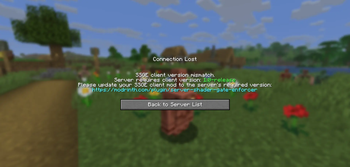
描述
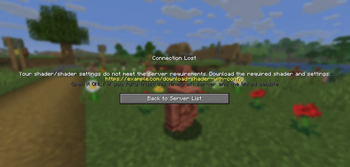
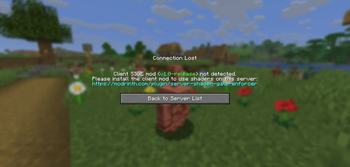
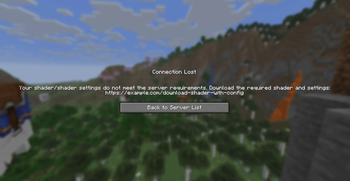
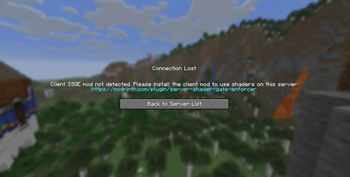
 Server Shader Gate & Enforcer (SSGE) – 一个客户端模组和服务端插件,要求玩家安装光影并使用特定的光影选项才能进入服务器。
连接到服务器时,SSGE 客户端模组会自动将当前光影及其设置的配置数据发送到服务器插件。服务器插件会将收到的数据与其自身配置进行比较。如果数据匹配,则允许玩家进入服务器。否则,连接将被拒绝。
该模组需要 Iris 和 Fabric API 才能运行。
配置
模组的配置文件 – ssge_mod.json;
服务器插件的配置文件 – ssge.yml
ssge_mod.json
{
  "shaderFile": "",
  "shaderOptions": "",
  "sizeShader": 0,
  "sizeOptions": 0,
  "shaderHash": "",
  "enableShaders": false
}
该配置会在连接到服务器时自动生成,并取决于 Iris 设置:光影开/关切换、所选光影文件和所选光影设置
shaderFile – 光影包文件
shaderOptions – 光影设置文件。如果光影使用默认设置,此字符串将为 empty,因为该文件不存在。
sizeShader – 光影包大小,单位为字节。
sizeOptions – 光影设置大小,单位为字节。如果光影使用默认设置,此值为 0。
shaderHash - 光影文件的 SHA-256 哈希值。
enableShaders – 光影启用/禁用切换
ssge.yml
require_enabled: true
shader_file: ''
shader_options: ''
size_shader: 0
size_options: 0
shader_hash: ""
require_shader: true
require_options: true
link: https://example.com/download-shader-with-config
exempt_players: []
自动生成,必须手动配置才能正常工作。
require_enabled – 光影启用/禁用切换。
shader_file – 光影包文件。
shader_options – 光影设置文件。如果光影使用默认设置,此字符串将为 empty,因为该文件将不存在。
size_shader – 光影包大小,单位为字节。
size_options – 光影设置大小,单位为字节。如果光影使用默认设置,此值为 0。
shader_hash – 光影文件的 SHA-256 哈希值。
require_shader – 要求特定光影包。
require_options – 要求特定光影设置。
link – 你用于下载光影和特定设置的链接。
exempt_players - 豁免玩家列表,这些玩家无需安装 SSGE 客户端模组或使用任何光影即可进入服务器(例如管理员或版主)。
使用 /ssge reload 重新加载插件配置。
发送和接收链接
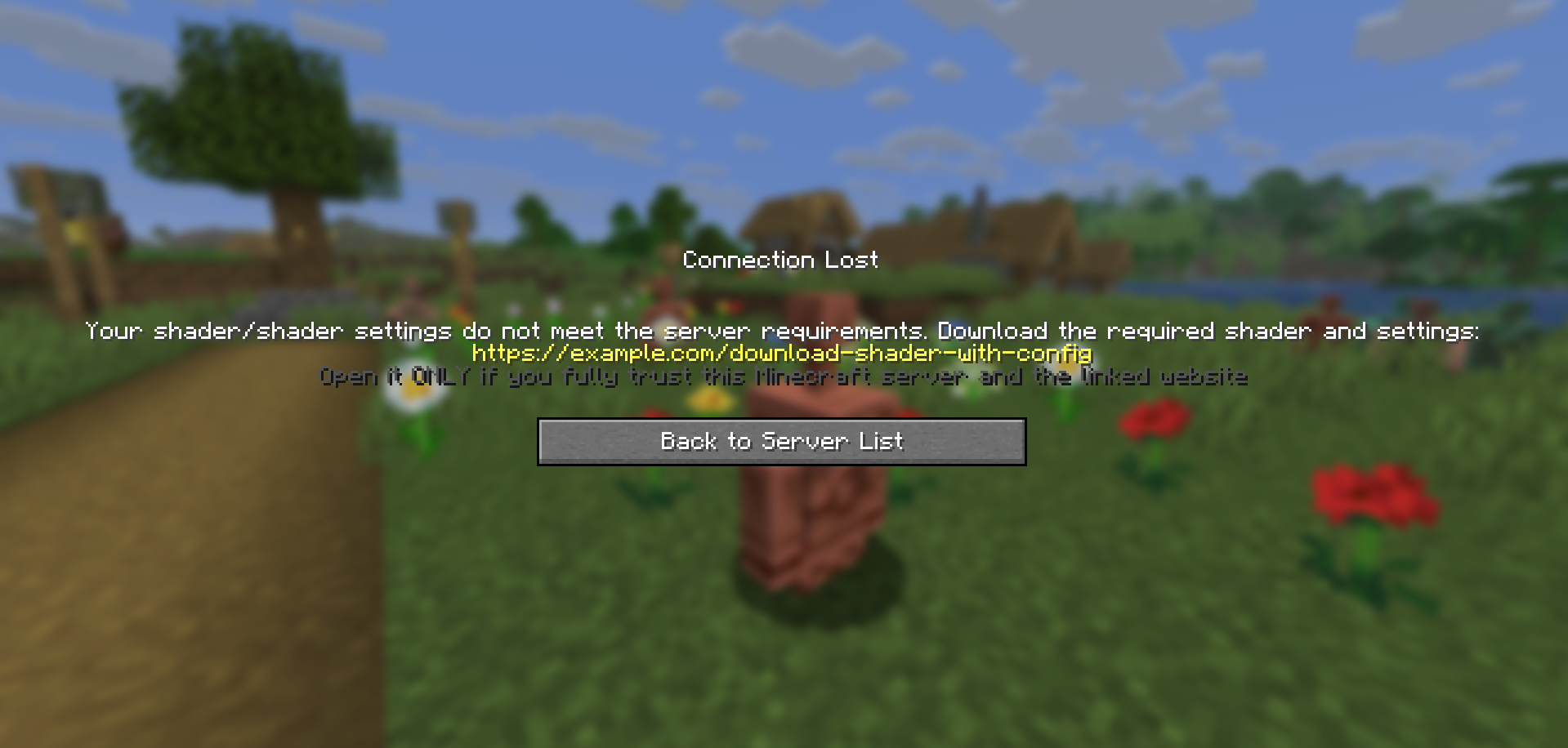
如果玩家安装了客户端模组,但其配置与服务器不匹配,插件会在踢出玩家之前向其发送下载链接。
客户端模组接收该链接,将其保存到 .minecraft/config 目录中的 ssge_link.txt 文件,并自动为用户打开该文件。
ssge_link.txt
You received this file because you tried to join a Minecraft server that requires
a specific shader (or shader settings) that you may not have installed.

Download the shader from the link provided by the server administrator and follow
these instructions unless otherwise noted:
1. Download the shader archive (.zip) and the shader settings (.txt) from the link below.
2. Put both files into your game directory's "shaderpacks" folder.
3. Go to the Iris menu, select and enable this shader from the list, and try logging into the server again.

If the server provides a checksum (SHA-256), verify it against the downloaded shader file.
If you still have any difficulties joining the server, please contact the server administration for help.

!!! WARNING: External link below may be dangerous !!!
Open it ONLY if you fully trust this Minecraft server and the linked website.

Possible risks include:
 - malicious installers, viruses, or trojans that can harm your system
 - phishing pages designed to steal Minecraft, Discord, email or other credentials
 - web scripts that can collect personal or sensitive information
 - stealers that silently extract passwords, tokens, or browser data
 - drive-by or automated downloads that execute without clear consent
 - spoofed or tampered downloads (files different from what they claim)

If unsure — do NOT open the link.

https://example.com/download-shader-with-config
请注意:服务器管理员可能会提供恶意链接来损害你的系统或窃取你的数据。请始终使用在线扫描工具检查链接,如果链接看起来可疑,请不要打开它。如果你检测到威胁,请在托管平台或列表网站上举报该服务器。
在将链接放入插件配置时,请遵循以下准则:
链接不应过短或过长。
链接应可读,且不应包含随机字符串。
避免使用缩短的 URL 或重定向到第三方资源。
链接不得指向包含恶意软件、脚本或可疑内容的网站。
如果链接指向文件共享服务,则应直接指向
.zip文件或包含光影和设置的folder。如果你的 Minecraft 服务器有自己的网站,最好创建一个专用下载页面。
链接不应指向任何安装程序文件(
.exe、.msi、.jar等)。网站不应要求注册、电话号码、电子邮件或其他个人数据。
例如
假设我们希望服务器上的所有玩家都使用 thejinxedartist's MC VHS 光影进行游戏。
那么插件配置可以如下:
require_enabled: true              <––
shader_file: 'MCVHSV2.zip'         <––  Required
shader_options: 'MCVHSV2.zip.txt'  <––   values
size_shader: 275232                <––
size_options: 79                   <––
shader_hash: "e59a3d139..."        <––
require_shader: true
require_options: true
link: https://modrinth.com/shader/mc-vhs
exempt_players: ["Admin", "You"]
模组配置必须与插件配置匹配,如下所示:
{
  "shaderFile": "MCVHSV2.zip",
  "shaderOptions": "MCVHSV2.zip.txt",
  "sizeShader": 275232,
  "sizeOptions": 79,
  "shaderHash": "e59a3d139...",
  "enableShaders": true
}
如果玩家拥有不同的配置,服务器将把他踢出。
正在加载版本记录…
正在加载评论…
评论在新手盒子客户端中发表,这里同步展示。