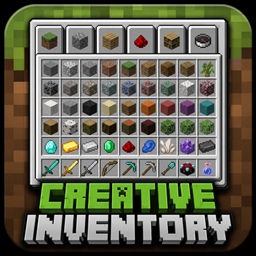
Creative Inventory in Survival
Open the creative inventory with one key and go straight back to survival when you close it. Works even with cheats turned off.
Press G. The creative inventory opens. Take what you need, close it, and
you are back in survival with the items in your inventory.
No commands, no opening your world to LAN, no ticking "allow cheats".
### How it works
The creative inventory only works in creative mode, Minecraft checks
that itself. So the mod switches you over while the window is open and
switches back the moment you close it. You are in creative for a few
seconds, never longer.
Closing counts no matter how you do it: escape, E, or leaving the world.
There is no way to get stuck in creative.
### Singleplayer only
On a multiplayer server this does nothing, and it will tell you so. The
game mode is decided by the server, and no client-side mod can change
that. This is not a way to get creative mode on someone else's server.
Modpacks: free to include, no need to ask.
还没有人评论,去客户端里说两句吧。
评论在新手盒子客户端中发表,这里同步展示。