DaySpot
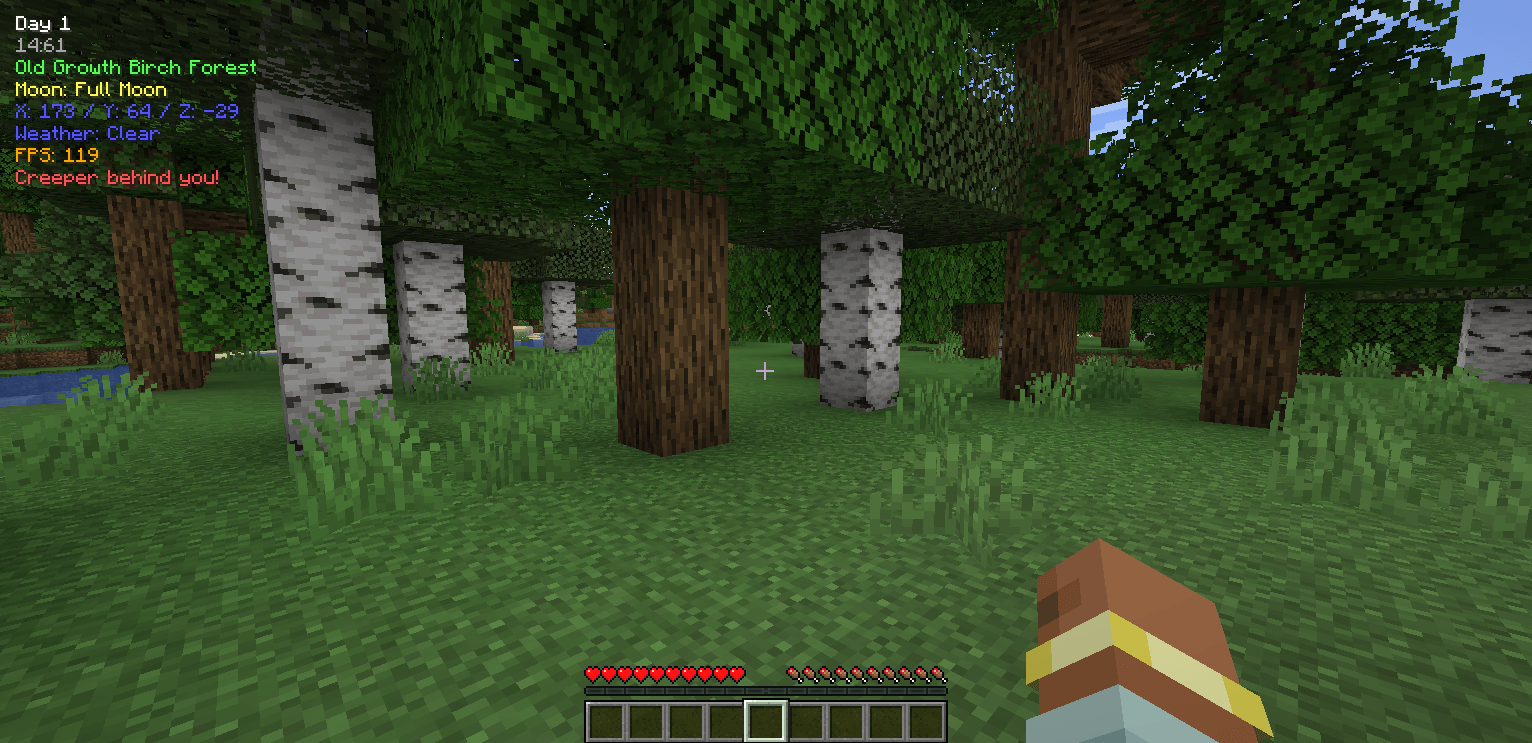
DaySpot shows time, coords, biome, weather, FPS, and more in a clean HUD. It also alerts you to hostile mobs outside your view with smart proximity warnings. Fully customizable, simple, and built to keep you informed and alive.
 查看大图
查看大图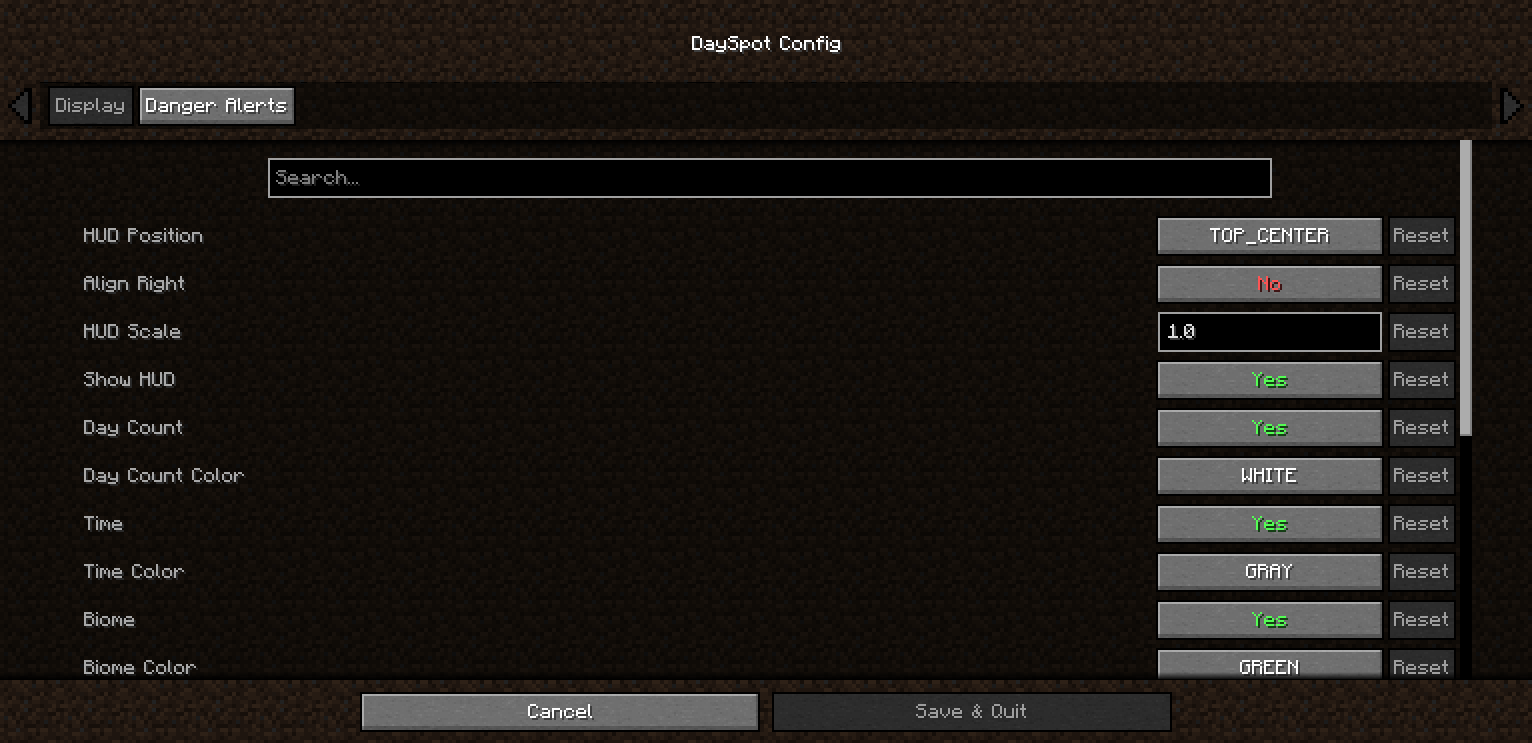
DaySpot
Lightweight HUD overlay showing day, time, biome, moon phase, coords, weather & FPS, plus a smart danger alert system that warns you about hostile mobs outside your view.
Features
- 6 HUD Positions — Top Center (default), corners, above hotbar
- Per-line Control — Toggle + 11 color options per info line
- Time Format — 24h or 12h (AM/PM)
- Adjustable Scale — 0.5x → 1.5x
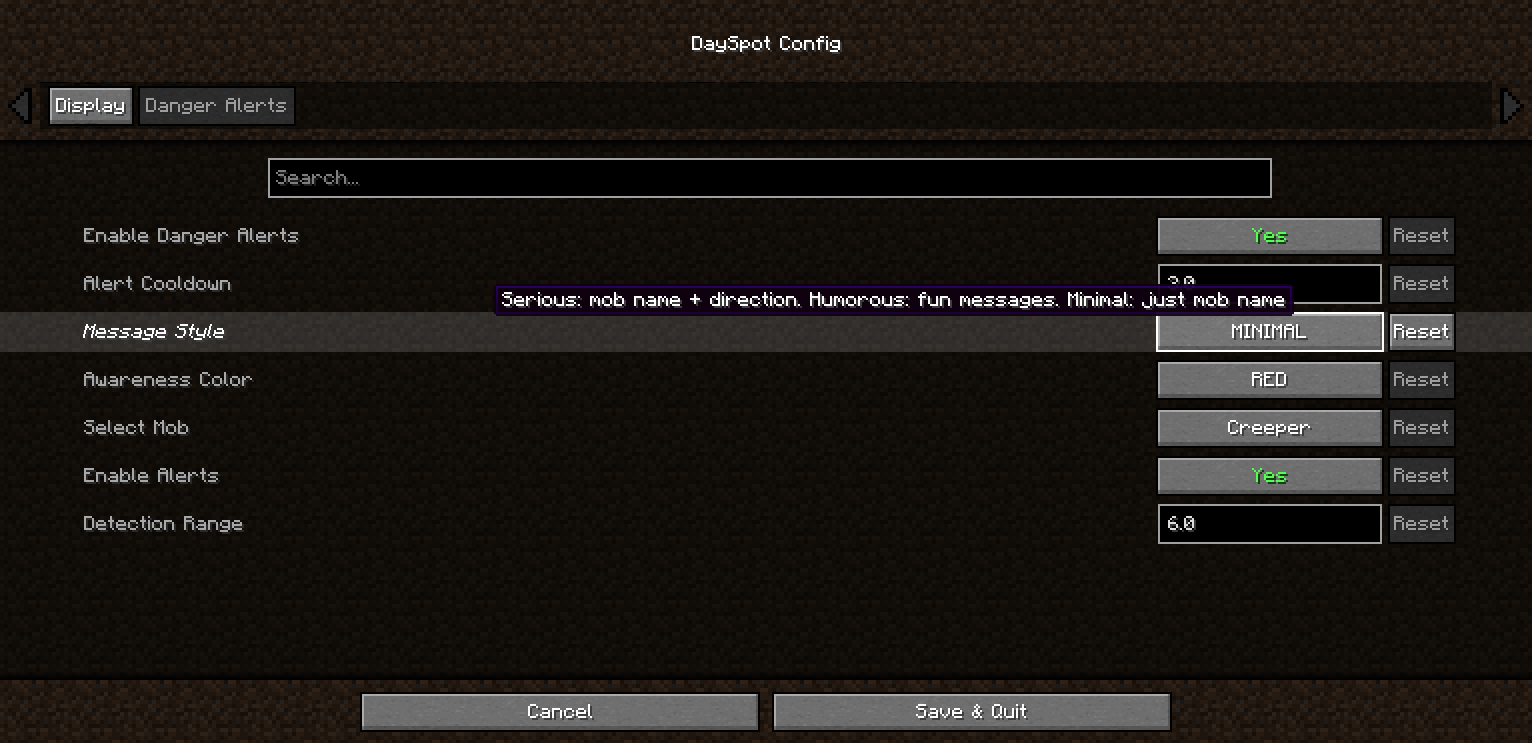
- Danger Alerts — 3 tiers: Awareness / Warning / Danger
- Out-of-view Detection — Know what you don’t see
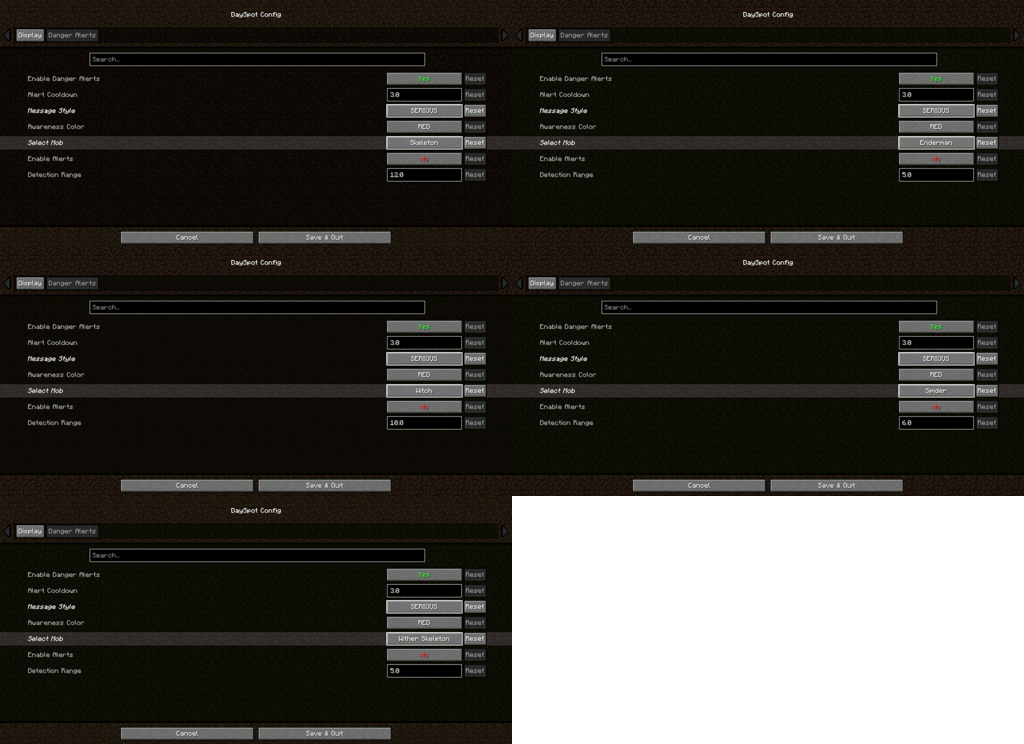
- Per-Mob Settings — Creeper, Zombie, Skeleton, Enderman, Witch, Spider, Wither Skeleton
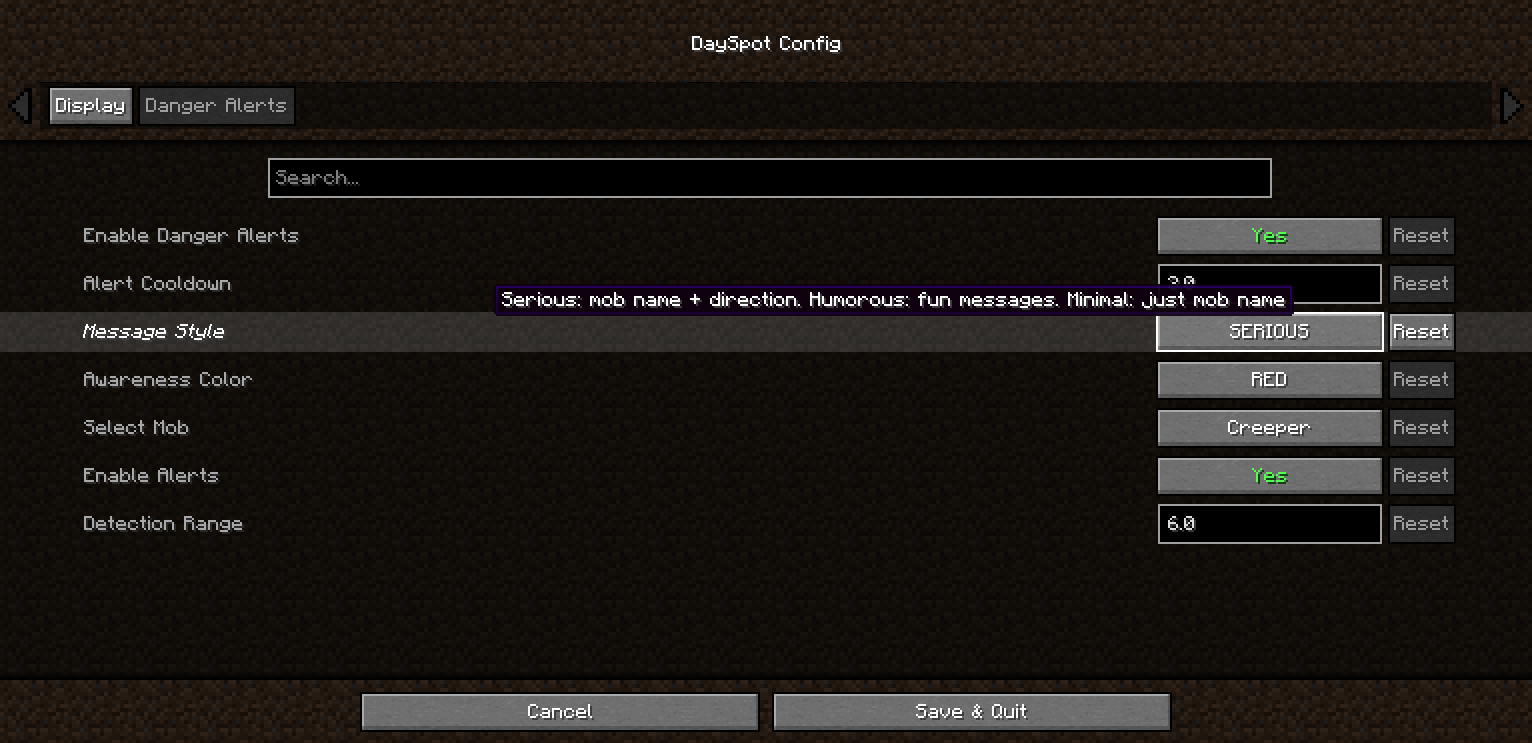
- 3 Alert Styles — Serious / Humorous / Minimal
- Direction Indicators — Know where the threat is coming from
Requirements
- Minecraft: 1.20.1 / 1.21.1
- Loader: Forge / NeoForge / Fabric
- Cloth Config (Forge/NeoForge): 11.x+ / 15.x+
- YACL (Fabric): 3.6.x+
Client-side only — no server install required
Installation
- Install your mod loader
- Download DaySpot
- Put the
.jarin.minecraft/mods/ - Launch and configure via Mods menu
Configuration
Open: Mods → DaySpot → Config
- Display: Position, scale, alignment, colors
- Danger Alerts: Toggle alerts, cooldown, style, per-mob range
All settings are client-side.
Compatibility
- Supports Forge, NeoForge, Fabric (1.20.1 / 1.21.1)
- Works on any server
- Modpack use allowed (MIT License)
FAQ
Can I use this in a modpack?
Yes — MIT licensed.
Does it work on servers?
Client-side only. Install it locally.
Have ideas, questions, or feedback? Feel free to visit the official page of Arvani Creations for more information and updates.
MIT License • Arvani Creations
正在加载版本记录…
正在加载评论…
评论在新手盒子客户端中发表,这里同步展示。