Spis UI API
添加易于使用的UI元素(如自定义字体或动画纹理)的库模组。
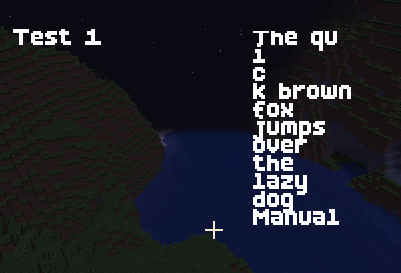 查看大图
查看大图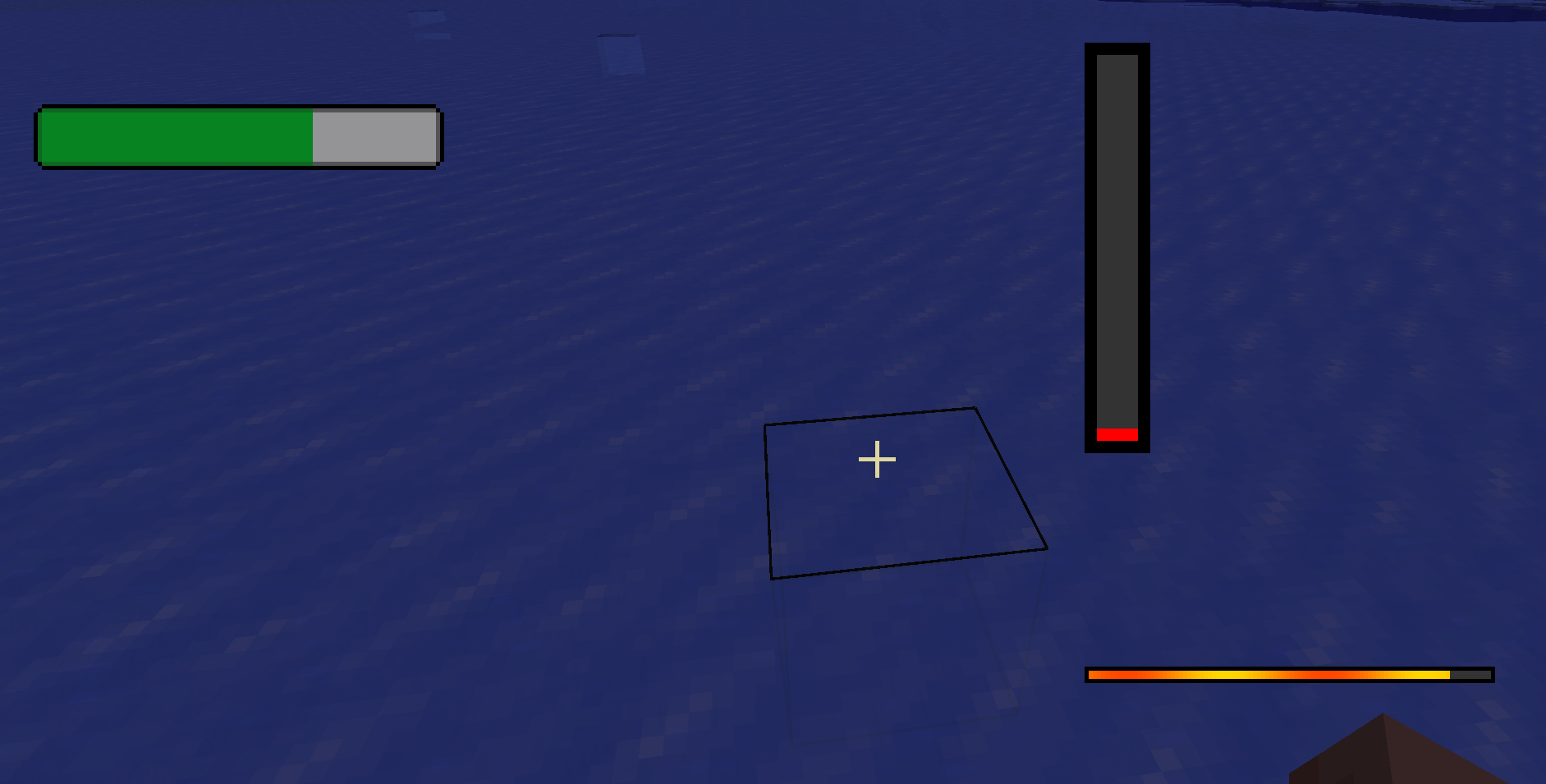
适用对象
这个库主要用于我的模组中,以简化UI/GUI界面的创建过程。
不过,任何人都可以将此模组作为依赖项来使用其功能。
为什么使用它?
目前该模组提供以下功能;
一套新的drawStrings()方法,能够轻松访问自定义字体,支持在自定义边界框内自动换行,并可将对齐方式设置为左/中/右。
如何使用?
导入
import net.spidrone.uiapi.UIAnimationManager;
import net.spidrone.uiapi.UIGraphicsHelper;
动画图形
UIAnimationManager.drawGif(GuiGraphics graphics, String imagePath, int x, int y, int frameWidth, int frameHeight, int totalFrames, int fps, float scaleX, float scaleY, float red, float green, float blue)自定义drawString()方法
UIGraphicsHelper.drawCustomFont(GuiGraphics graphics, ResourceLocation fontLocation, String message, int x, int y, int color, boolean dropShadow, TextAlign align)带边界框/自动换行/行分割的自定义drawString()方法
UIGraphicsHelper.drawCustomFontBound(GuiGraphics graphics, ResourceLocation fontLocation, String message, char splitChar, int x1, int y1, int x2, int y2, int color, boolean dropShadow, TextAlign align)不包含诸如fontLocation之类的参数将导致使用默认字体
align:LEFT/CENTER/RIGHT
splitChar“$”将导致hi$world在你的UI中显示为
hi
world
注册字体
通过将你的ttf字体放置在assets文件夹中来注册字体
assets/modid/font
在同一个文件夹中包含一个.json文件
{
  "providers": [
    {
      "type": "ttf",
      "file": "spis_ui_api:boldpixels.ttf",
      "shift": [0.0, 0.0],
      "size": 16.0,
      "oversample": 2.0
    }
  ]
}
在你的UI中声明字体的资源位置
public static final ResourceLocation BOLD_PIXELS_FONT = ResourceLocation.fromNamespaceAndPath("spis_ui_api", "boldpixels");致谢
Bold Pixels:https://yukipixels.itch.io/boldpixels
这款字体非常适合Minecraft
其他
问:你支持X版本吗
答: 这个库主要针对1.21.1版本,但未来会逐步扩展到其他版本。
正在加载版本记录…
正在加载评论…
评论在新手盒子客户端中发表,这里同步展示。