
生存工具箱
通过自动耕作、拆解、无限流体、不断增长的附魔以及各种便捷工具,增强你的Minecraft生存体验。
 查看大图
查看大图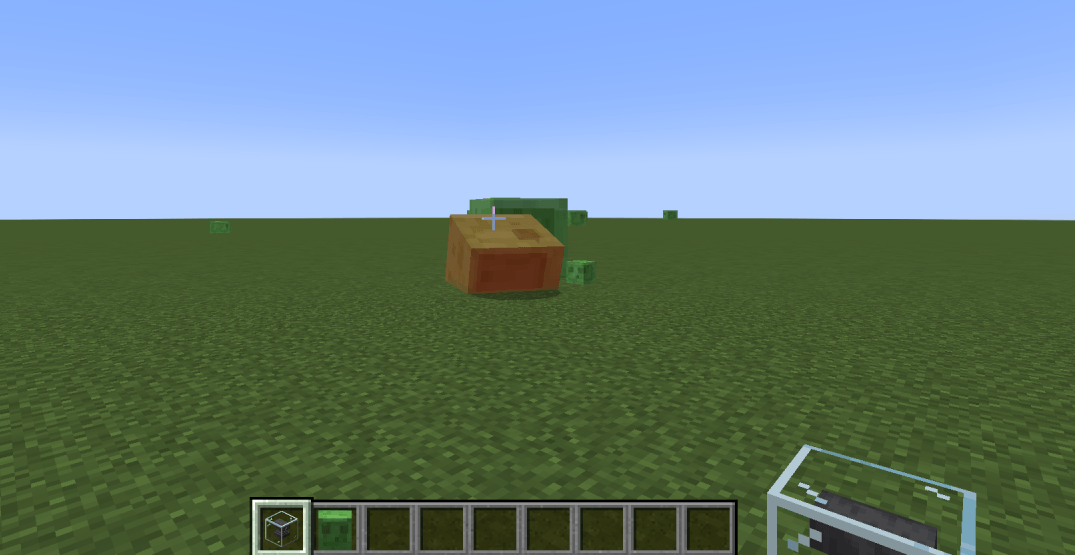
生存工具箱 / Survival Toolbox
生存工具箱 是一个为 Minecraft 1.20.1 Forge 打造的综合性生存增强模组。
Survival Toolbox is a comprehensive survival enhancement mod for Minecraft 1.20.1 Forge.
📦 模组内容 / What's Inside
🛠️ 工具与处理 / Utility & Processing
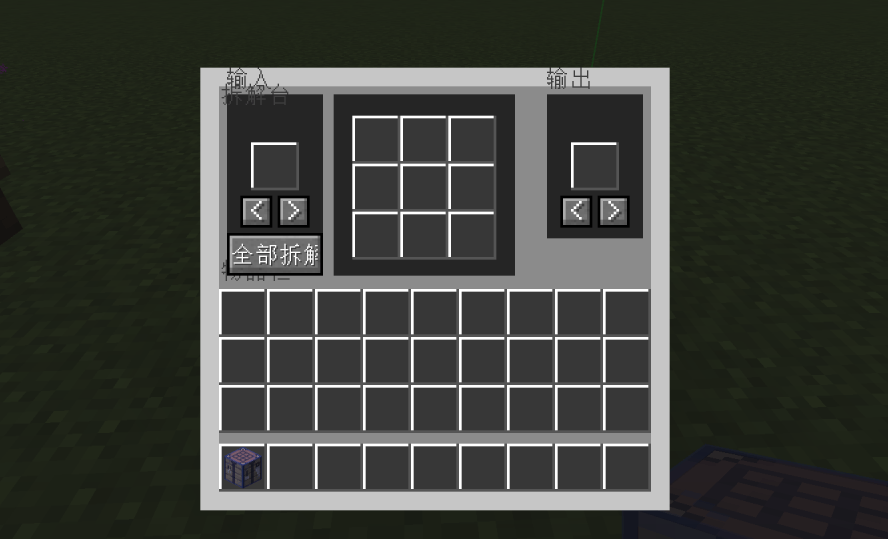
拆解台 / Disassemble Table:支持工作台、熔炉、锻造、酿造、附魔的逆向合成。把物品放入左侧槽位即可。
Reverse crafting for workbench, furnace, smithing, brewing, and enchanting recipes. Just put an item in the left slot.万物转化炉 / Transmutation Furnace:消耗燃料复制物品。在 GUI 中放入输入物品和燃料。
Duplicate items by consuming fuel. Place input and fuel in the GUI.万向漏斗 / Omni Hopper:六方向物品传输,每个方向独立配置速度和过滤。右键打开配置 GUI,点击方向按钮进行配置。
6-directional item transfer with per-side speed and filter settings. Right-click to open configuration GUI, click direction buttons to configure each side.无限之源 / Infinite Source:无限流体供应——在 GUI 中放入任意液体容器即可绑定流体类型。手持空容器右键取液。
Infinite fluid supply — place any fluid container in the GUI to bind its fluid type. Right-click with an empty container to take fluid.
🌾 自动化 / Automation
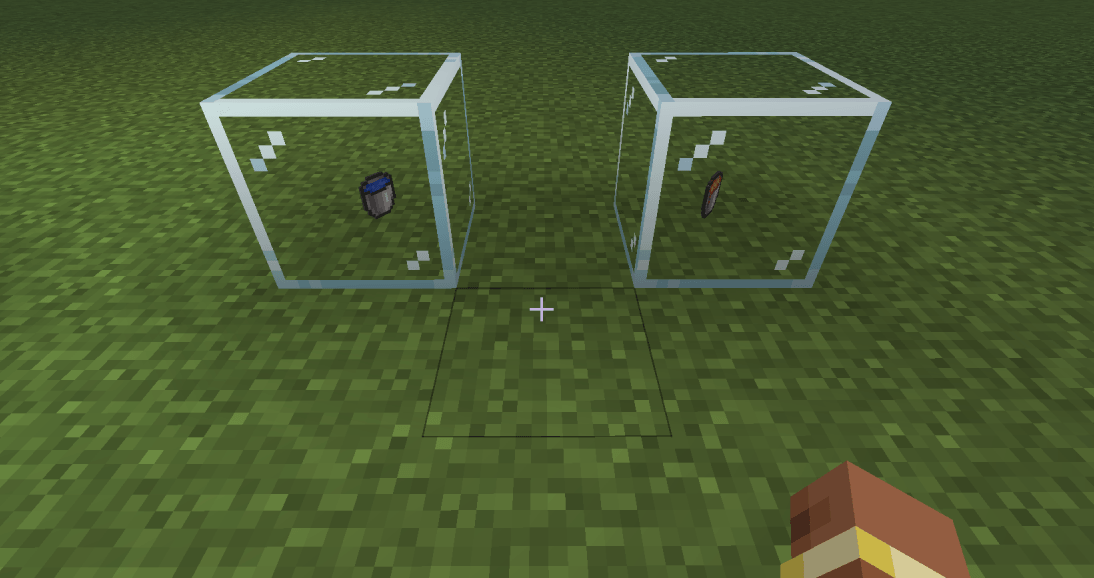
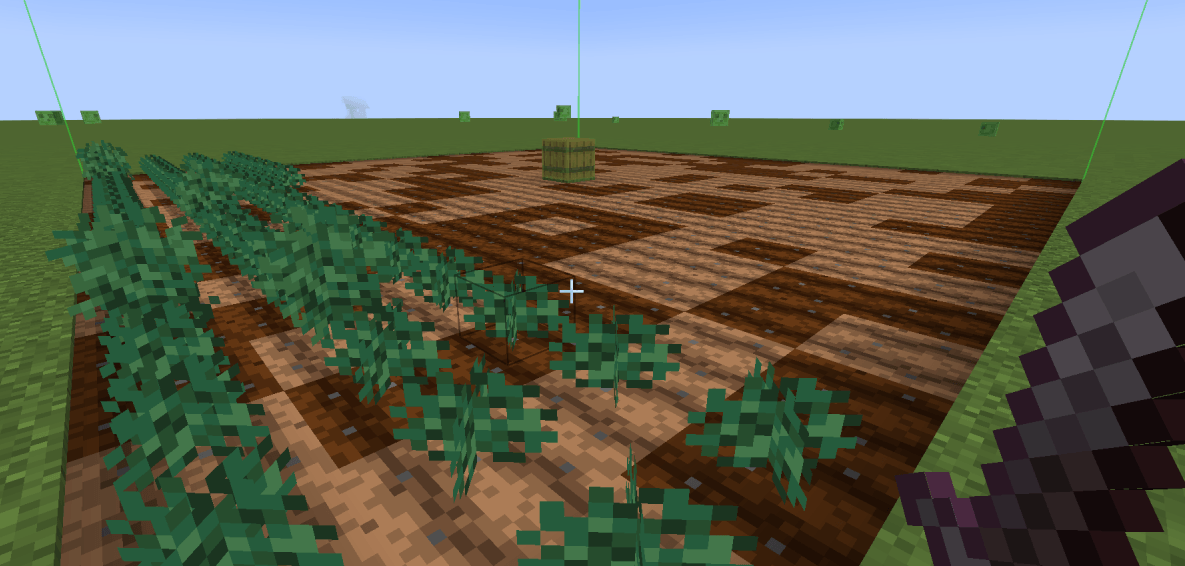
智慧农场 / Smart Farm:在可配置范围内自动耕地、播种、收获、收集掉落物。内置虚拟水源!在 GUI 中放入水桶、锄头和工具以启用功能。
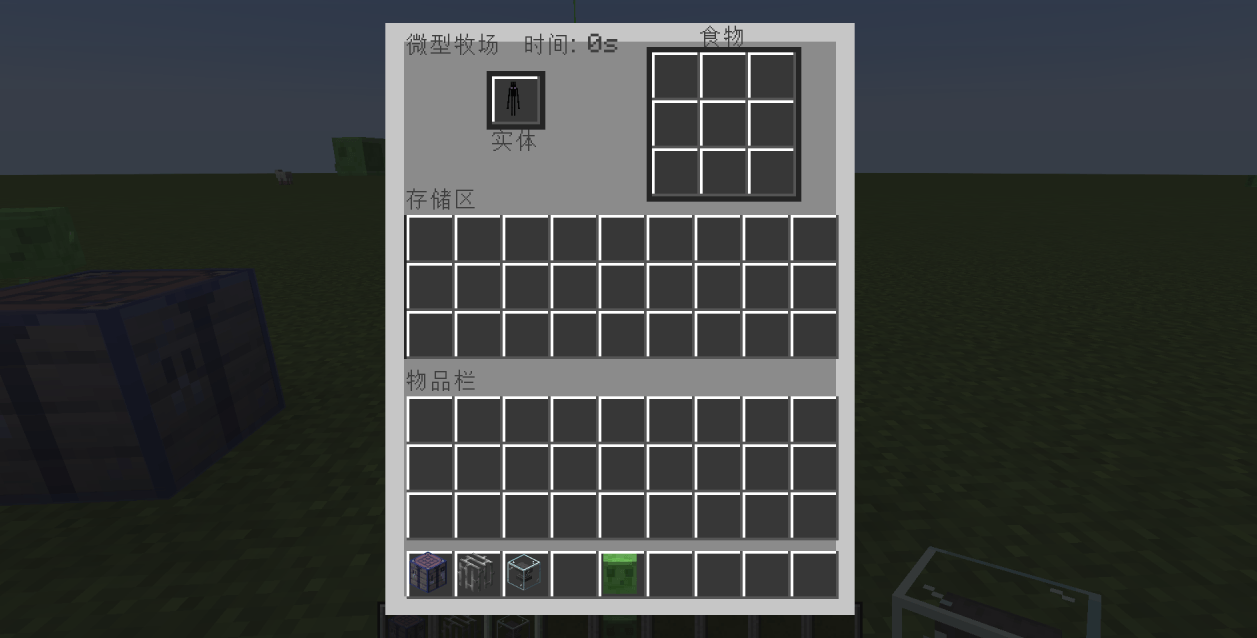
Auto-plow, plant, harvest, and collect items within a configurable range. Virtual water source included! Place water bucket, hoe, and tools in the GUI to enable functions.微型牧场 / Micro Farm:在槽位中放入被捕获的实体,填满食物区,牧场会自动产出战利品。
Place a Captured Entity in the slot, fill the food area, and the farm will automatically produce loot.
⚔️ 战斗与附魔 / Combat & Enchantments
嗜血附魔 / Bloodthirsty Enchantment:击杀怪物积累攻击力加成,攻击时恢复生命并修复武器耐久。
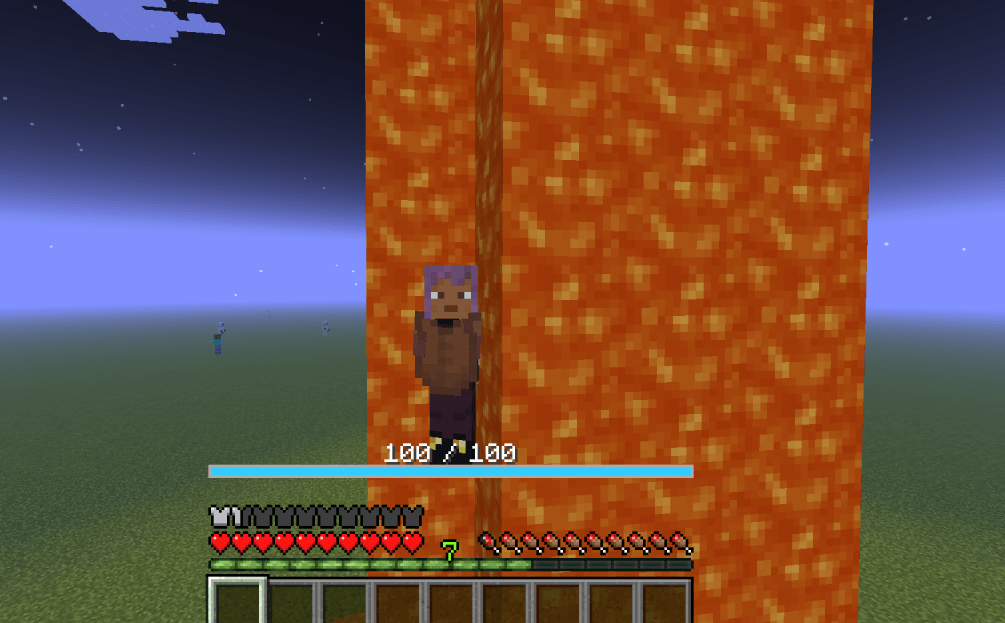
Gain bonus attack damage by killing mobs. Restores health and repairs weapon durability on hit.自适应附魔 / Adaptation Enchantment:受到伤害积累层数。每层提供:
- 伤害减免 & 护盾 / Damage reduction & shield
- 护盾自动恢复 / Shield regeneration
- 创造飞行(层数足够时)/ Creative flight (at high layers)
- 原地复活(消耗层数)/ Revive on death (consumes layers)
- 适应后免疫负面效果和火焰 / Immunity to debuffs and fire after adaptation
🏮 防御与区域控制 / Defense & Area Control
镇魂灯 / Guardian Lantern:提供照明、镇压生物生成、自动攻击,支持范围配置和目标过滤。
- 手持武器或黑白名单 右键 插入/交换。
- Shift+右键 打开配置 GUI。
- 空手右键 取出物品。
Provides lighting, mob suppression, and auto-attack with configurable range and target filters. - Right-click with a weapon or Blacklist item to insert/swap it.
- Shift+Right-click to open the configuration GUI.
- Empty hand Right-click to take out the inserted item.
混沌篝火 / Chaos Campfire:对范围内实体施加食物、药水、牛奶、蜂蜜的效果,支持黑白名单。
- 右键 切换开关。
- Shift+右键 打开配置 GUI。
- 手持黑白名单右键 插入/交换。
Applies effects from food, potions, milk, and honey to nearby entities with blacklist/whitelist support. - Right-click to toggle on/off.
- Shift+Right-click to open the configuration GUI.
- Right-click with Blacklist item to insert/swap it.
🎯 实用物品 / Utility Items
铁砧球 / Anvil Orb:右键 投掷并捕获任意生物(血量阈值可配置)。
Right-click to throw and capture any living entity (health threshold configurable).被捕获实体 / Captured Entity:右键 释放被捕获的实体。
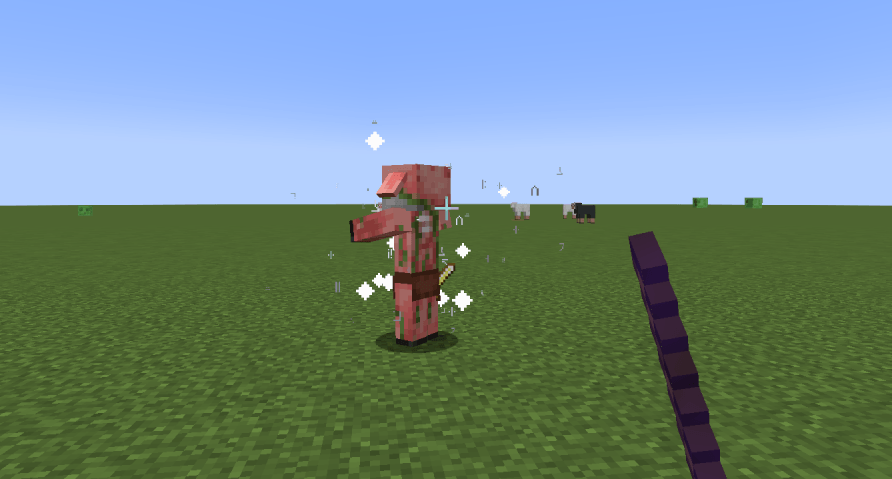
Right-click to release the captured entity.除你装备 / Disarm Staff:右键 怪物卸下所有装备。蹲下+右键 让装备掉落在你脚下。
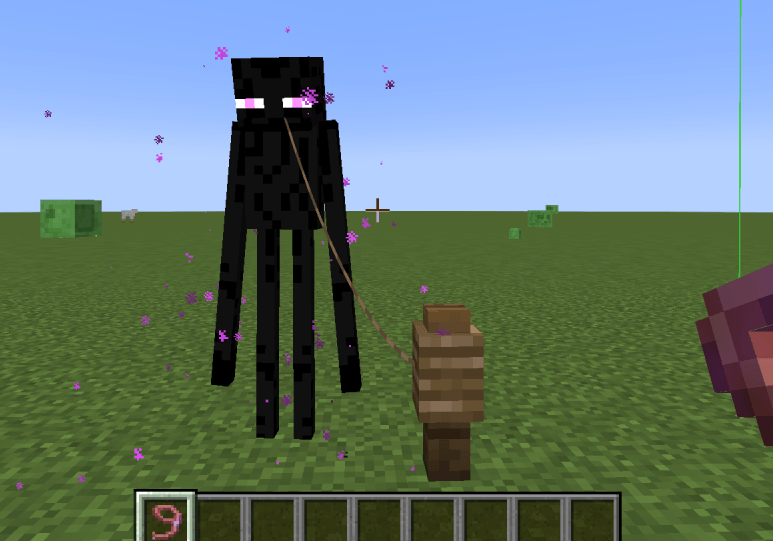
Right-click a mob to remove all its equipment. Crouch+Right-click to drop items at your feet.静止栓绳 / Static Leash:右键 生物拴住并冻结 AI。Shift+右键 仅切换 AI 冻结。
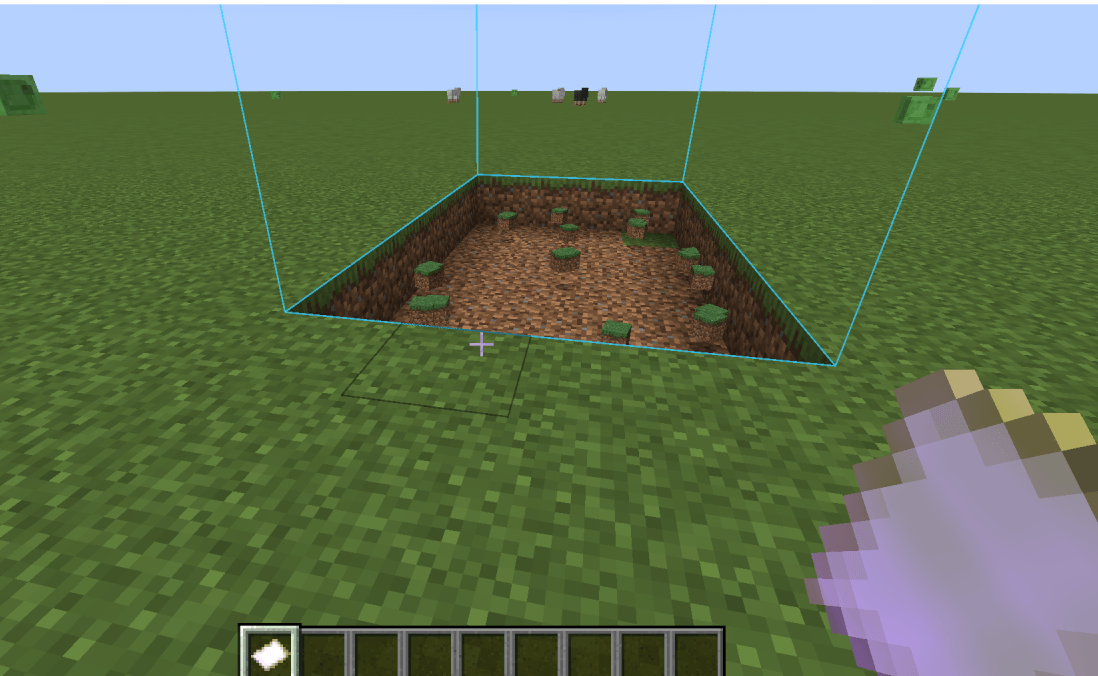
Right-click a mob to leash and freeze its AI. Shift+Right-click to toggle AI freeze only.地形编辑器 / Terrain Editor:右键 执行操作。Shift+右键 打开配置 GUI。
Right-click to execute the operation. Shift+Right-click to open the configuration GUI.黑白名单 / Blacklist/Whitelist:右键 实体记录它。Shift+右键 打开名单管理 GUI。
Right-click an entity to record it. Shift+Right-click to open the list management GUI.
⚙️ 配置 / Configuration
所有附魔数值、护盾条位置、铁砧球设置均可通过游戏内配置界面或 config/zzq_survival_toolbox-common.toml 文件调整。
All enchantment values, shield bar position, and Anvil Orb settings are configurable via the in-game config screen or the config/zzq_survival_toolbox-common.toml file.
📜 许可证 / License
保留所有权利 / All Rights Reserved
祝你玩得开心! 🚀
Enjoy! 🚀
正在加载版本记录…
正在加载评论…
评论在新手盒子客户端中发表,这里同步展示。