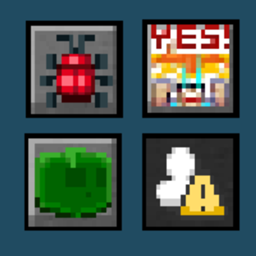
迷你按钮+
Minecraft 26.2 迷你按钮(回溯移植?)但带有更多功能
 查看大图
查看大图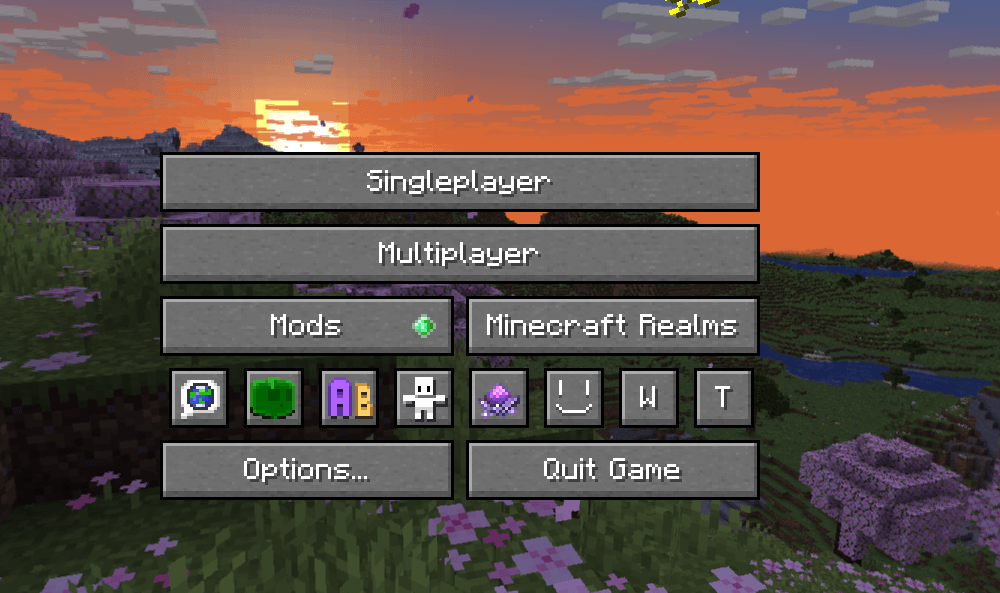
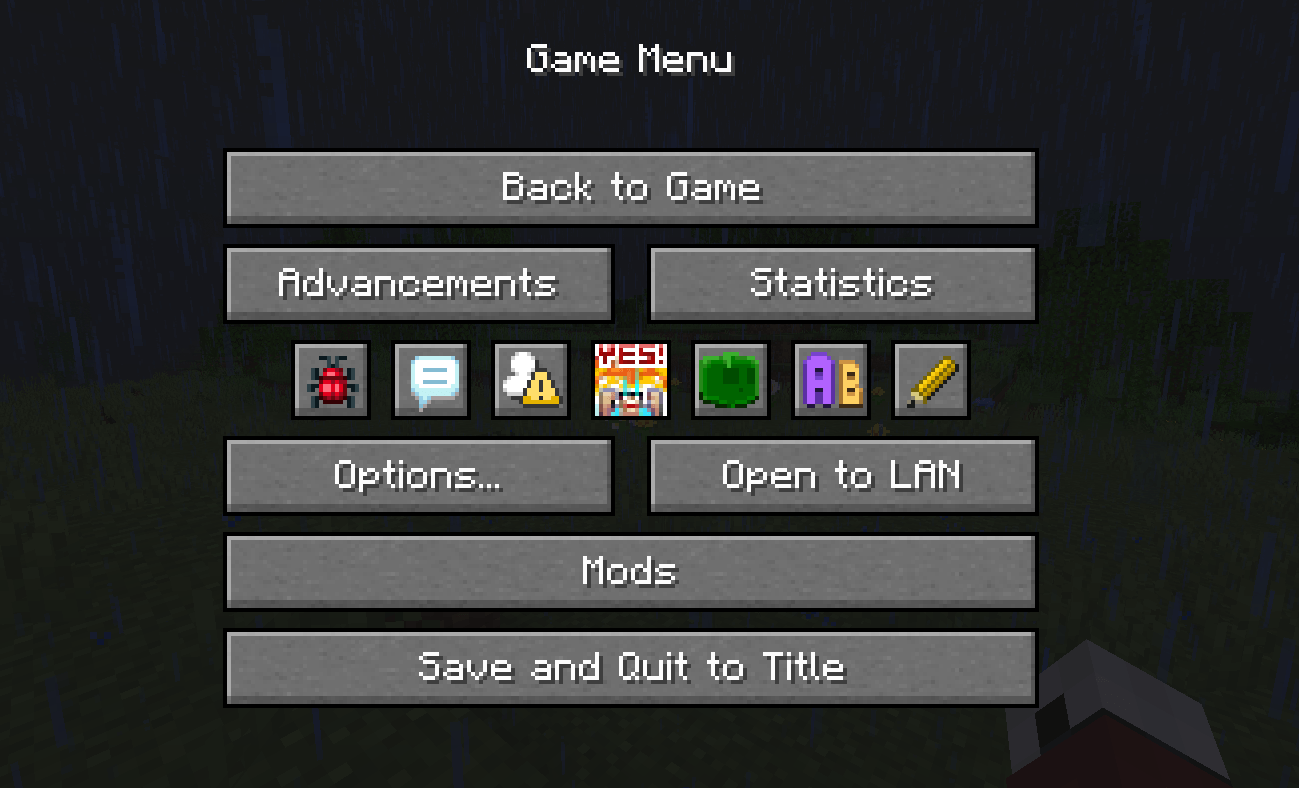
Mini Buttons+ 添加了一个带有小按钮的面板,类似于 Minecraft 26.2 版本,但功能更多。
它的功能
将一些原版按钮替换为小版本,如同 Minecraft 26.2 中的样式。
将所有其他小的 模组 和原版按钮收集到一个地方。
如果你安装了以下模组,它会为这些模组添加新按钮:
- Yes Steve Model - 打开模型屏幕;
- Easy Mob Spawn Control - 打开生成控制屏幕;
- Chat Highlight & Sound - 打开配置屏幕;
另外
按下铅笔按钮或使用 /minibuttons editmode 命令进入编辑模式,在编辑模式中你可以 隐藏 不需要的 迷你按钮,或将按钮添加到 忽略列表 中,这样模组就不会将它们收集到面板中。
重新排列 - 将鼠标悬停在迷你按钮上,然后按 向右 或 向左 键。
面板可以滚动,因此可以容纳任意数量的按钮。
自定义按钮
你可以定义自己的按钮,但这需要一些知识。
以下是一个来自配置文件夹的 minibuttons.json 文件示例,它添加了 2 个迷你按钮。一个打开 Discord 链接,另一个打开 Yes Steve Model 模型屏幕:
type 可以是:command、screen、url、file。
action - 可以是屏幕名称、命令、URL 链接或文件/文件夹路径。
{
  "buttons": [
    {
      "name": "Open Discord Link",
      "texture": "mini_buttons:textures/discord.png",
      "type": "url",
      "action": "https://discord.gg/K9pxRcaKK5",
      "enabled": true,
      "inGame": true,
      "inTitle": true
    },
    {
      "name": "Open YSM Models Screen",
      "texture": "mini_buttons:textures/yes_steve_model.png",
      "type": "screen",
      "action": "com.elfmcys.yesstevemodel.O0o0oOO0OOO0O0OooOooOo0o",
      "enabled": true,
      "inGame": true,
      "inTitle": false
    }
  ]
}
正在加载版本记录…
正在加载评论…
评论在新手盒子客户端中发表,这里同步展示。