Armor Hud by Mcjunky33
可自定义的护甲HUD,带有可自定义的耐久度HUD
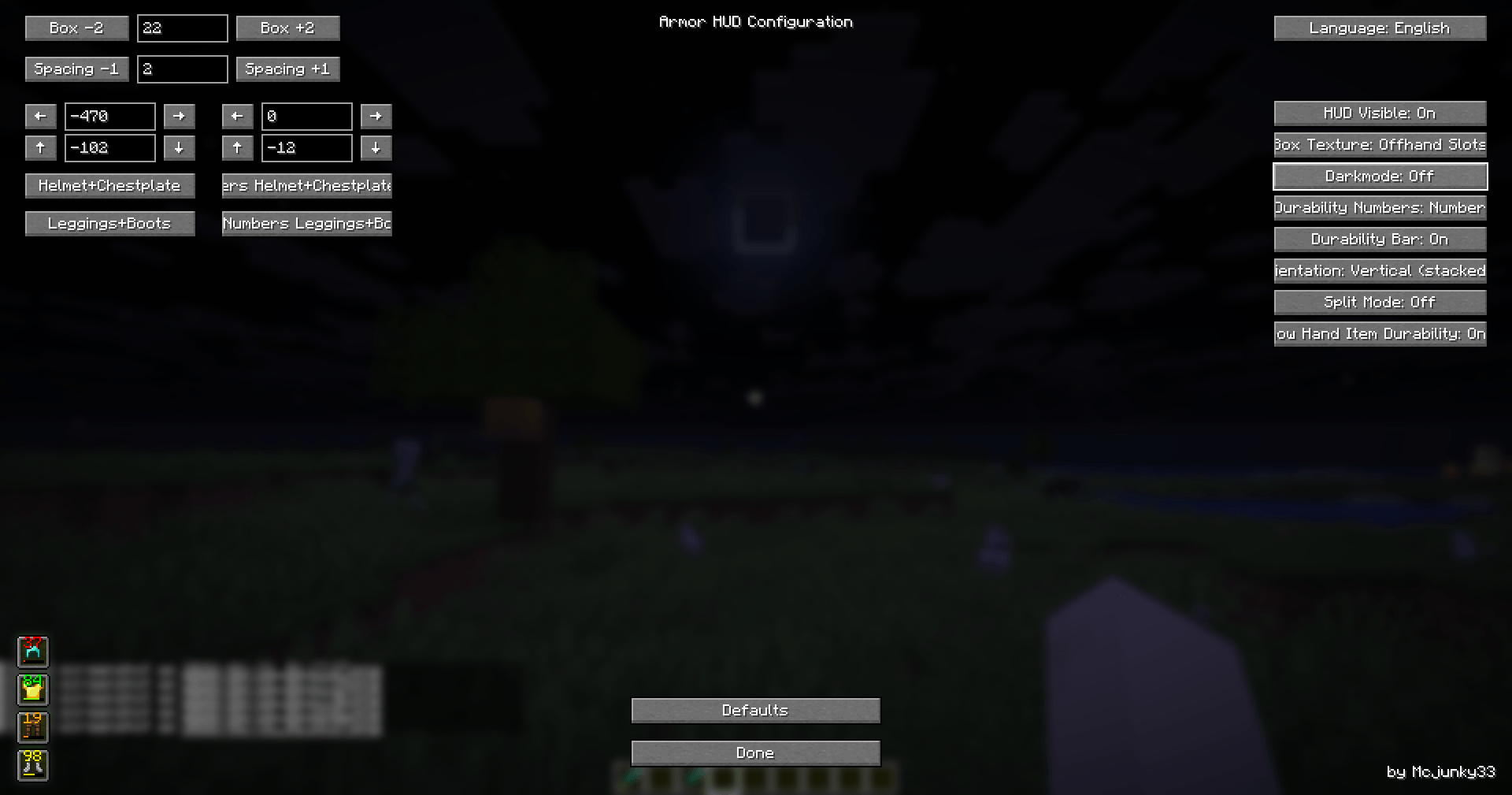 查看大图
查看大图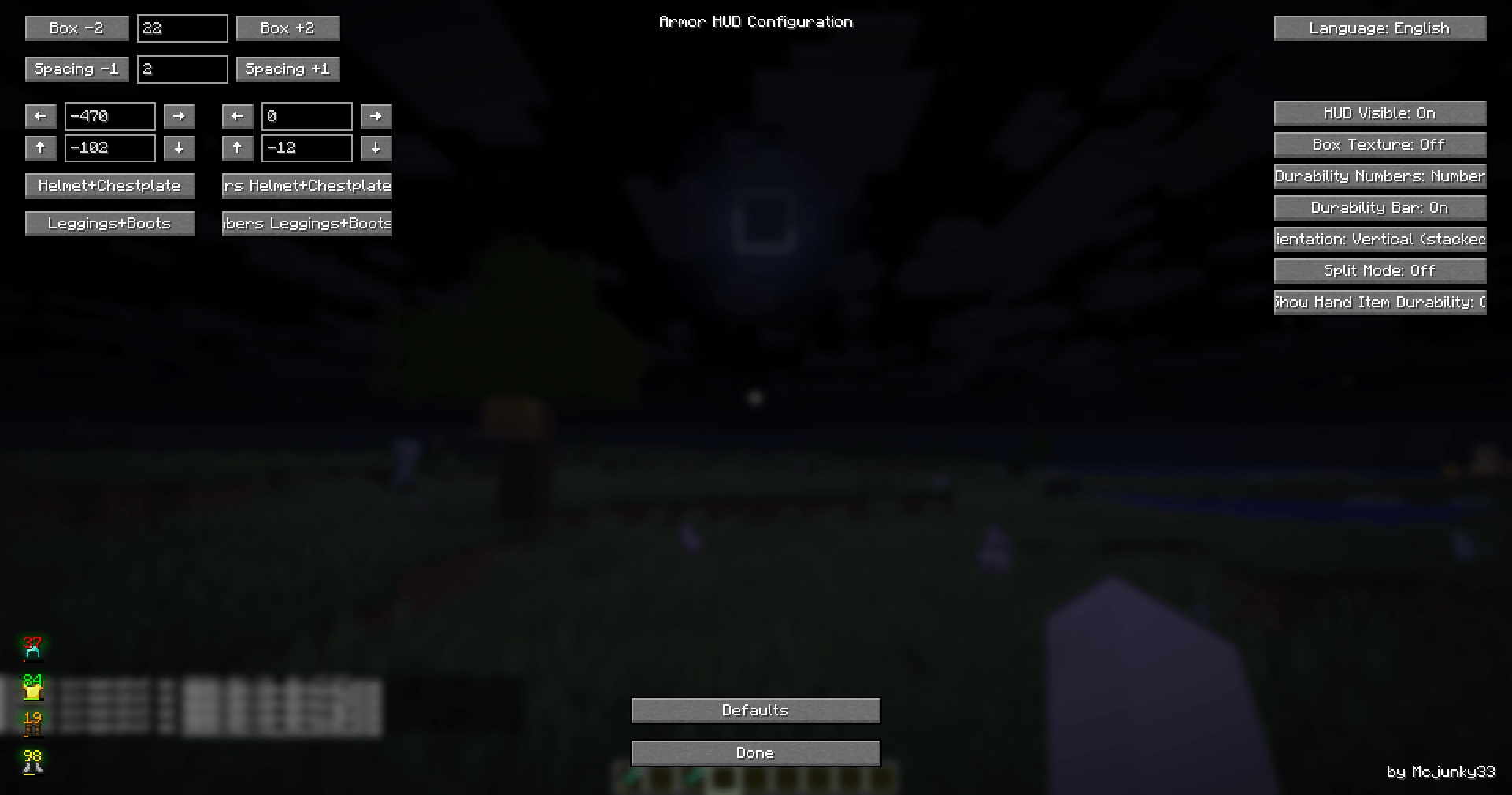
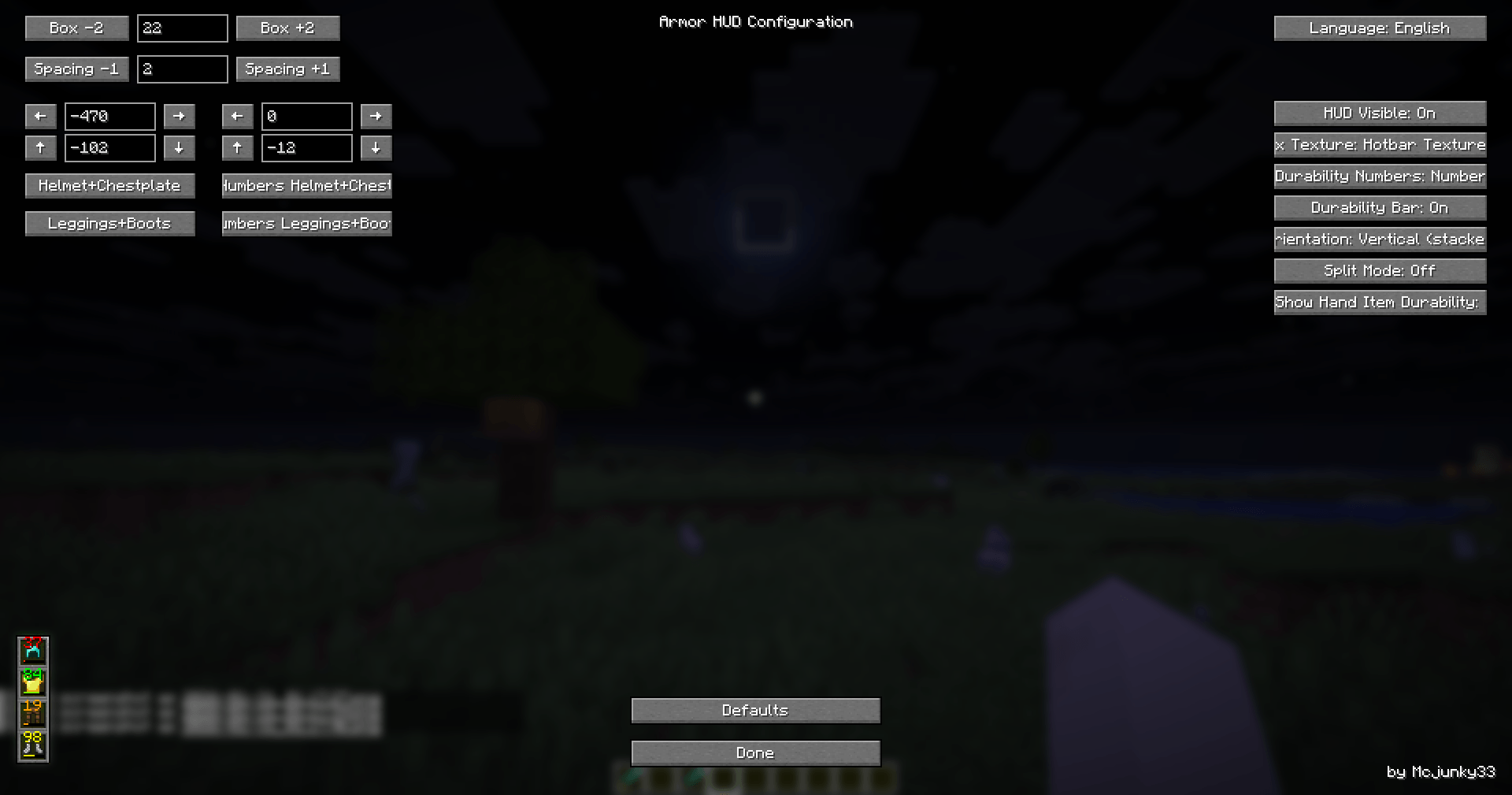
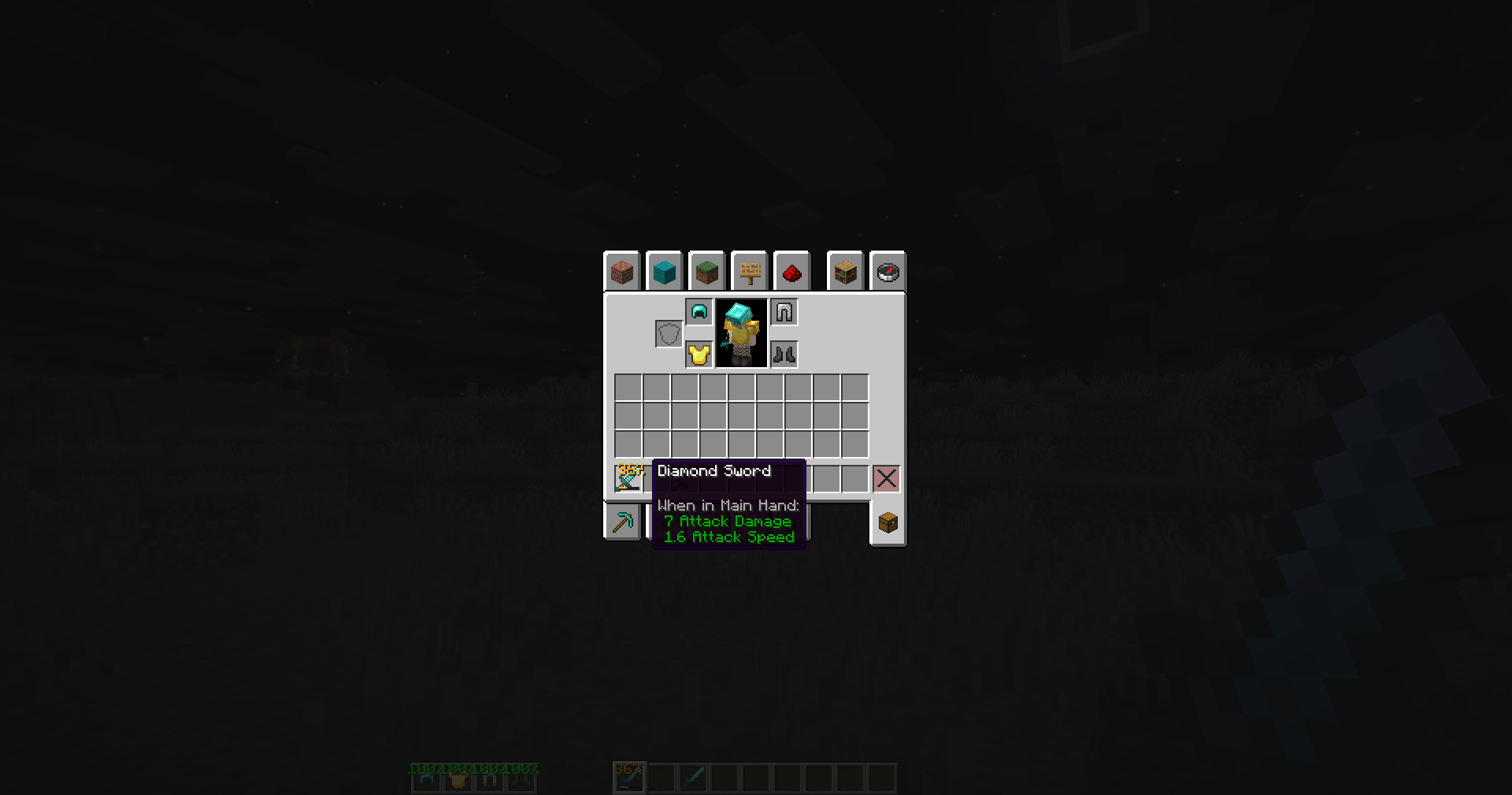
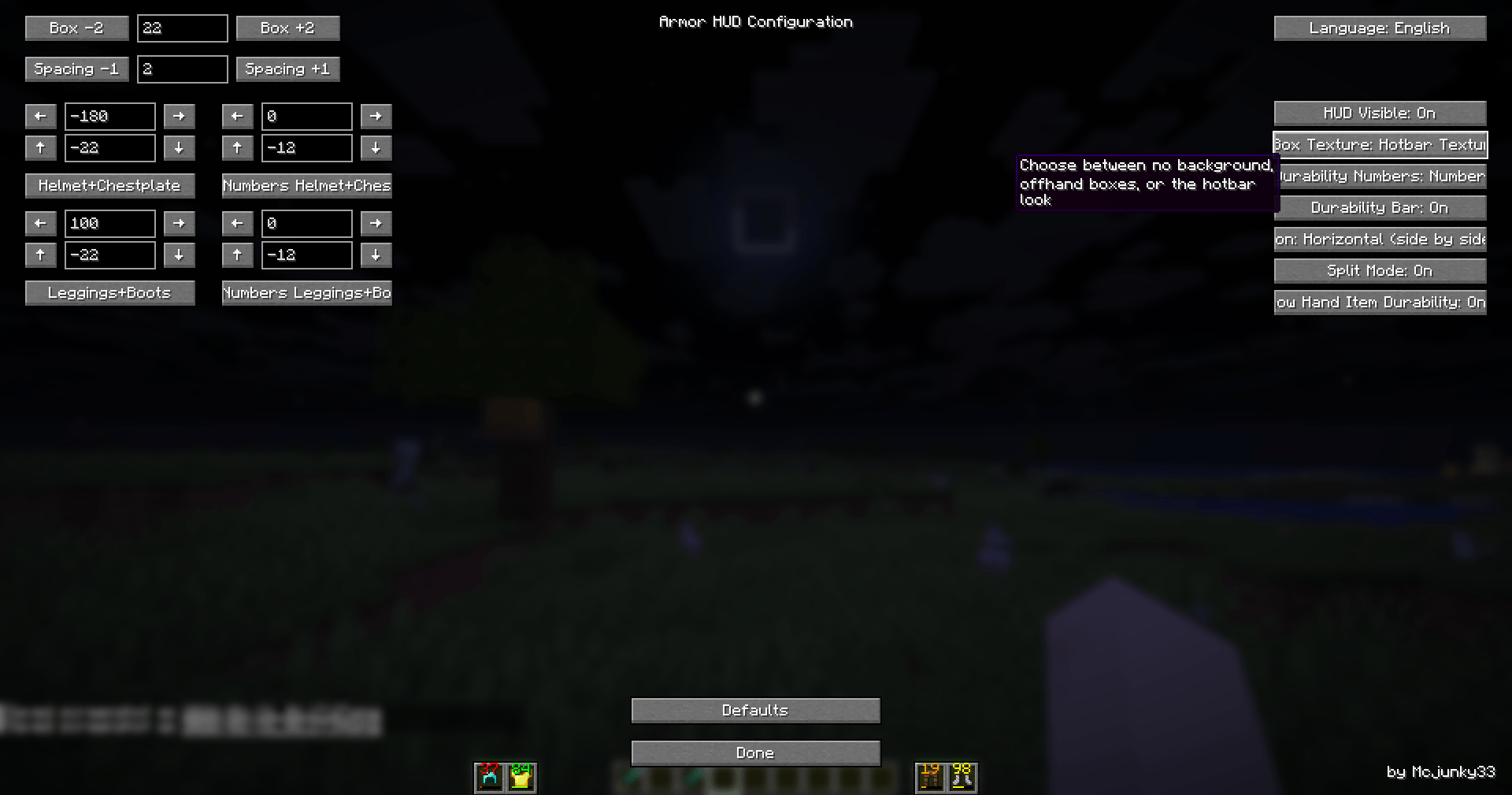
护甲 HUD
支持的游戏版本
- 1.21(0.5版本起不再支持)
- 1.21.1(0.5版本起不再支持)
- 1.21.6(0.5版本起不再支持)
- 1.21.7(0.5版本起不再支持)
- 1.21.8(0.5版本起不再支持)
- 1.21.9
- 1.21.10
- 1.21.11
- 26.1
- 26.1.1
版本 1.21.2 至 1.21.5 从未被支持过
前置依赖
English Description
Armor Hud is a lightweight and fully customizable Minecraft mod that displays your armor and durability directly on the screen. The mod offers a clean and modern interface, allowing you to keep track of your armor status at all times without opening your inventory. All elements of the HUD can be easily adjusted to fit your preferences, making it perfect for both casual and competitive players.
Features
- Customizable Positioning: Move the armor HUD anywhere on your screen using X and Y offsets.
- Split Mode: Display armor slots split to left and right sides of your screen for more flexible layouts.
- Durability Display: Show armor durability as a bar, a number, a percentage, or all at once.
- Visibility Toggle: Enable or disable the HUD as needed.
- Dark Mode: Switch between light and dark backgrounds for better visibility.
- Vertical/Horizontal Layout: Display your armor items either side by side or stacked vertically.
- Box Size & Spacing: Freely adjust the size of the armor boxes and the spacing between them in the config menu.
- Live Preview: Instantly see changes in a preview of the HUD while configuring.
- Keybind Access: Open the configuration menu instantly via a keybind (default: F10).
- Localization: The mod automatically adapts to your Minecraft language (supports English and German).
- Simple Configuration: All options are accessible via a user-friendly, modern ModMenu interface.
Why use Armor Hud?
Armor Hud gives you a competitive advantage by letting you monitor your armor’s condition at a glance. This can help you react quickly in combat, avoid breaking your valuable armor, and manage your equipment more efficiently. The mod is lightweight, does not affect performance, and is compatible with most other mods.
How to Use
- Install Fabric API, ModMenu, and TranslucencyFix (for 1.21-1.21.1.).
- Download and place the Armor Hud mod into your
modsfolder. - Start Minecraft and open the configuration screen via ModMenu or by pressing F10 to adjust the HUD to your liking.
中文描述
护甲 HUD 是一款轻量级且完全可自定义的 Minecraft 模组,可直接在屏幕上显示你的护甲及其耐久度。该模组提供简洁现代的界面,让你无需打开背包就能随时掌握护甲状态。HUD 的所有元素均可轻松调整,满足你的个人喜好,无论是休闲玩家还是竞技玩家都非常适用。
功能特性
- 可自定义位置: 通过 X 和 Y 坐标偏移将护甲 HUD 移动到屏幕任意位置。
- 分屏模式: 将护甲槽位分别显示在屏幕左右两侧,布局更灵活。
- 耐久度显示: 以条状、数字、百分比或同时显示等多种方式呈现护甲耐久度。
- 可见性开关: 根据需要开启或关闭 HUD。
- 暗色模式: 在浅色与深色背景间切换,提升可视性。
- 垂直/水平布局: 将护甲物品并排或垂直堆叠显示。
- 框体大小与间距: 在配置菜单中自由调整护甲框体大小及间距。
- 实时预览: 配置时立即在 HUD 预览中看到更改效果。
- 快捷键访问: 通过快捷键(默认:F10)快速打开配置菜单。
- 本地化支持: 模组会自动适应你的 Minecraft 语言设置(支持英语和德语)。
- 简单配置: 所有选项均可通过友好、现代的 ModMenu 界面访问。
为什么使用护甲 HUD?
护甲 HUD 让你能够一目了然地监控护甲状态,从而获得竞技优势。这有助于在战斗中快速反应,避免珍贵护甲损坏,并更高效地管理装备。该模组轻量小巧,不影响性能,且与大多数其他模组兼容。
使用方法
- 安装 Fabric API、ModMenu 和 TranslucencyFix(适用于 1.21-1.21.1)。
- 下载护甲 HUD 模组并将其放入
mods文件夹中。 - 启动 Minecraft,通过 ModMenu 或按 F10 打开配置界面,根据喜好调整 HUD。
正在加载版本记录…
正在加载评论…
评论在新手盒子客户端中发表,这里同步展示。